Taking pictures with the zoom, P148) – Panasonic Lumix DMC-G85M User Manual
Page 148
6. Stabilizer, Zoom and Flash
148
Taking Pictures with the Zoom
Applicable modes:
You can zoom-in to make people and objects appear closer or zoom-out to record
landscapes, etc.
Optical zoom
T side: Enlarges distant subject
W side: Widens angle of view
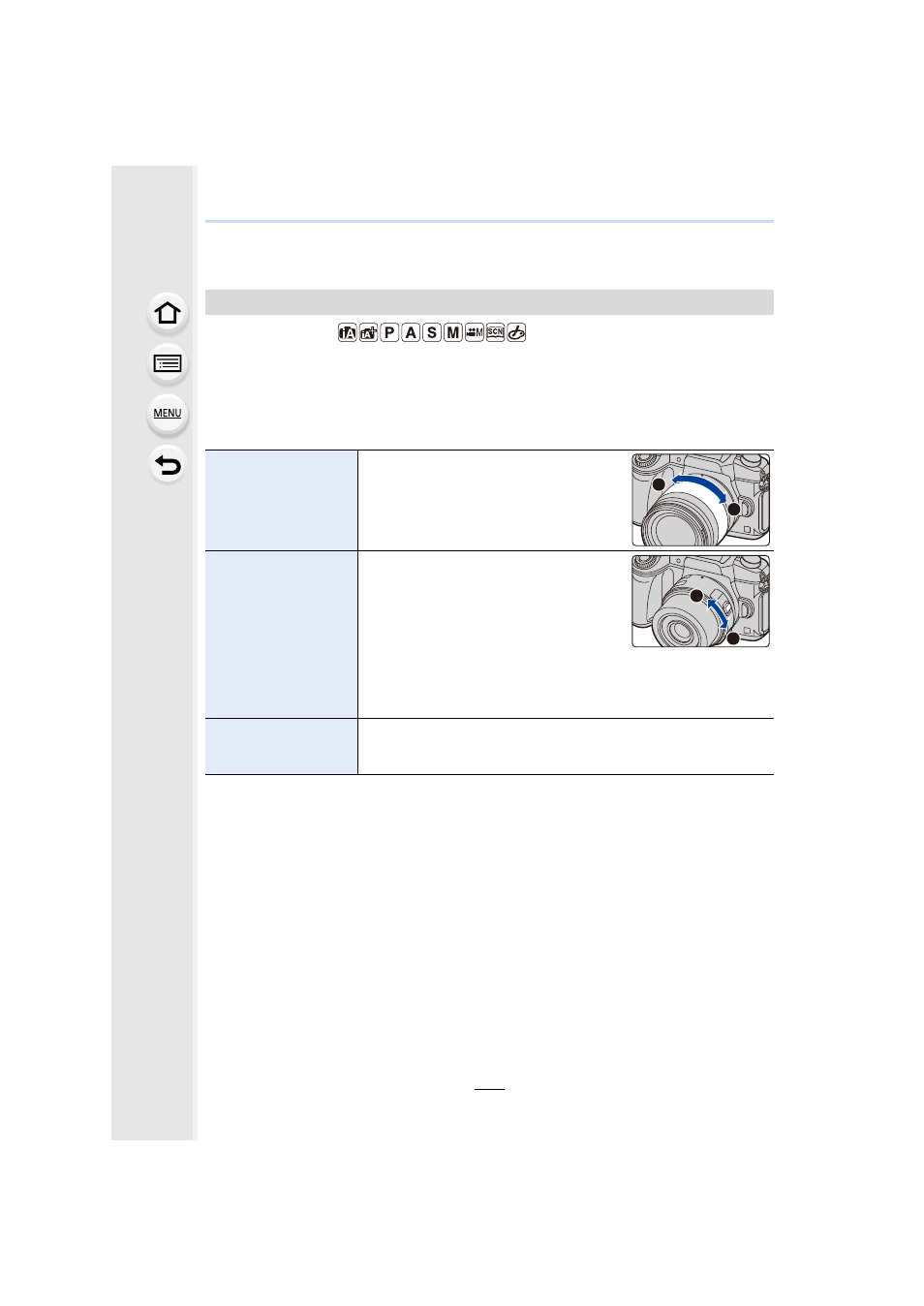
Interchangeable lens
with a zoom ring
(H-FS12060/
H-FS14140/
H-FS1442A)
Rotate the zoom ring.
Interchangeable lens
that supports the
power zoom
(electrically operated
zoom)
Move the zoom lever.
(The zoom speed varies depending on
how far you move the lever.)
•
If you assign [Zoom Control] to a function
button, you can operate the optical zoom
slowly by pressing 2/1 or fast by
pressing 3/4.
For information on how to operate, refer to step
2
and the
subsequent steps on
Interchangeable lens
that does not support
the zoom
The optical zoom is not available.
T
W
T
W