Panasonic Lumix DMC-G85M User Manual
Page 80
Advertising
3. Recording Modes
80
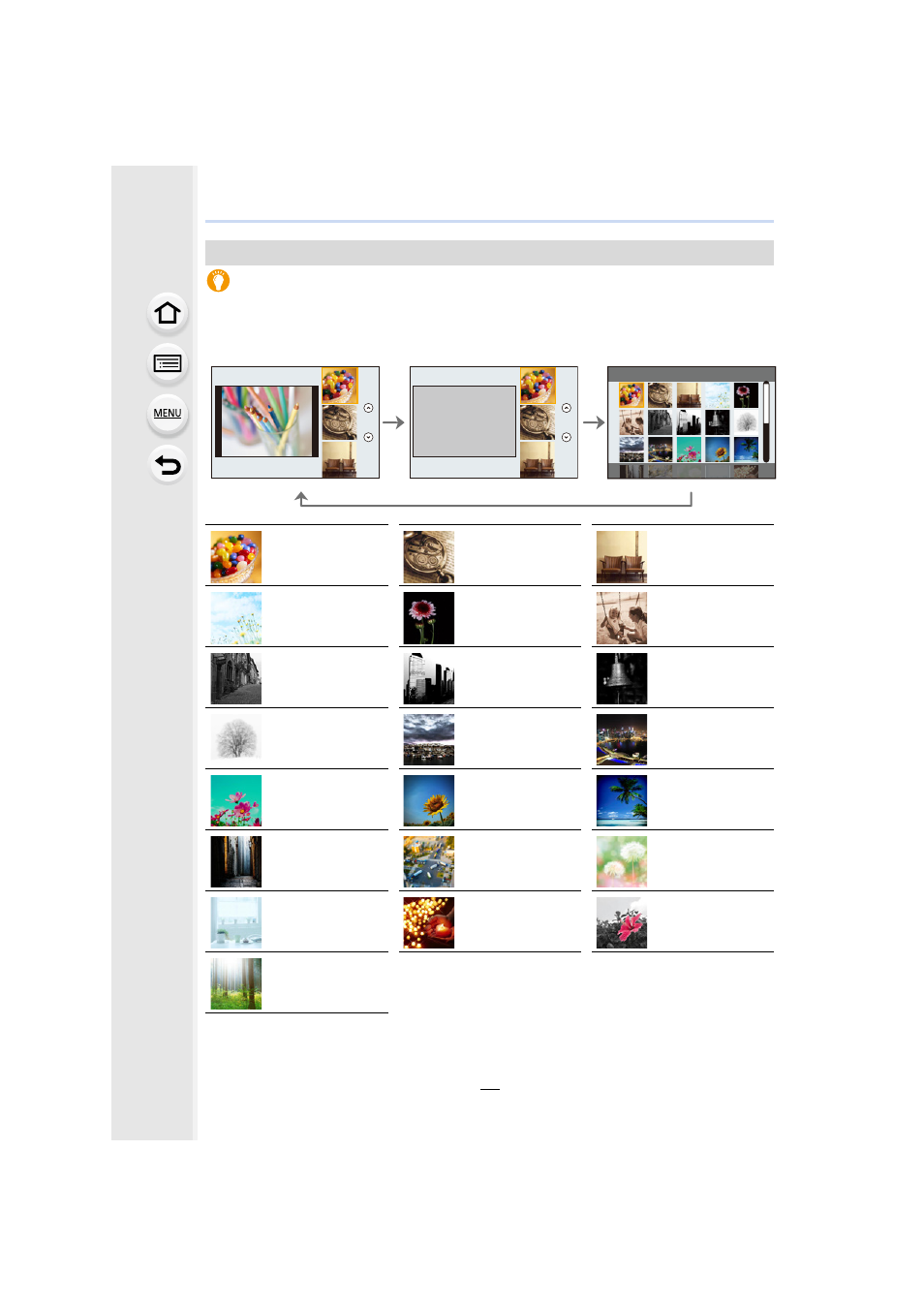
Displaying the description of each image effect
Press [DISP.] while the image effect selection screen is displayed.
•
When it is set to the guide display, explanations for each picture effect are displayed.
Types of image effects
Normal display
Guide display
List display
[Expressive]
[Retro]
[Old Days]
[High Key]
[Low Key]
[Sepia]
[Monochrome]
[Dynamic
Monochrome]
[Rough
Monochrome]
[Silky
Monochrome]
[Impressive Art]
[High Dynamic]
[Cross Process]
[Toy Effect]
[Toy Pop]
[Bleach Bypass]
[Miniature Effect]
[Soft Focus]
[Fantasy]
[Star Filter]
[One Point Color]
[Sunshine]
Advertising
This manual is related to the following products: