P55), Button, Assigning frequently used functions to the buttons – Panasonic Lumix DMC-G85M User Manual
Page 55
55
2. Getting Started/Basic Operations
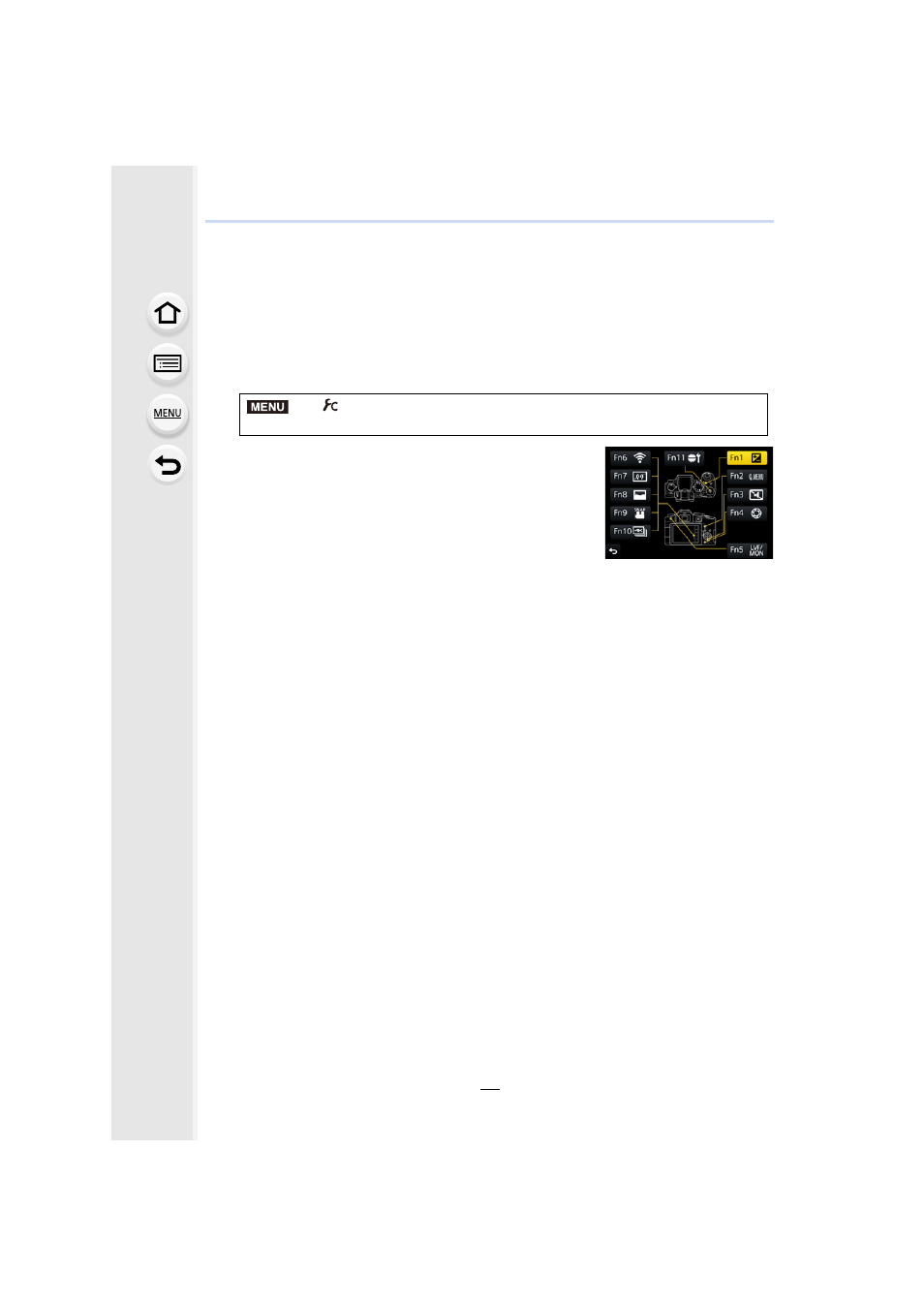
Assigning frequently used functions to the
buttons
(function buttons)
You can assign recording functions, etc. to specific buttons and icons.
•
Some functions cannot be assigned depending on the function button.
1
2
Press 3/4 to select the function button you want to
assign a function to and then press [MENU/SET].
3
Press 3/4 to select the function you want to assign
and then press [MENU/SET].
•
For details on the functions that can be assigned in [Setting
in REC mode], refer to
•
For details on the functions that can be assigned in [Setting
in PLAY mode], refer to
.
•
To restore the default function button settings, select [Restore to Default].
∫
Configuring the function button settings from the on-monitor recording
information screen
Touching [Fn] on the on-monitor recording information screen
display the screen in step
2.
∫
Rapidly assigning functions
The button assignment screen displayed in step
3
above can be displayed by pressing
and holding a function button (any of [Fn1] to [Fn5] or [Fn11]) for 2 seconds.
•
In some cases the function assignment screen cannot be displayed depending on the mode or
display screen.
>
[Custom]
> [Fn Button Set]>
[Setting in REC mode]/[Setting in PLAY mode]
MENU