Displaying multiple screens (multi playback), P181 – Panasonic Lumix DMC-G85M User Manual
Page 181
181
8. Playing Back and Editing Images
•
The recording date of the picture selected in the playback screen becomes the date selected
when the Calendar screen is first displayed.
•
You can display the Calendar between January 2000 and December 2099.
•
If the date is not set in the camera, the recording date is set as January 1st, 2016.
•
If you take pictures after setting the travel destination in [World Time], the pictures are
displayed by the dates at the travel destination in Calendar Playback.
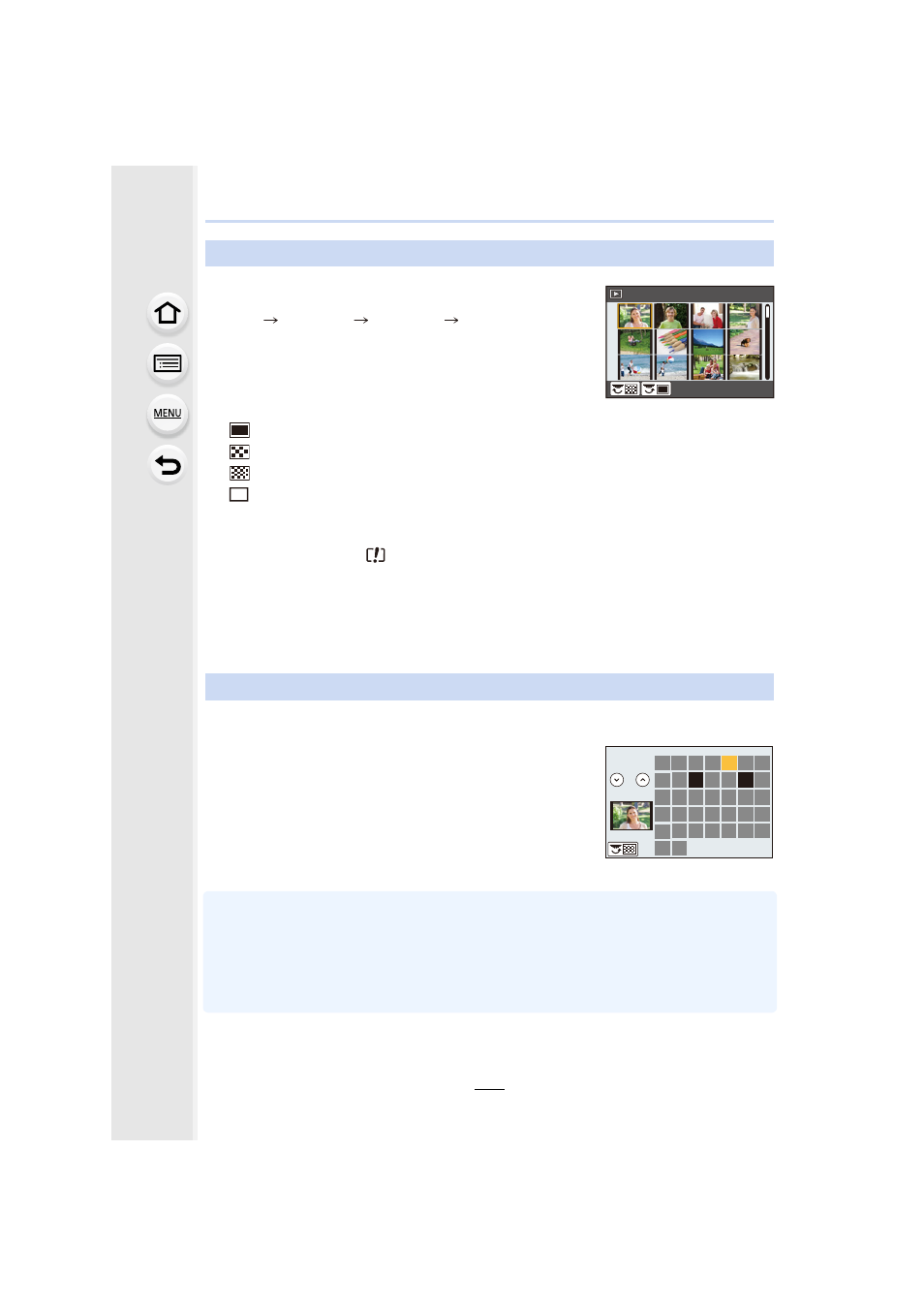
Displaying multiple screens (Multi Playback)
Rotate the rear dial left.
1 screen
12 screens
30 screens
Calendar screen
display
•
If the rear dial is rotated to the right, the previous playback
screen will be displayed.
•
It is possible to switch the playback screen by touching the
following icons.
–
[
]: 1 screen
–
[
]: 12 screens
–
[
]: 30 screens
–
[
]: Calendar screen display
•
The screen can be switched gradually by dragging the screen
up or down.
•
Pictures displayed using [
] cannot be played back.
∫
To return to Normal Playback
Press 3/4/2/1 to select a picture and then press [MENU/SET].
Displaying Pictures by Recording Date (Calendar Playback)
1
Rotate the rear dial left to display the Calendar screen.
2
Press 3/4/2/1 to select the recording date and
press [MENU/SET].
•
Only the images recorded on that date will be displayed.
•
Rotate the rear dial left to return to the Calendar screen
display.
3
Press 3/4/2/1 to select a picture and then press
[MENU/SET].
CAL
1/98
6HW
2016
SUN
MON TUE WED THU FRI SAT
12
19
26
5
11
18
25
4
14
21
28
7
13
20
27
6
12
9 10
23
30
24
8
15
22
29
16 17
31
3
2
1