Manual exposure mode, P70), Set the mode dial to – Panasonic Lumix DMC-G85M User Manual
Page 70
3. Recording Modes
70
Determine the exposure by manually setting the aperture value and the shutter speed.
1
Set the mode dial to [
].
2
Rotate the rear dial to set the shutter speed,
and rotate the front dial to set the aperture
value.
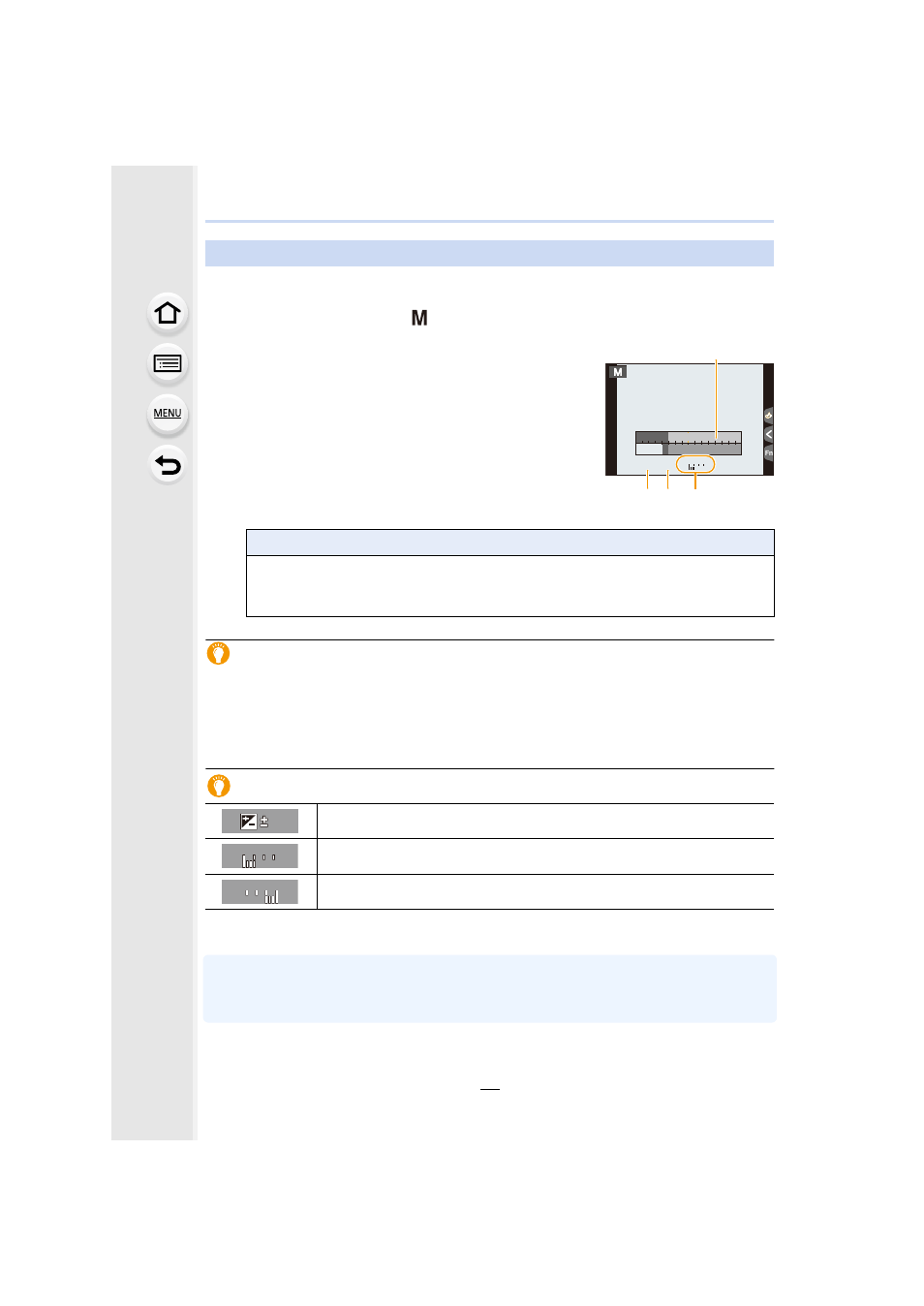
A Exposure meter
B Aperture value
C Shutter speed
D Manual Exposure Assistance
Optimizing the ISO sensitivity for the shutter speed and aperture value
When the ISO sensitivity is set to [AUTO], the camera sets the ISO sensitivity
automatically so that the exposure will be appropriate for the shutter speed and aperture
value.
•
Depending on recording conditions, an appropriate exposure may not be set or the ISO
sensitivity may become higher.
Manual Exposure Assistance
•
The Manual Exposure Assistance is an approximation. We recommend checking the pictures
on the playback screen.
•
When you use a lens with an aperture ring, the aperture ring setting takes priority.
•
When the flash is activated, the fastest shutter speed that can be selected is 1/160th of a
second.
Manual Exposure Mode
Available Shutter Speed (Sec.)
[B] (Bulb), 60 to 1/4000th (with the mechanical shutter)
[B] (Bulb), 60 to 1/2000th (with the electronic front curtain)
1 to 1/16000th (with the electronic shutter)
The exposure is adequate.
Set to faster shutter speed or larger aperture value.
Set to slower shutter speed or smaller aperture value.
F
125
8
5.6
4.0
8.0
11
60
30
15
30
30
30
5.6
0 0
+3
SS
SS
SS
SS
C
B
A
D
000
+
+
3
0
+
3
0
000
−
3
−
3