Sending images – Panasonic Lumix DMC-G85M User Manual
Page 263
263
10. Using the Wi-Fi function
Sending images
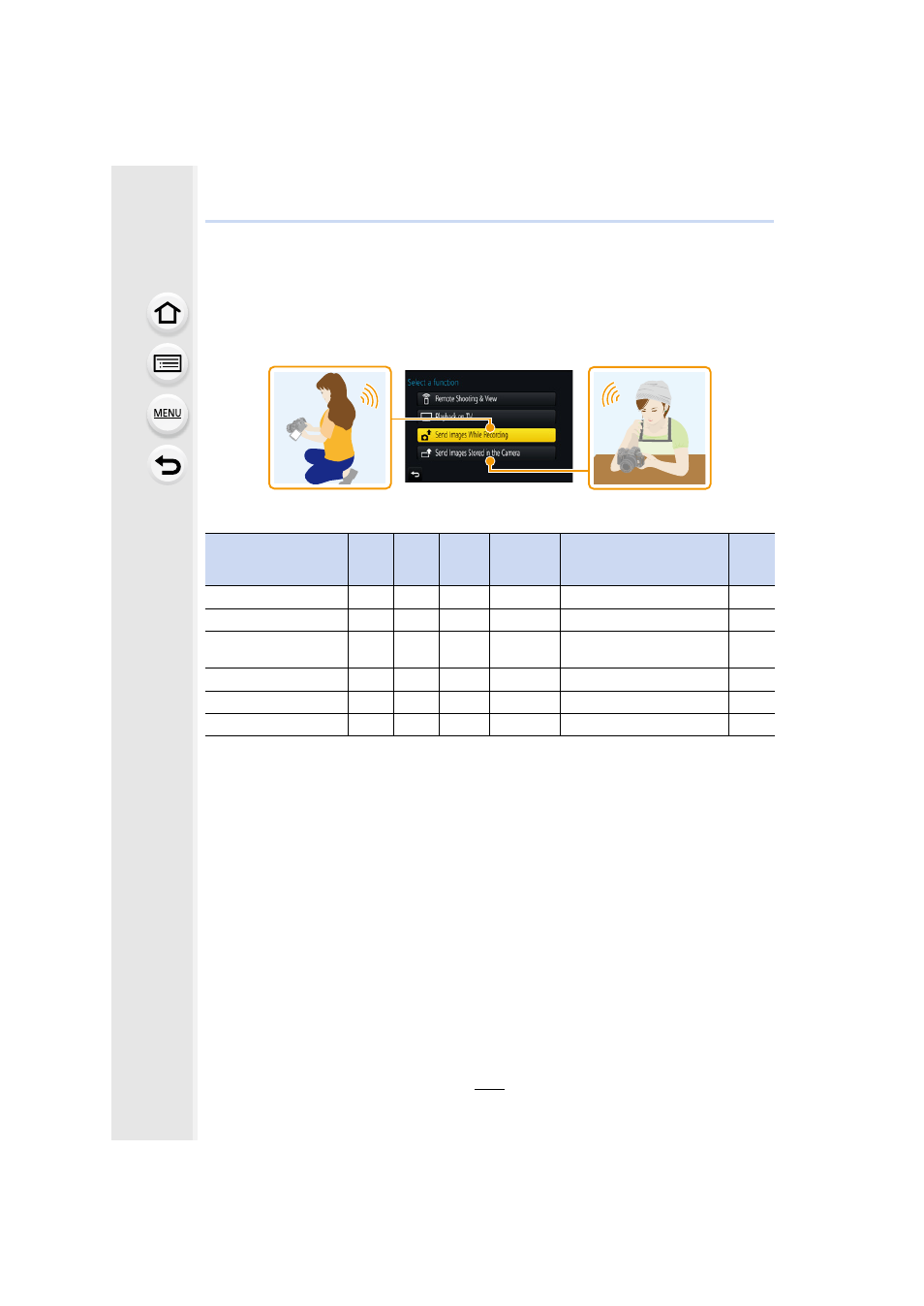
When sending images, select the method for sending them after selecting [New
Connection].
After the connection has been completed, settings for sending, such as the image size for
sending, can also be changed.
∫
Images that can be sent
¢1 Sending by [Send Images While Recording] is not available.
¢2 A motion picture recorded in [AVCHD] can be sent to [PC] if the file size is 4 GB or smaller. It
cannot be sent if the size is greater than 4 GB.
¢3 Excluding motion pictures recorded with their size set to [4K] in [Rec Quality]
•
Some images may not be played back or sent depending on the device.
•
Refer to the manual of the destination equipment or the web service for more information on
how to playback pictures.
Destination
JPEG
RAW
MP4
¢1
AVCHD
¢1, 2
4K Burst File
¢1
Images recorded with the
Post Focus function
¢1
3D
±
—
±
¢3
—
—
—
±
±
±
±
±
±
[Cloud Sync. Service]
±
—
±
¢3
—
—
±
±
—
±
¢3
—
—
±
±
—
—
—
—
±
[Printer]
¢1
±
—
—
—
—
—