P176) – Panasonic Lumix DMC-G85M User Manual
Page 176
7. Recording Motion Pictures
176
Set the frames that specify the positions where the [Pull
Focus] starts (first position) and stops (second position).
1
Press 2.
2
Press
3
/
4
/
2
/
1
to move the AF area frame, and
press [MENU/SET]. (First position)
•
If you press [DISP.] before pressing [MENU/SET], the frame will return to the center.
3
Repeat step
2
. (Second position)
•
If you press [MENU/SET], the frame settings will be canceled.
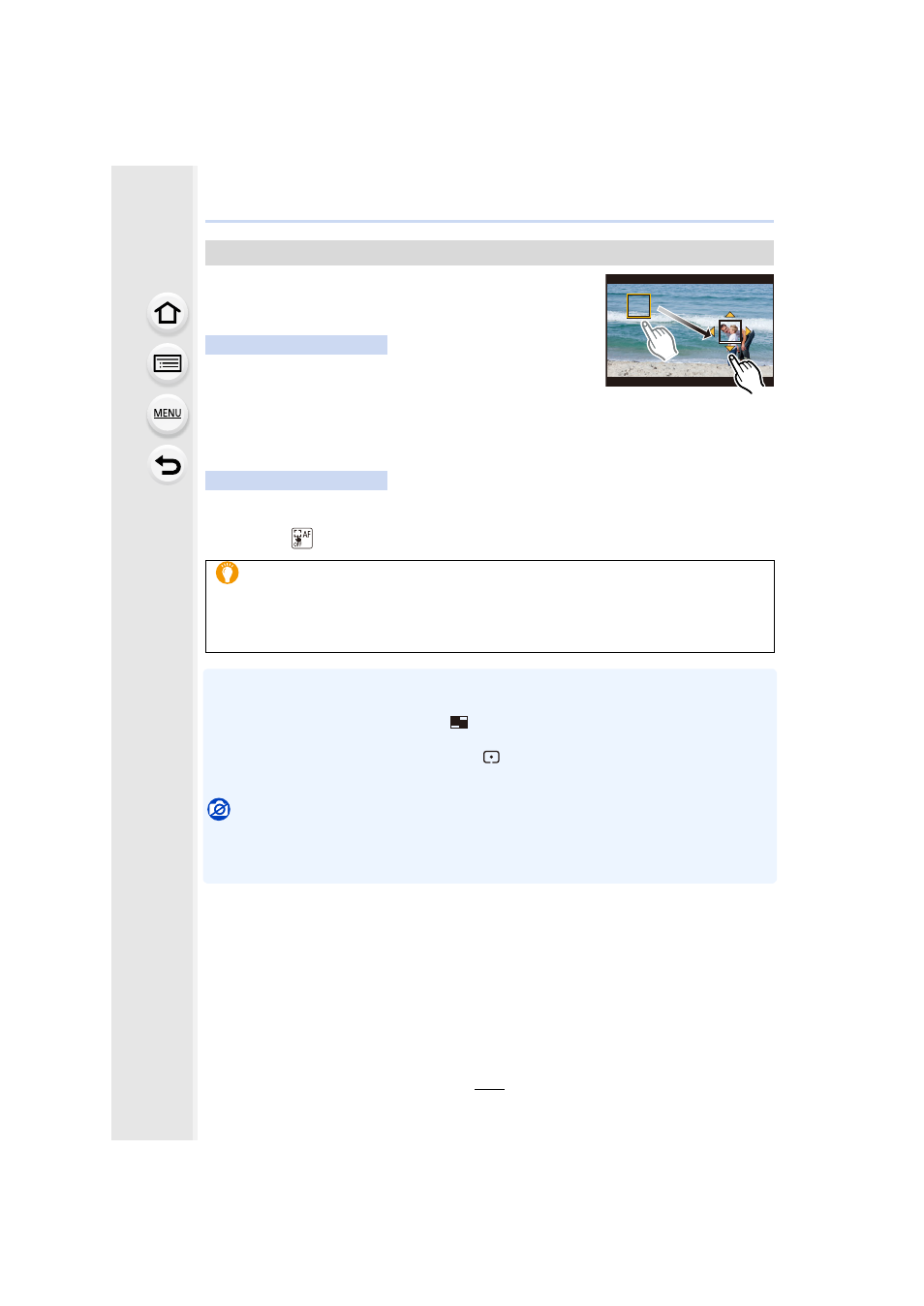
Touch a subject (first position), drag your finger to the desired location (second
position), and release the finger.
•
If you touch [
], the frame settings will be canceled.
•
When the camera fails to set the frame, it returns to the first position.
•
When [Pull Focus] is set to [ON]:
–
Auto Focus Mode will be switched to [
], a setting specially designed for [Pull Focus].
–
If you take a picture, the Auto Focus operation [Ø] will take place at the first frame position.
•
is set to [
], the spot metering target does not move with
focus. The target is fixed at the start position (first position) of Pull Focus.
Not available in these cases:
•
This function is not available in the following cases:
–
In Manual Focus
–
When using the Digital Zoom
Setting up [Pull Focus]
Button operation
Touch operation
•
A greater effect can be achieved by creating a striking contrast of focus between the
start and end positions, for example by shifting focus from the background to
foreground, or vice versa.
•
After setting focus, try to keep the distance between the subject and the camera
constant.