Panasonic Lumix DMC-G85M User Manual
Page 264
10. Using the Wi-Fi function
264
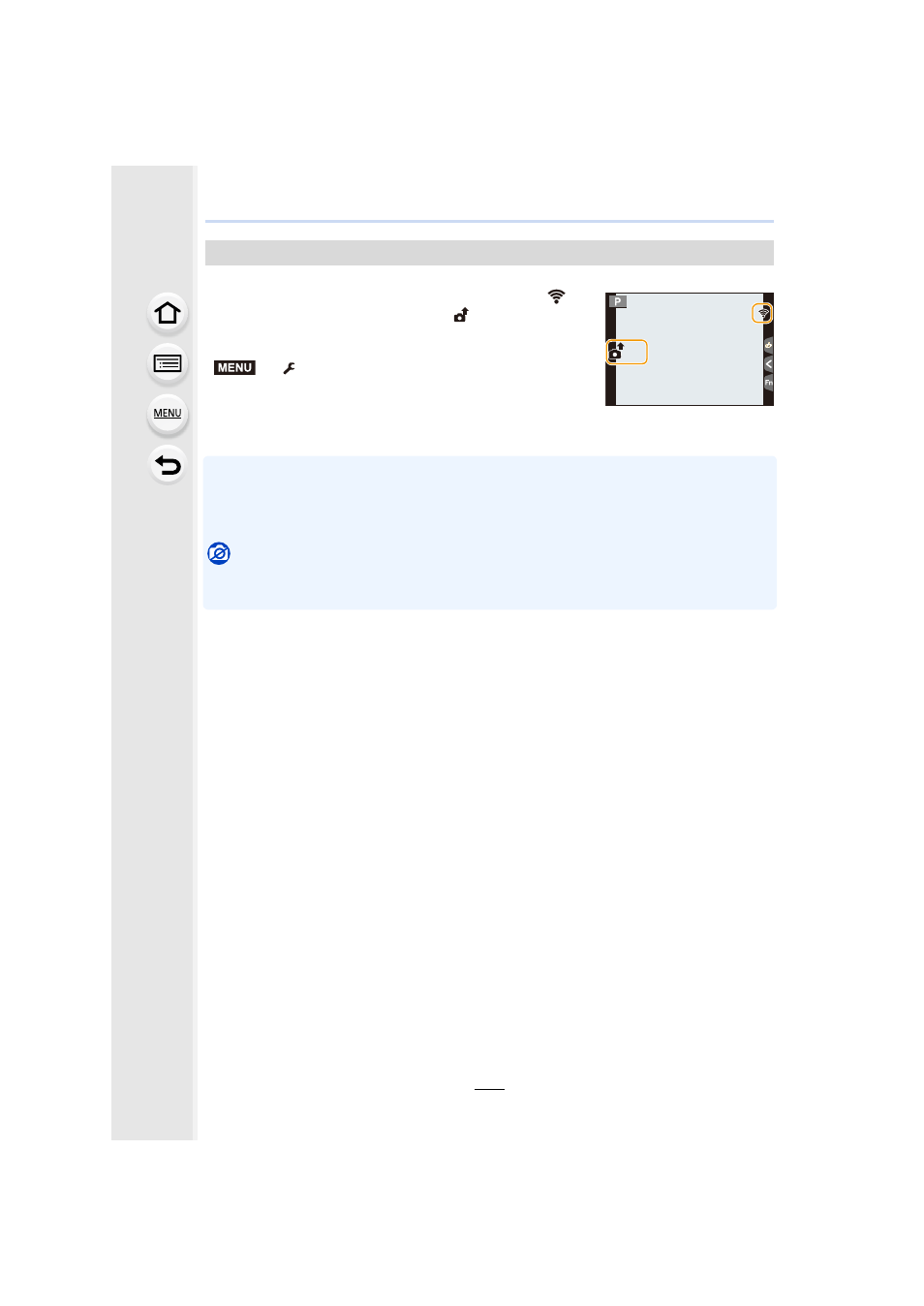
A picture can be automatically sent to a specified device every time you take it.
•
When connected with [Send Images While Recording], [
] is
displayed on the recording screen, and [
] is displayed while
sending a file.
•
To terminate the connection, follow the steps below:
>
[Setup]
> [Wi-Fi] > [Wi-Fi Function] > [Yes]
•
You can terminate the connection or change the send settings
by pressing [Wi-Fi].
You cannot change the settings while sending pictures. Wait until sending is complete.
•
Since the camera gives priority to recording, sending may take longer during the recording.
•
If you turn off this unit or the Wi-Fi connection before sending is complete, unsent pictures will
not be resent.
•
You may not be able to delete files or use the playback menu while sending.
Not available in these cases:
•
You cannot send motion pictures, 4K burst files and images recorded with the Post Focus
function.
Send Images While Recording
5
5
MENU