P308, P308) – Panasonic Lumix DMC-G85M User Manual
Page 308
12. Others
308
2
•
The menu items are displayed only when the stereo shotgun microphone is connected.
3
(When [MANUAL] is selected)
Press 2/1 to select a range, and press [MENU/SET].
∫
Reducing the wind noise when using an external microphone
The camera will effectively reduce the wind noise when recording sound with an external
microphone.
Settings: [HIGH]/[STANDARD]/[LOW]/[OFF]
•
This item is available only when using an external microphone.
•
Setting [Wind Cut] may alter the usual sound quality.
•
While the external microphone is connected, [
] is displayed on the screen.
•
When the external microphone is connected, [Mic Level Disp.]
is automatically set to
[ON], and the mic level is displayed on the screen.
•
When an external microphone is attached to the camera, do not hold only the external
microphone to prevent the camera from falling.
•
When an external microphone is attached to the camera, do not open the built-in flash.
•
If the noises are recorded when you use an AC adaptor (optional), use a battery.
•
When a stereo microphone (VW-VMS10: optional) is used, [Special Mic.] is fixed to [STEREO].
•
If you press the function button to which [Mic. Directivity Adjust] in [Fn Button Set]
in the
[Custom] menu is assigned when [Special Mic.] is set to [MANUAL], the screen that lets you set
the range will be displayed.
•
For details, refer to the operating instructions of the external microphone.
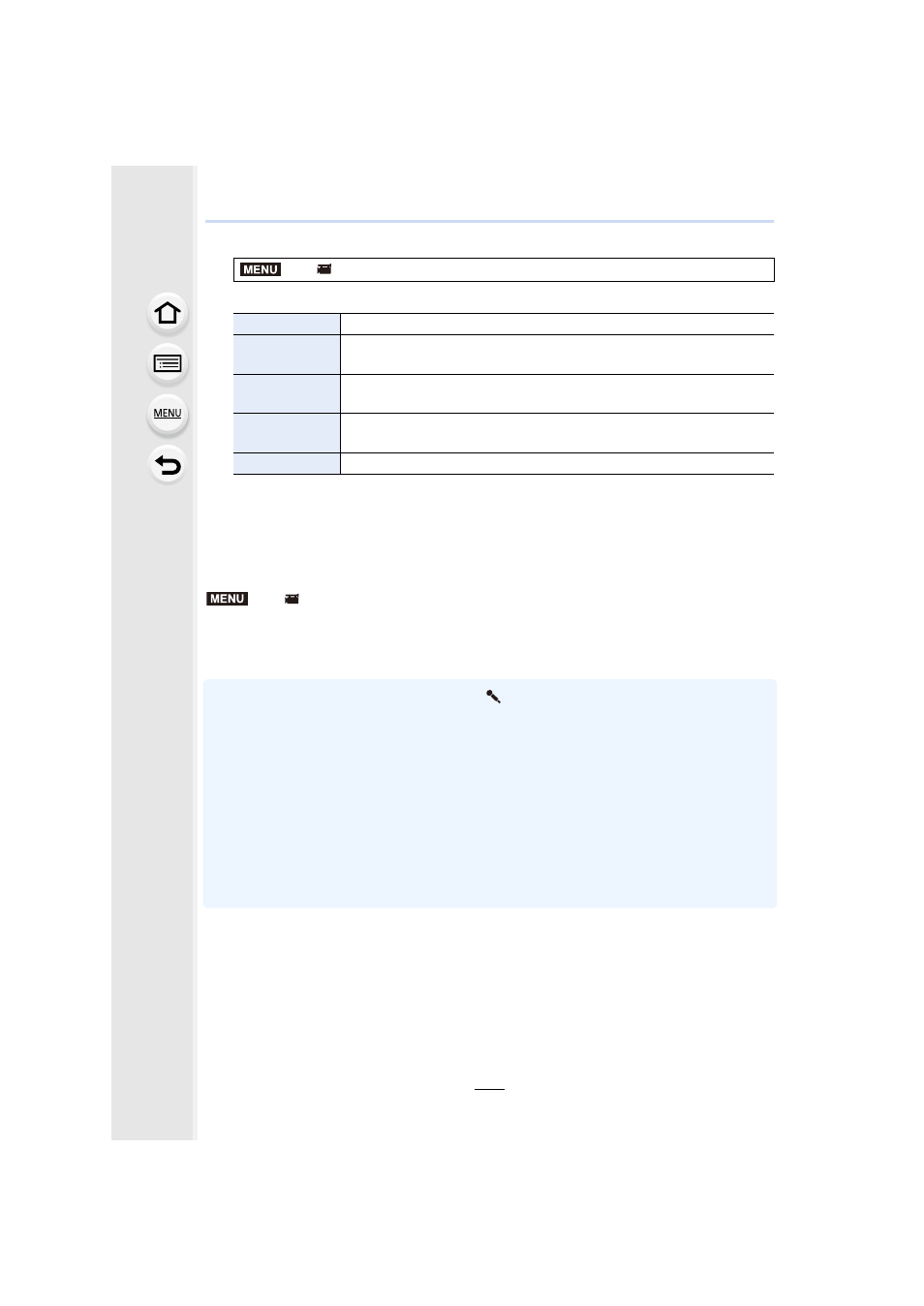
>
[Motion Picture]
> [Special Mic.]
[STEREO]
Allows stereo recording of sound over a wide area.
[LENS AUTO]
Allows recording within the range that is set automatically according
to the angle of view of the lens.
[SHOTGUN]
Allows recording from one direction by shutting out background and
surrounding noise.
[S.SHOTGUN]
Allows recording within the range even narrower than that of
[SHOTGUN].
[MANUAL]
Allows recording within the range you set manually.
>
[Motion Picture]
> [Wind Cut]
MENU
MENU