Ance reference mark, P104), P104 – Panasonic Lumix DMC-G85M User Manual
Page 104
4. Focus, Brightness (Exposure) and Color tone Settings
104
5
Press the shutter button halfway.
•
You can also perform the same operation by pressing [MENU/SET].
•
If you have enlarged the picture by rotating the focus ring or moving the focus lever, the
assist screen will close approximately 10 seconds after the operation.
•
MF Assist or MF guide may not display depending on the lens used, but you can display MF
Assist by direct operation of the camera, using the touch screen or a button.
•
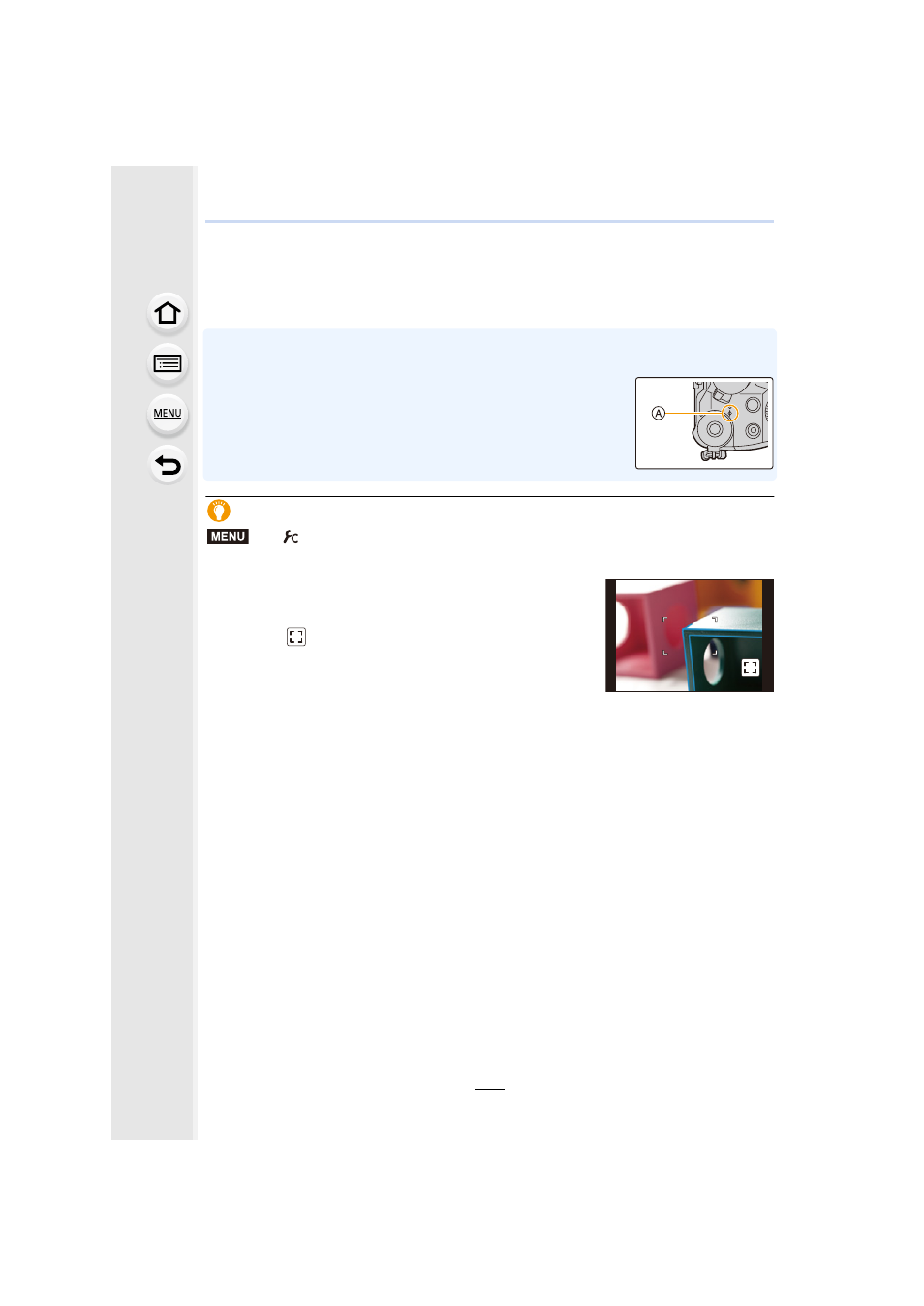
The focus distance reference mark A is a mark used to measure the
focus distance.
Use this when taking pictures with Manual Focus or taking close-up
pictures.
Achieving focus quickly using Auto Focus
If [AF/AE LOCK] is pressed in Manual Focus, Auto Focus will work.
•
Auto Focus works at the center of the frame.
•
Auto Focus also works with the following operations.
–
Pressing the function button to which [AF-ON] is assigned
–
Touching [
]
–
Dragging the monitor and releasing your finger at the position
you want to focus on
•
This function is not available when [4K Live Cropping] is set.
>
[Custom]
> [AF/AE Lock] > [AF-ON]
MENU
AF
AF