Fixing the focus and the exposure (af/ae lock), P105, E lock] button – Panasonic Lumix DMC-G85M User Manual
Page 105: P105), Fixing the focus and the exposure
105
4. Focus, Brightness (Exposure) and Color tone Settings
Fixing the Focus and the Exposure
(AF/AE Lock)
Applicable modes:
This is useful when you want to take a picture of a subject outside the AF area or the
contrast is too strong and you cannot achieve appropriate exposure.
1
Align the screen with the subject.
2
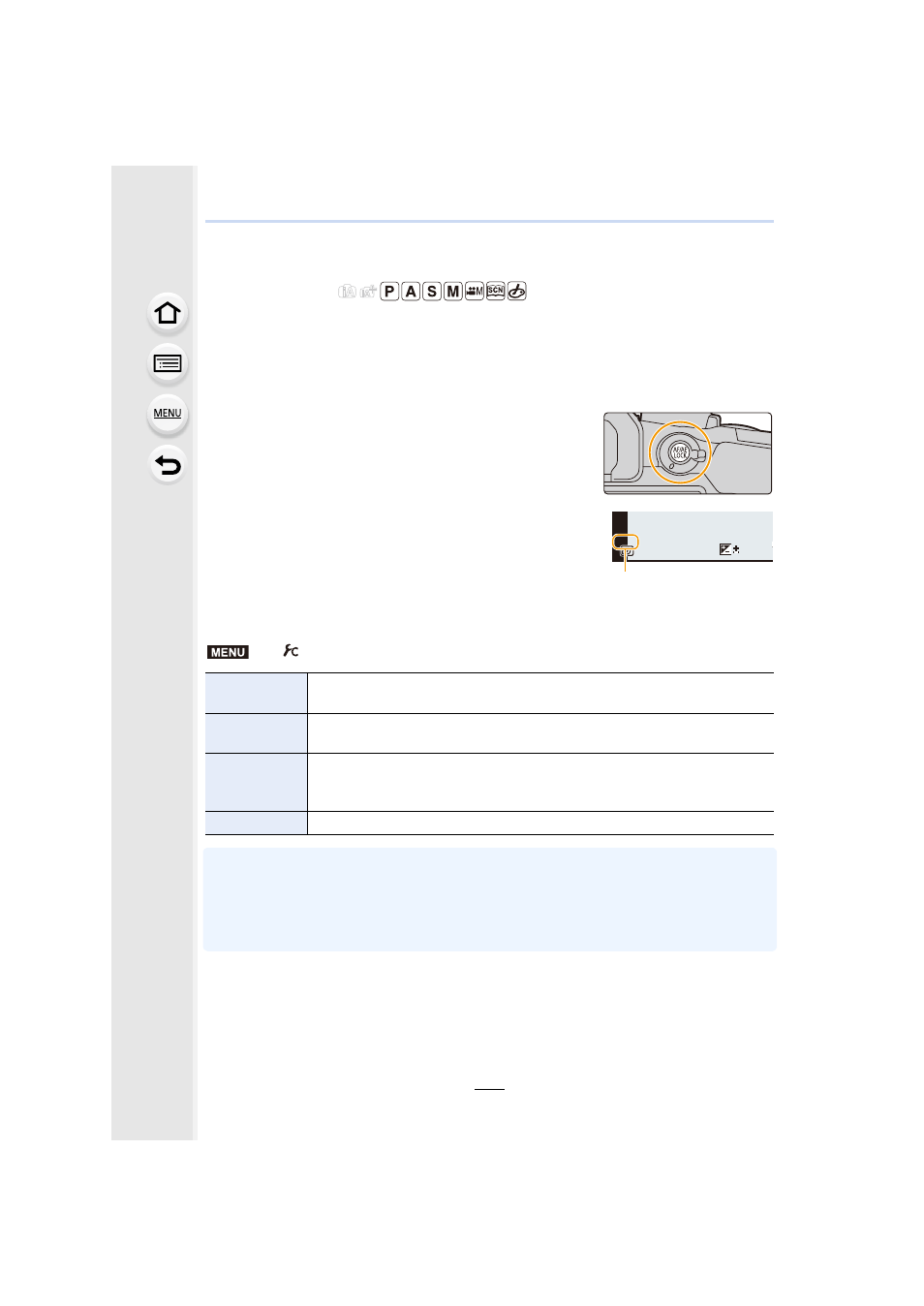
Press and hold [AF/AE LOCK] to fix the focus
or exposure.
•
If you release [AF/AE LOCK], AF/AE Lock is canceled.
•
Only the exposure is locked in the default setting.
3
While pressing [AF/AE LOCK], move the
camera as you compose the picture and then
press shutter button fully.
A AE Lock indication
∫
Setting the functions of [AF/AE LOCK]
•
AF Lock only is effective when taking pictures in Manual Exposure Mode.
•
AE Lock only is effective when taking pictures with Manual Focus.
•
The subject can be focused again by pressing the shutter button halfway even when AE is
locked.
•
Program Shift can be set even when AE is locked.
>
[Custom]
>
[AF/AE Lock]
[AE LOCK]
Only the exposure is locked.
•
When the exposure is set, [AEL] is displayed.
[AF LOCK]
Only the focus is locked.
•
When the subject is focused, [AFL] is displayed.
[AF/AE LOCK]
Both focus and exposure are locked.
•
[AFL] and [AEL] are displayed when the focus and the exposure are
optimized.
[AF-ON]
Auto Focus is performed.
2
00
60
3.5
AEL
AEL
AEL
AEL
00
A
MENU