P216, P216) – Panasonic Lumix DMC-G85M User Manual
Page 216
9. Using Menu Functions
216
[Monochrome Live
View]
You can display the recording screen in black and white.
This function is convenient when a black and white screen
will make it easier to set focus with Manual Focus.
•
Even if you use the HDMI output during recording, this
function will not work for the connected device.
•
Recorded images will not be affected.
s
[Constant Preview]
You can check the effects of the chosen aperture and
shutter speed on the recording screen in Manual Exposure
Mode.
•
This function does not work when using the flash.
s
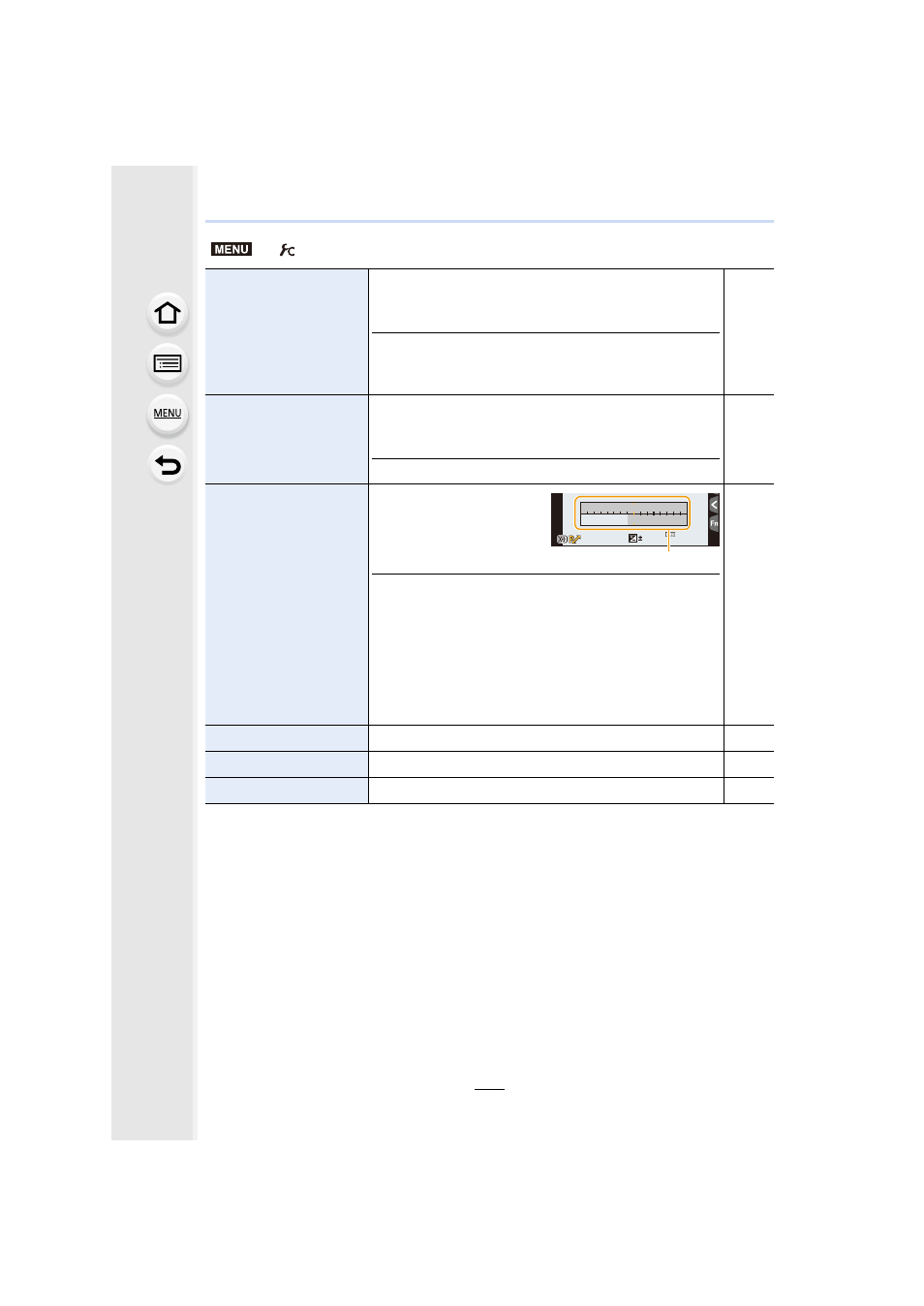
[Expo.Meter]
Set whether or not to
display the exposure meter.
A Exposure meter
•
Set to [ON] to display the Exposure meter when
performing Program Shift, setting aperture, and setting
shutter speed.
•
Unsuitable areas of the range are displayed in red.
•
When the Exposure meter is not displayed, switch the
display information for screen by pressing [DISP.].
•
If no operations are performed for approximately
4 seconds, the Exposure meter disappears.
s
[LVF Disp.Style]
This will set the display style of the viewfinder.
[Monitor Disp. Style]
This will set the display style of the monitor.
[Monitor Info. Disp.]
Display the recording information screen.
s
>
[Custom]
MENU
60
60
60
4.0
4.0
4.0
2
00
SS
SS
SS
FF
0
98
98
98
250
15
4.0
5.6
8.0
30
60
125
A