Remote] socket, P309), Ector – Panasonic Lumix DMC-G85M User Manual
Page 309: P309, Ional)
309
12. Others
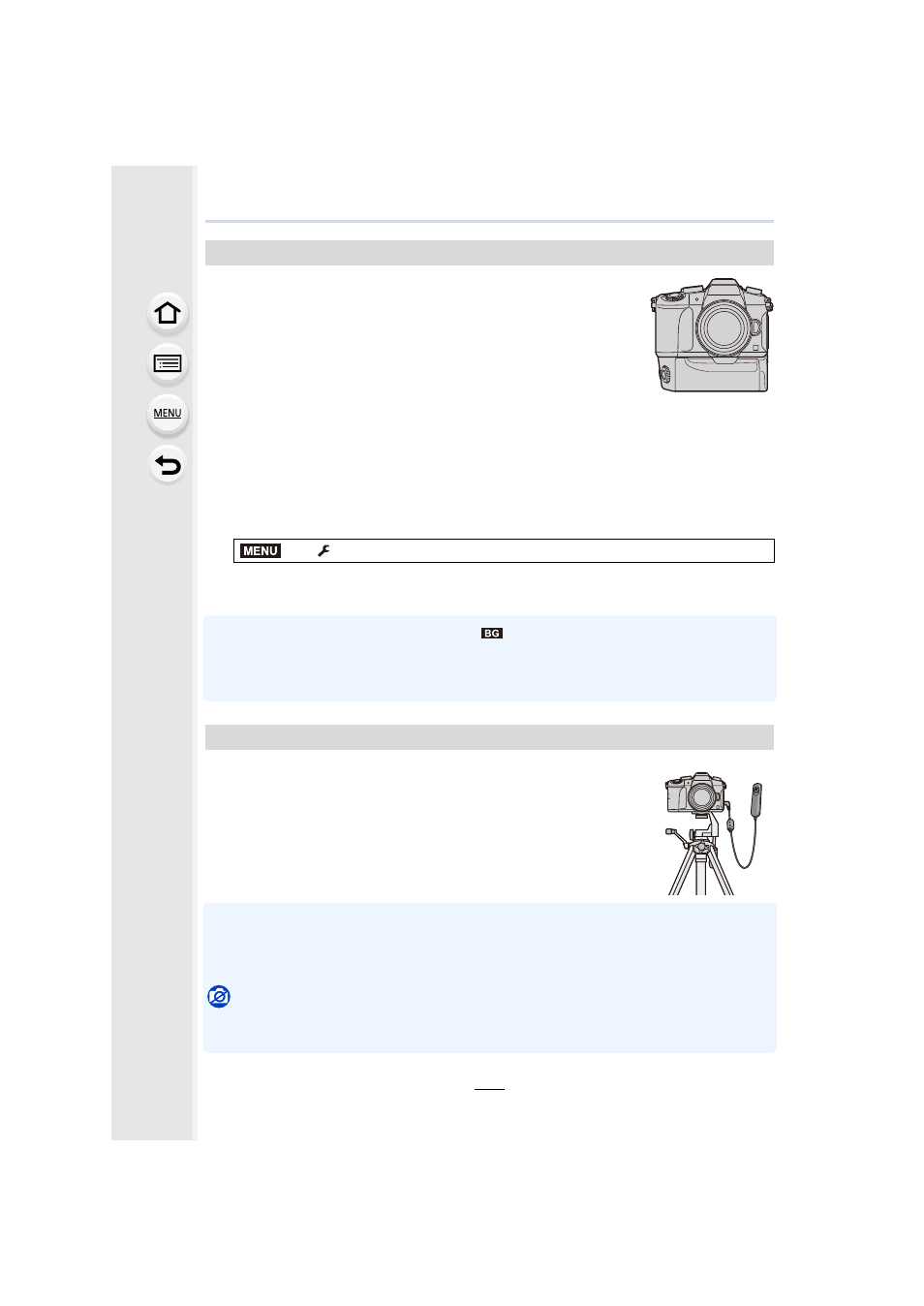
Using a battery grip (DMW-BGG1: optional) improves ease of
operation and grip when held vertically. Installing a spare battery will
allow you to record for a longer time.
A battery grip (DMW-BGG1: optional) is supplied with a battery pack
(DMW-BLC12).
∫
Setting a priority for the use of spare batteries
You can set which battery should be used when the battery is inserted to both this unit and
the battery grip.
Preparations:
•
Turn this unit off, and then remove the terminal cover.
1
Attach the battery grip to this unit, and then turn this unit on.
2
•
When the battery in the battery grip is used, [
] is displayed on the screen.
•
If the terminal cover is hard to remove, flip the cover’s corner by the camera’s recess toward
the center.
•
Read the operating instructions of the battery grip for details.
If you use the shutter remote control (DMW-RSL1: optional), you can
avoid jitter (camera shake) when using a tripod and you can keep the
shutter pressed fully when taking pictures with [B] (Bulb) or Burst
Mode. The shutter remote control works similar to the shutter button
on the camera.
•
Always use a genuine Panasonic shutter remote control (DMW-RSL1: optional).
•
Record with Creative Video Mode
when using for motion picture recording. Motion
picture recording can be started/stopped with the shutter remote control.
•
Read the operating instructions of the shutter remote control for details.
Not available in these cases:
•
You cannot use the shutter remote control for the following operation.
–
Canceling [Sleep Mode], [Sleep Mode(Wi-Fi)] or [Power Save LVF Shooting]
Battery Grip (optional)
>
[Setup]
> [Battery Use Priority]
[BODY]:
The battery in this unit is used first.
[BG]:
The battery in the battery grip is used first.
Shutter Remote Control (optional)
MENU