P60) – Panasonic Lumix DMC-G85M User Manual
Page 60
3. Recording Modes
60
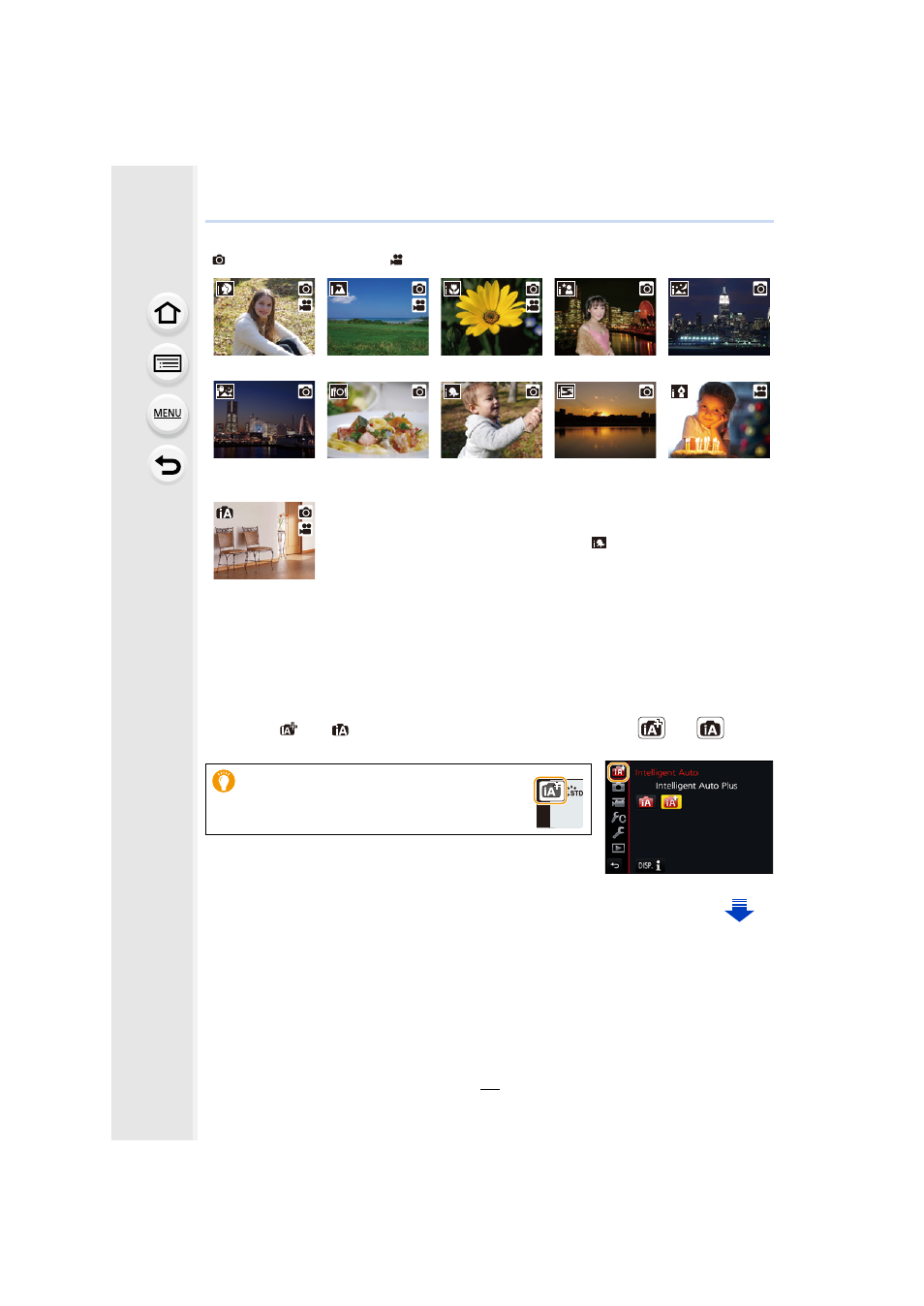
The camera detects scenes automatically (Scene Detection)
(
: When taking pictures,
: When recording motion pictures)
∫
Switching between Intelligent Auto Plus Mode and Intelligent Auto Mode
Select the [
] or [
] tab on the menu screen, press 1 to select [
] or [
], and
press [MENU/SET].
[i-Portrait]
[i-Scenery]
[i-Macro]
[i-Night Portrait]
¢1
[i-Night Scenery]
[iHandheld Night
Shot]
¢2
[i-Food]
[i-Baby]
¢3
[i-Sunset]
[i-Low Light]
¢1 Only displayed when the built-in flash is open.
¢2 Only displayed when [iHandheld Night Shot] is set to [ON].
¢3 When [Face Recog.] is set to [ON], [
] will be displayed for
birthdays of registered faces already set only when the Face/Eye of
a person younger than 3 years old is detected.
•
[¦] is set if none of the scenes are applicable, and the standard
settings are set.
•
When recording is performed with the 4K Photo or Post Focus
function, Scene Detection works in the same way as when motion
picture is recorded.
¦
It is also possible to display the selection
screen by touching the Recording Mode
icon in recording screen.