Custom] menu, P209, P209) – Panasonic Lumix DMC-G85M User Manual
Page 209
209
9. Using Menu Functions
:
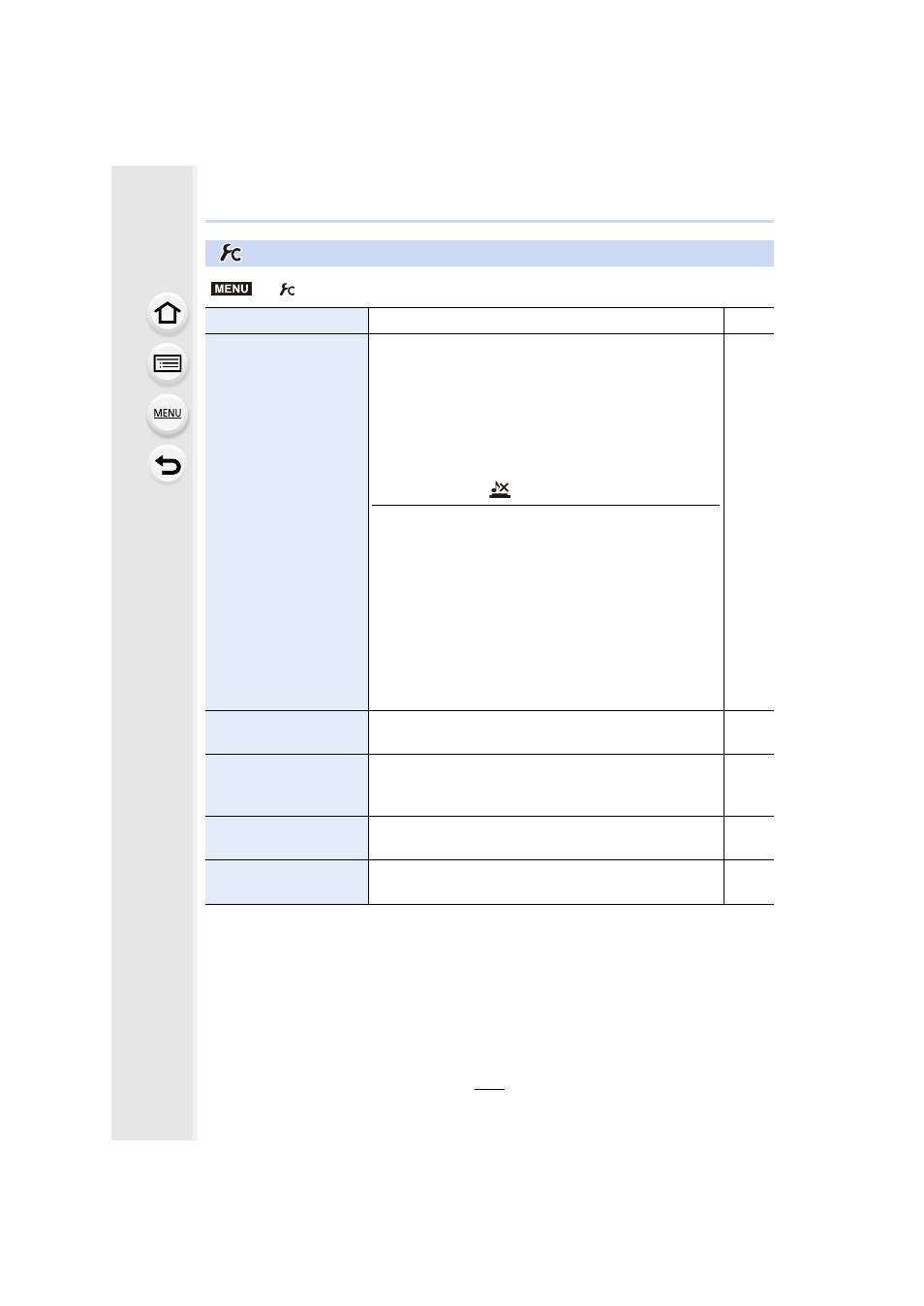
[Custom] menu
>
[Custom]
[Cust.Set Mem.]
Registers the current camera settings as custom set.
[Silent Mode]
Disables operational sounds and output of light at once.
•
Audio from the speaker will be muted and the flash and
the AF Assist lamp will be disabled.
The following settings are fixed.
–
[Shutter Type]: [ESHTR]
–
[Flash Mode]: [Œ] (forced flash off)
–
[AF Assist Lamp]: [OFF]
–
[Beep Volume]: [s] (OFF)
–
[E-Shutter Vol]: [
] (OFF)
•
Even when [ON] is set, the following functions light up/
flash.
–
Status indicator
–
Self-timer indicator
–
Wi-Fi connection lamp
•
Sounds that are produced by the camera regardless of
your operations, such as the lens aperture sound, cannot
be muted.
•
Be sure to pay special attention to the privacy, the
likeness rights, etc. of the subject when you use this
function. Use at your own risk.
s
[AF/AE Lock]
Sets the fixed content for focusing and exposure when the
AF/AE lock is on.
[AF/AE Lock Hold]
When [ON] is selected, focus and exposure stays locked
even if you press and release [AF/AE LOCK]. Press the
button again to cancel the lock.
s
[Shutter AF]
Set whether or not the focus is adjusted automatically
when the shutter button is pressed halfway.
s
[Half Press Release]
The shutter will immediately fire when the shutter button is
pressed halfway.
s
MENU