P189) – Panasonic Lumix DMC-G85M User Manual
Page 189
189
9. Using Menu Functions
∫
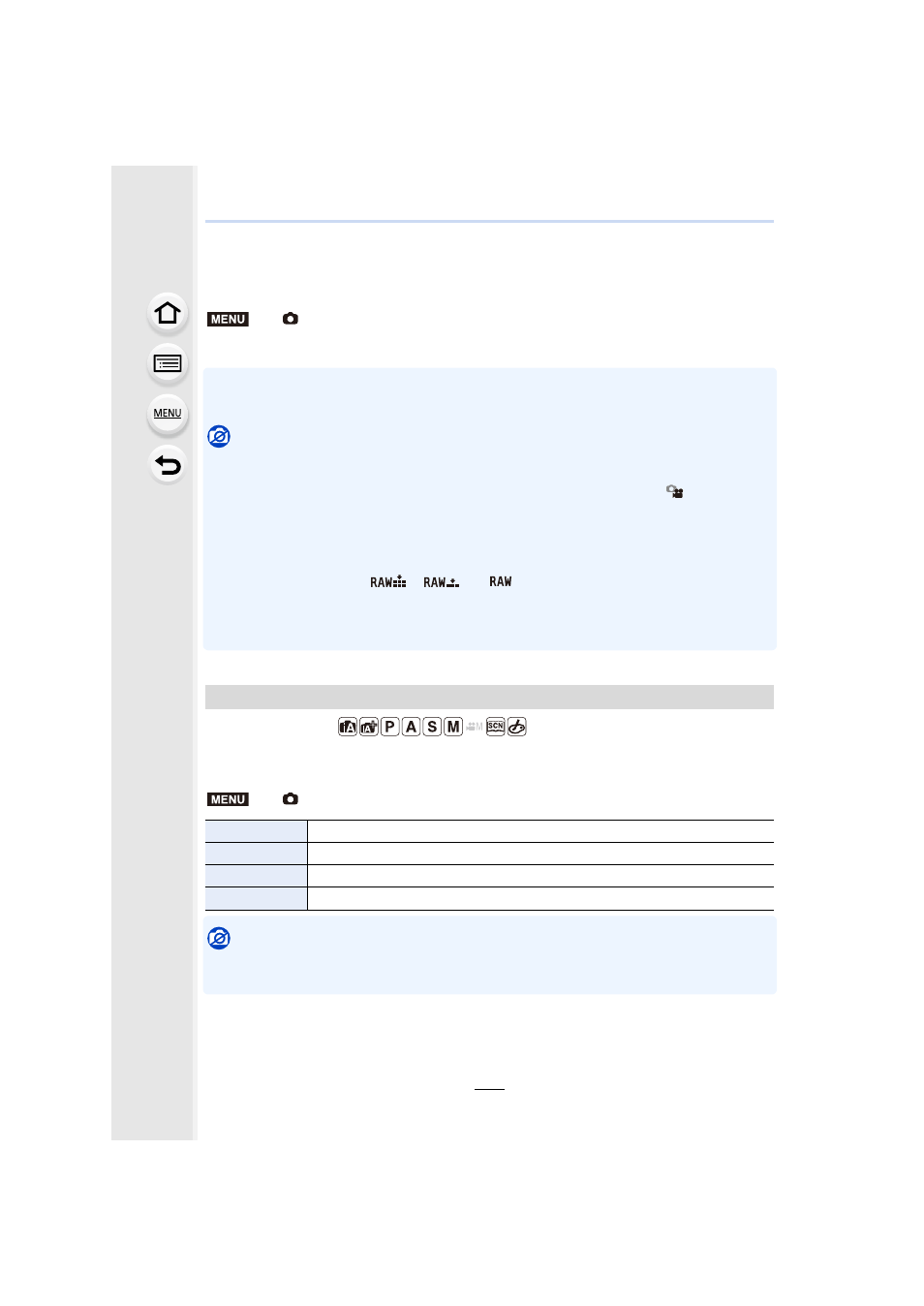
Taking a picture with and without an image effect simultaneously
([Simultaneous record w/o filter])
You can press the shutter button once and take two pictures simultaneously, one with an
image effect and the other one without it.
Settings: [ON]/[OFF]
•
A picture with an image effect will be taken first, followed by a picture without it.
•
Only an image with an image effect is displayed for Auto Review.
Not available in these cases:
•
In the following case, [Simultaneous record w/o filter] does not work:
–
Scene Guide Mode
–
Recording still pictures while recording a motion picture (only when set to [
] ([Video
Priority]))
–
When recording 4K photos
–
When recording with the Post Focus function
–
When recording in Burst Mode
–
When [Quality] is set to [
], [
] or [
]
–
When recording with the Bracket function
–
When using [Time Lapse Shot]
–
When using [Stop Motion Animation]
Applicable modes:
This allows you to select the aspect ratio of the pictures to suit printing or the playback
method.
Not available in these cases:
•
This function is not available in the following cases:
–
[Panorama Shot] (Scene Guide Mode)
>
[Rec]
> [Filter Settings] > [Simultaneous record w/o filter]
[Aspect Ratio]
>
[Rec]
> [Aspect Ratio]
[4:3]
[Aspect Ratio] of a 4:3 TV
[3:2]
[Aspect Ratio] of a 35 mm film camera
[16:9]
[Aspect Ratio] of a high-definition TV, etc.
[1:1]
Square aspect ratio
MENU
MENU