P98) – Panasonic Lumix DMC-G85M User Manual
Page 98
4. Focus, Brightness (Exposure) and Color tone Settings
98
Applicable modes:
When [š], [
], [Ø] or [
] in Auto Focus Mode is selected, you can change the position
and size of the AF area.
•
Perform the operation after canceling the touch shutter function.
•
You can also display the AF area setting screen by touching the recording screen. (When
[Touch AF] of [Touch Settings] in the [Custom] menu is set to [AF])
•
The spot metering target can also be moved to match the AF area when the [Metering Mode]
].
Not available in these cases:
•
This function is not available in the following cases:
–
When using the Digital Zoom
–
When [4K Live Cropping] is set
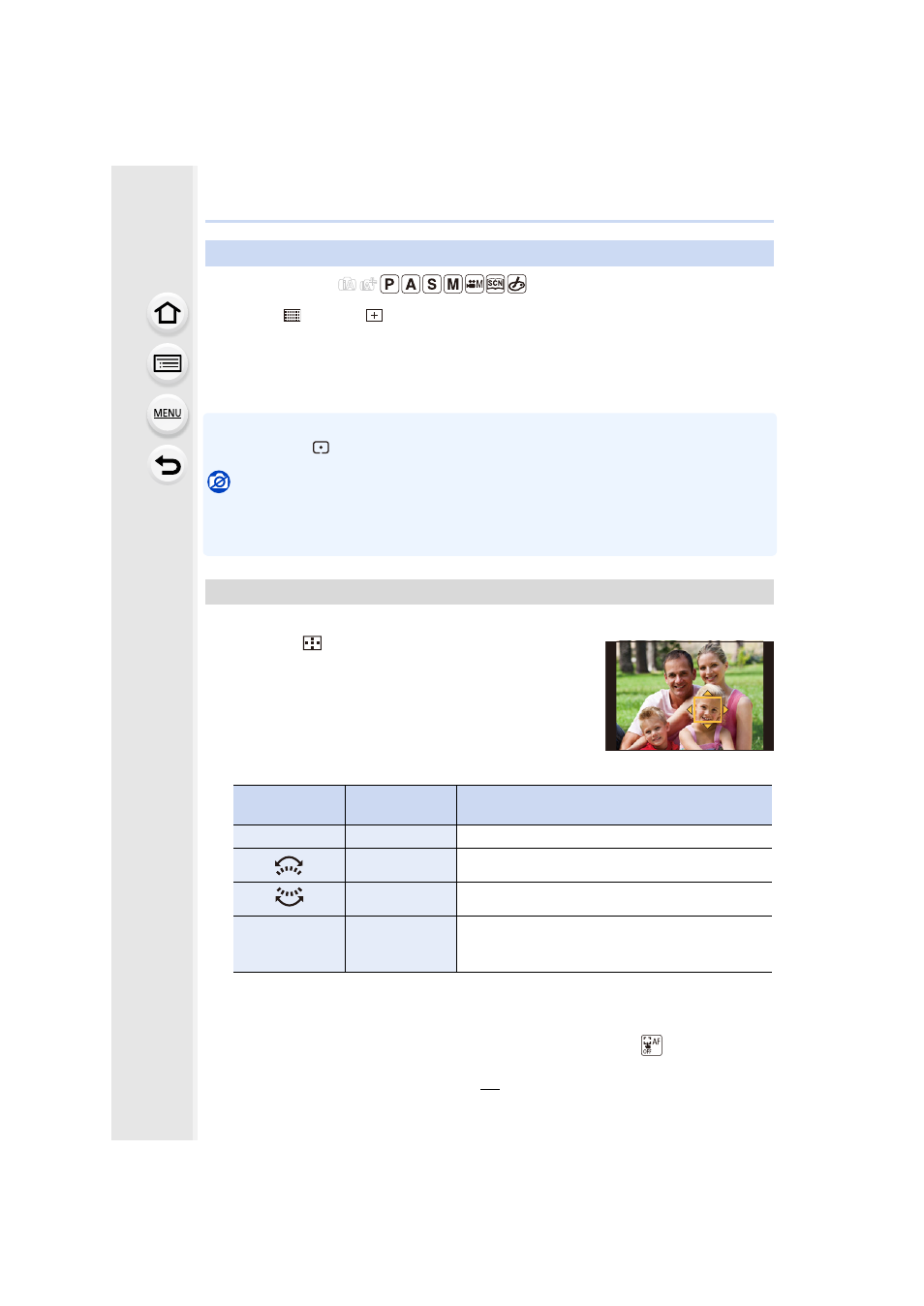
Position and size of the AF area can be changed.
1
Press 2 (
).
2
Select [š] or [Ø] and press 4.
3
Change the position and size of the AF area.
4
Press [MENU/SET] to set.
•
AF area with the same function as [Ø] is displayed in the touched position, when the [š]
is selected.
Setting of the AF area is cleared when [MENU/SET] is pressed or [
] is touched.
Setting up position of the AF area/changing size of the AF area
When selecting [š], [Ø]
Button
operation
Touch
operation
Description of operation
3/4/2/1
Touching
Moves the AF area.
Pinching out/in Enlarges/reduces the AF area in small steps.
s
Enlarges/reduces the AF area in large steps.
[DISP.]
[Reset]
Resets the AF area back to the center.
•
If you press the button again, the frame size will
be reset to the default setting.