Panasonic Lumix DMC-G85M User Manual
Page 75
Advertising
75
3. Recording Modes
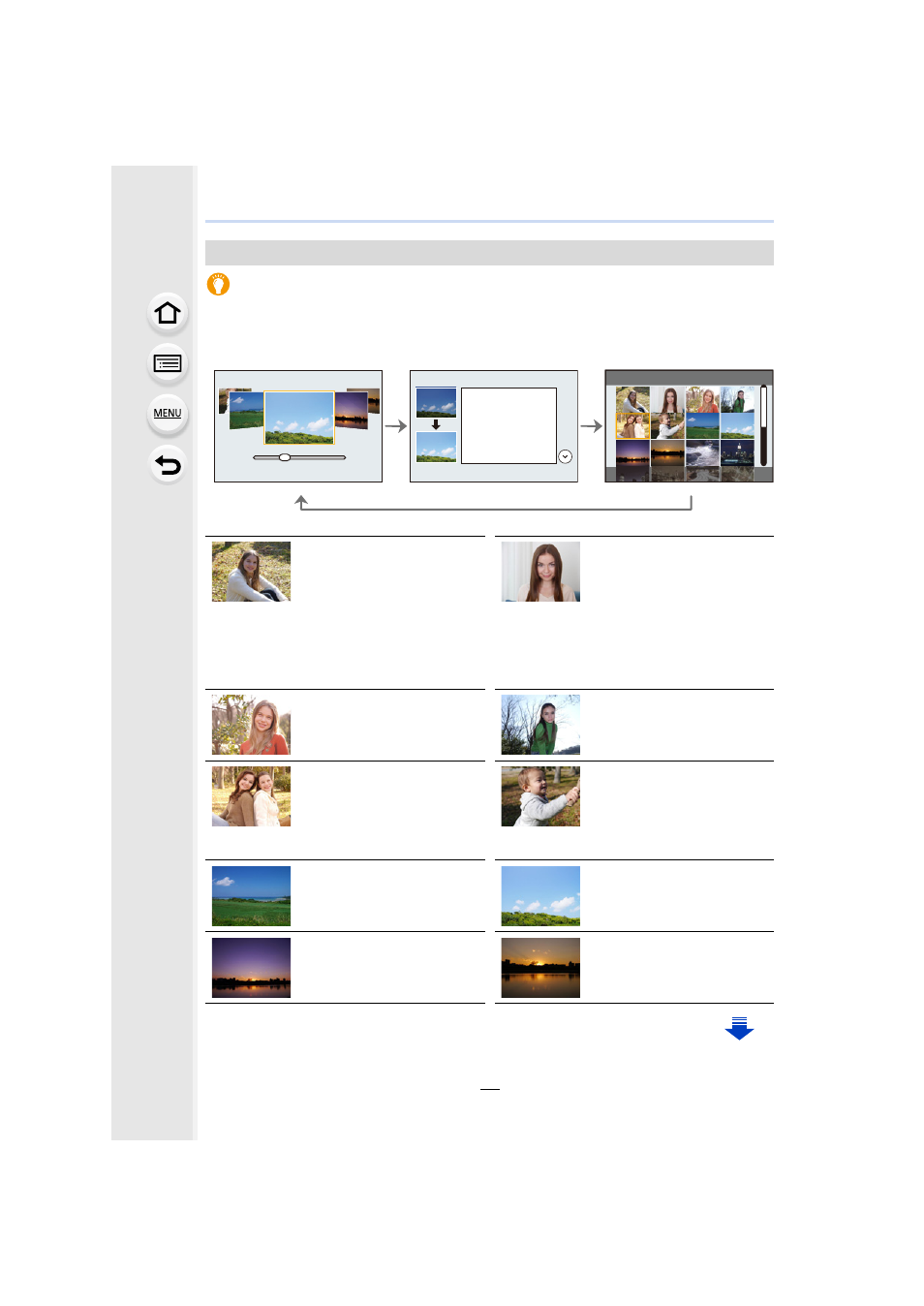
Displaying the description of each scene and recording tips
Press [DISP.] while the scene selection screen is displayed.
•
When it is set to the guide display, detailed explanations and tips for each scene are displayed.
Types of Scene Guide Mode
Normal display
Guide display
List display
[Clear Portrait]
[Silky Skin]
•
The smoothing effect is
applied to the part that has a
similar tone to the complexion
of a subject, as well.
•
This mode may not be
effective under insufficient
lighting.
[Backlit Softness]
[Clear in Backlight]
[Relaxing Tone]
[Sweet Child's Face]
Touch the face.
•
A still picture is recorded with
the focus and exposure set for
the touched location.
[Distinct Scenery]
[Bright Blue Sky]
[Romantic Sunset Glow]
[Vivid Sunset Glow]
Advertising
This manual is related to the following products: