Auto focus mode, Uto focus mode), P93) – Panasonic Lumix DMC-G85M User Manual
Page 93
93
4. Focus, Brightness (Exposure) and Color tone Settings
Applicable modes:
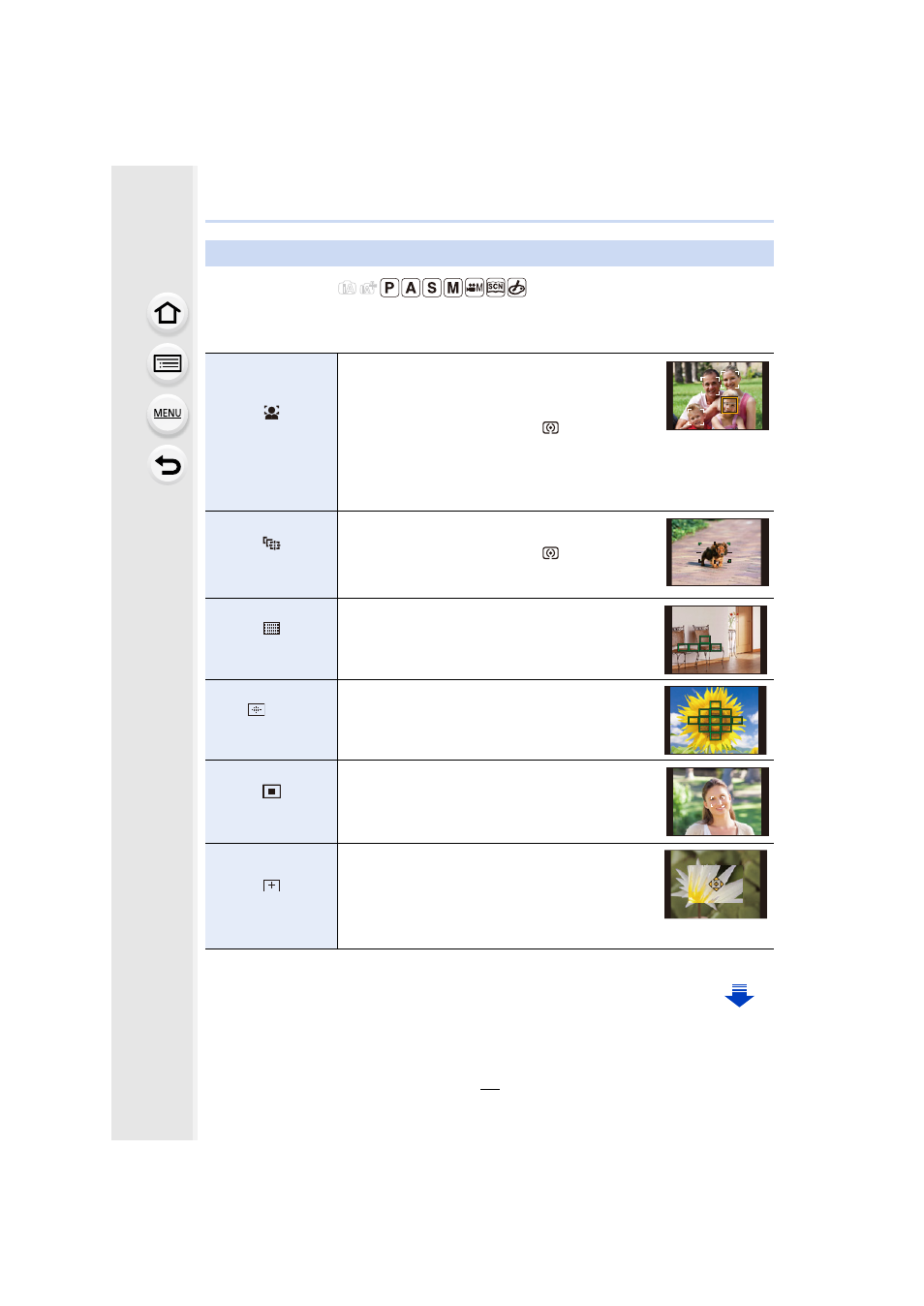
This allows the focusing method that suits the positions and number of the subjects to be
selected.
Auto Focus Mode
([Face/Eye
Detection])
The camera automatically detects the person’s face
and eyes.
An eye closer to the camera will be in focus, while
the exposure will be optimized for the face.
(When [Metering Mode] is set to [
])
•
Up to 15 faces can be detected. Eyes that can be
detected are only those of the face that is in focus.
•
You can change the eye to be in focus.
•
Position and size of the AF area can be changed.
([Tracking])
The camera focuses on the subject you specify.
The exposure will be optimized for the subject.
(When [Metering Mode] is set to [
].)
Focus and exposure will keep on following the
subject even if it moves. (Dynamic tracking)
([49-Area])
Up to 49 AF areas can be focused.
This is effective when a subject is not in the center
of the screen.
•
You can select areas to be in focus.
, etc.
([Custom Multi])
From among 49 AF areas, you can freely set the
optimum shape of the AF area for the subject.
([1-Area])
The camera focuses on the subject in the AF area
on the screen.
•
Position and size of the AF area can be changed.
([Pinpoint])
You can achieve a more precise focus on a point
that is smaller than [Ø].
If you press the shutter button halfway, the screen
that lets you check the focus will be enlarged.
•
The focus position can be set on an enlarged
screen.