8 preferences – colors page – Native Instruments MASCHINE MK3 Groove Production Studio (Black) User Manual
Page 154
Advertising
▪
Turn Knob 6 (
AUTO-WRITE
) to enable or disable the Touch Auto-write option.
►
To save your settings and return to MASCHINE mode, press
SETTINGS
.
3.7.8
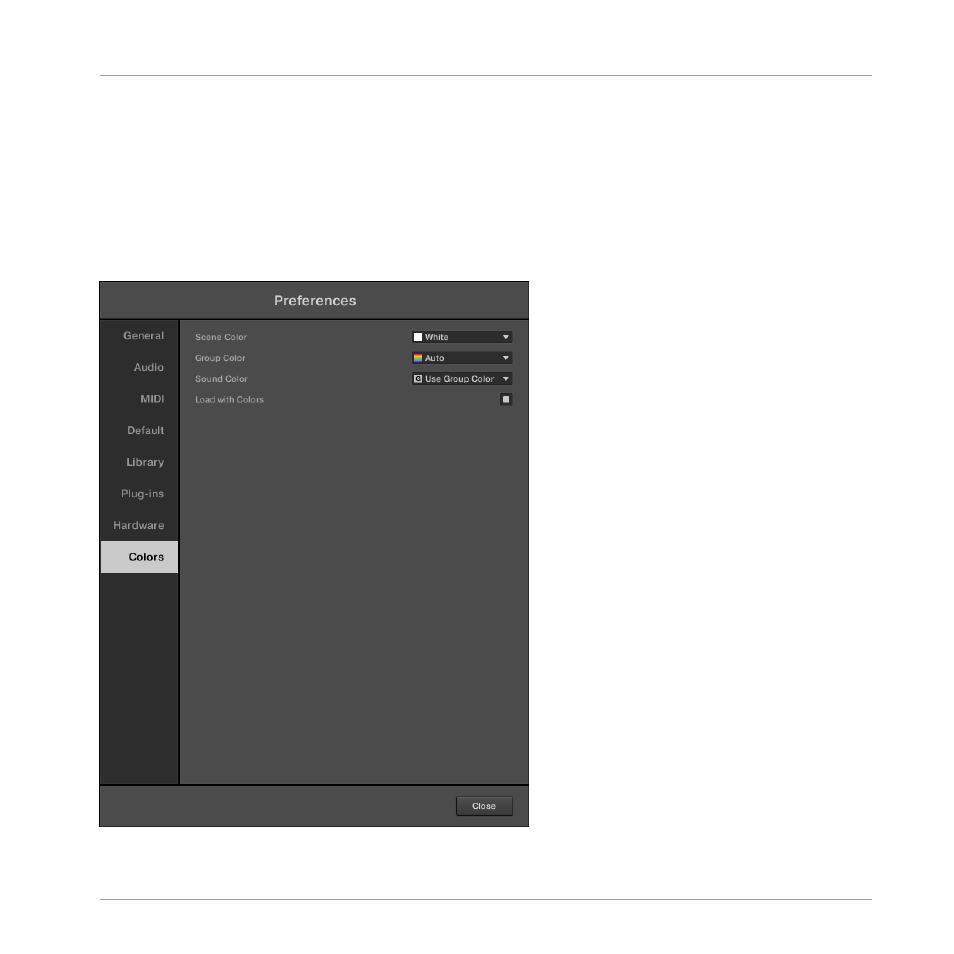
Preferences – Colors Page
The
Colors
page enables you to choose default colors for your Scenes, Groups, and Sounds.
►
To display the
Colors
page click the
Colors
tab on the left of the
Preferences
panel.
The Preferences panel – Colors page.
Basic Concepts
Preferences
MASCHINE - Manual - 154
Advertising