Native Instruments MASCHINE MK3 Groove Production Studio (Black) User Manual
Page 49
Advertising
1
2
3
4
5
6
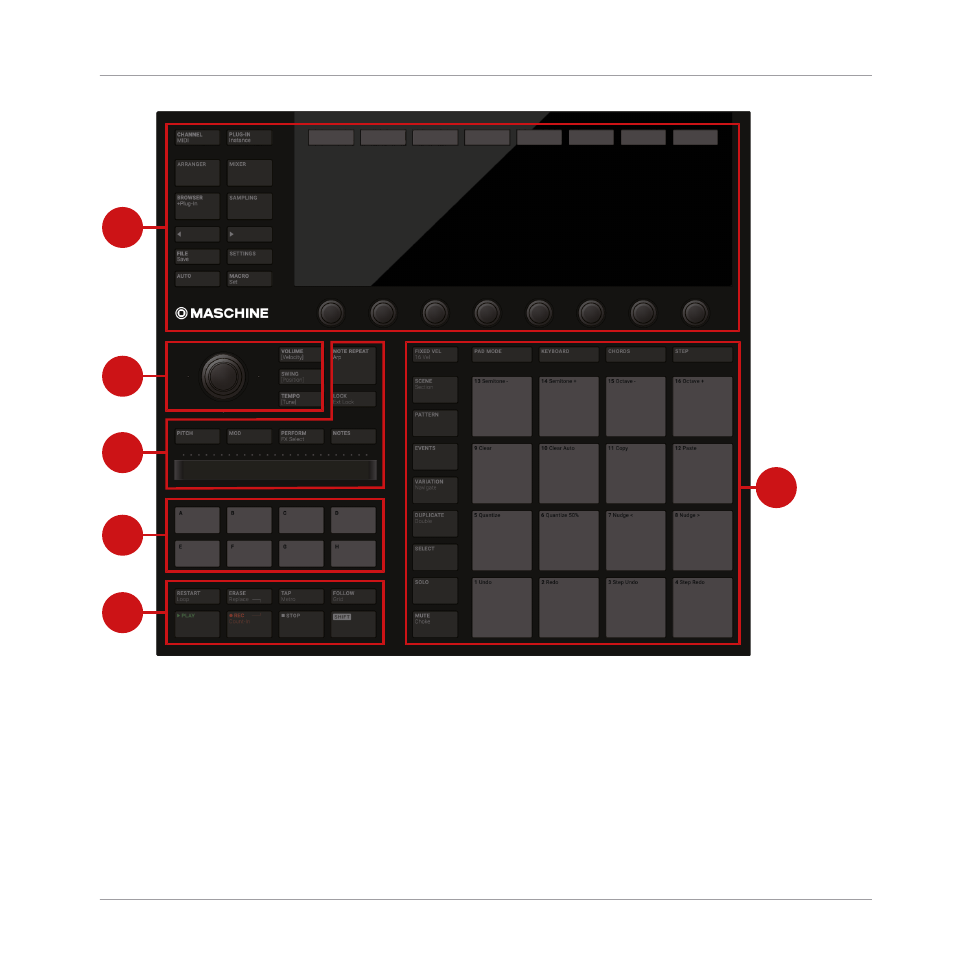
Overview of the MASCHINE controller’s top panel and its main sections.
(1) Control section: Use this multi-purpose section to access to all parameters of the mode cur-
rently selected on your controller. On the left, dedicated buttons provide access to the Browser,
the Arranger, the Mixer and the Sample Editor. For more information on this section, see
Quick Reference
MASCHINE Hardware Overview
MASCHINE - Manual - 49
Advertising