Native Instruments MASCHINE MK3 Groove Production Studio (Black) User Manual
Page 602
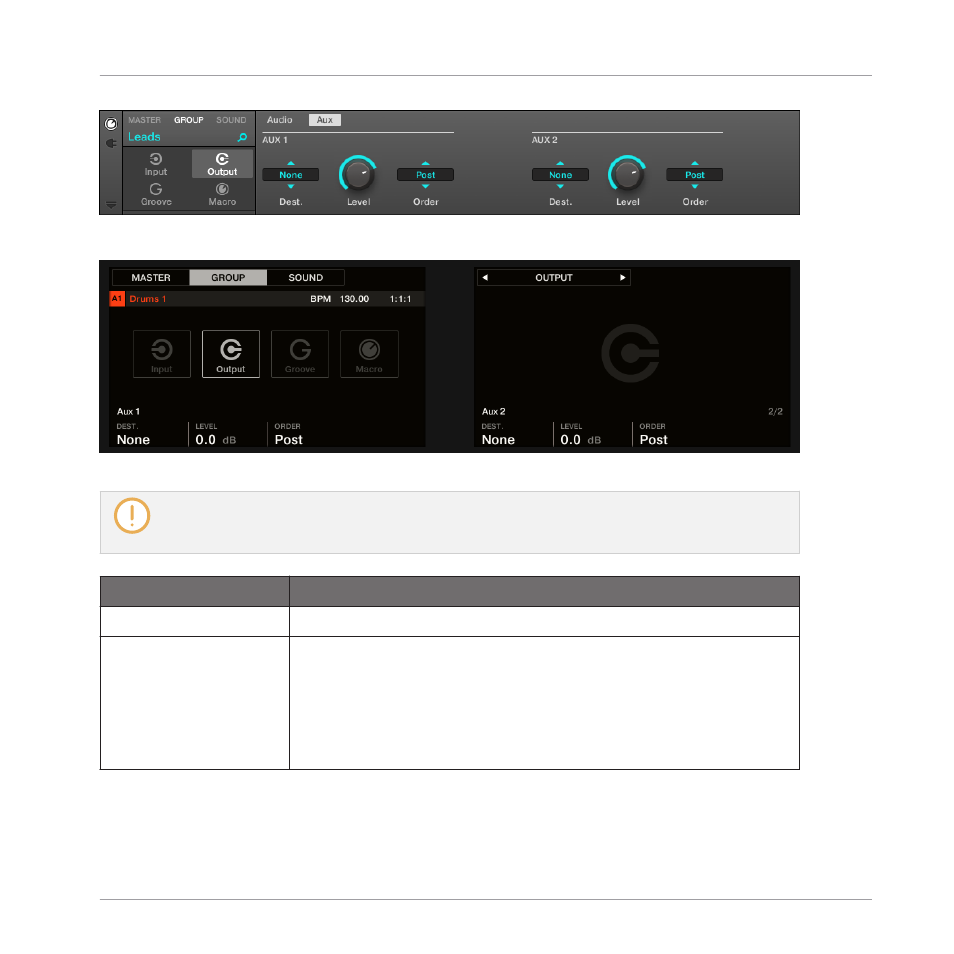
The Aux page of the Output properties (here for a Group) in the software.
The AUX page of the Output properties (here for a Group) on the controller.
Please refer to section
3.3.9, Navigating Channel Properties, Plug-ins, and Parameter Pages in the
to know how to access the
Aux
page of the Output properties in the software and from
your controller.
Controls
Description
AUX 1 / AUX 2 Section
Dest.
Selects where you want to send the Aux 1 or Aux 2 output of your
channel. Available options are the same as for the
Dest.
selector of
the
Audio
page (see
12.1.2, Configuring the Main Output of
), except that for Aux 1 and Aux 2 the default
destination is
None
— in other terms there are no auxiliary sends
defined by default.
Audio Routing, Remote Control, and Macro Controls
Audio Routing in MASCHINE
MASCHINE - Manual - 602