Using the metronome, Maschine header, for more information see section, 3, using the metronome – Native Instruments MASCHINE MK3 Groove Production Studio (Black) User Manual
Page 505: 3 using the metronome
2.
While holding
REC
, to adjust the Pattern Length for the Pattern in which you are about to
record, you can turn Knob 4 (
LENGTH
) or press Button 5–8 to directly select from the
four length presets available:
2
,
4
,
8
, or
16
bars.
3.
Release
REC
.
→
The Record mode is engaged (
REC
is lit) and the Pattern has the length you defined.
Press
PLAY
to start the sequencer (if it’s not done already) and play the pads to start re-
cording! See section
11.2, Recording Patterns in Real Time
cording Patterns.
In Record Prepare mode can also enable or disable the metronome via Button 2. See section
for more information on the metronome.
You can also enter Record Prepare mode while starting a recording in Replace mode (see
): Simply press
ERASE
+
REC
and hold
REC
until your controller
switch to Record Prepare mode. This is also true when using the Count-in (see
).
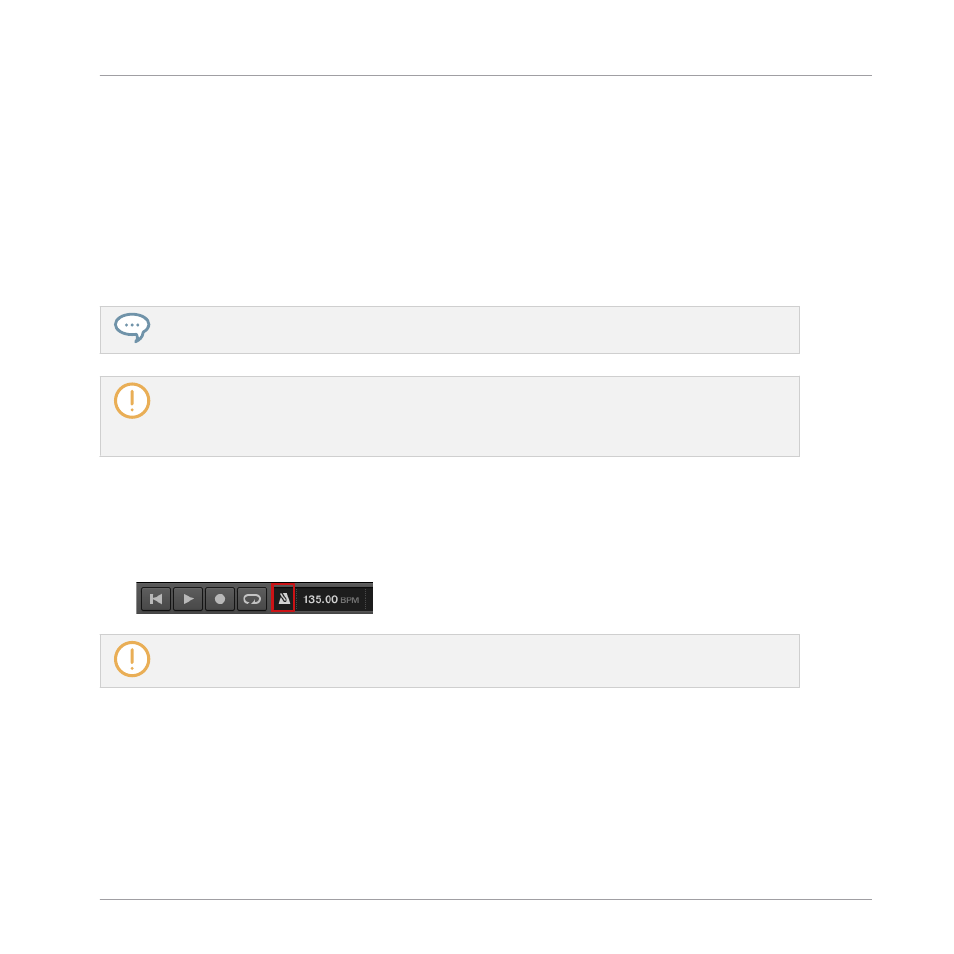
11.2.3 Using the Metronome
The metronome will help you to keep time when recording in real time.
►
Click the metronome icon in the MASCHINE Header to enable/disable the metronome:
The metronome can be heard only when the sequencer is playing.
The metronome signal is sent to the Cue bus. To know how to use the Cue bus, see section
You can customize the metronome in various ways in the
Preferences
panel:
▪
You can adjust the metronome’s volume and time signature in the Preferences’
General
3.7.1, Preferences – General Page
Working with Patterns
Recording Patterns in Real Time
MASCHINE - Manual - 505