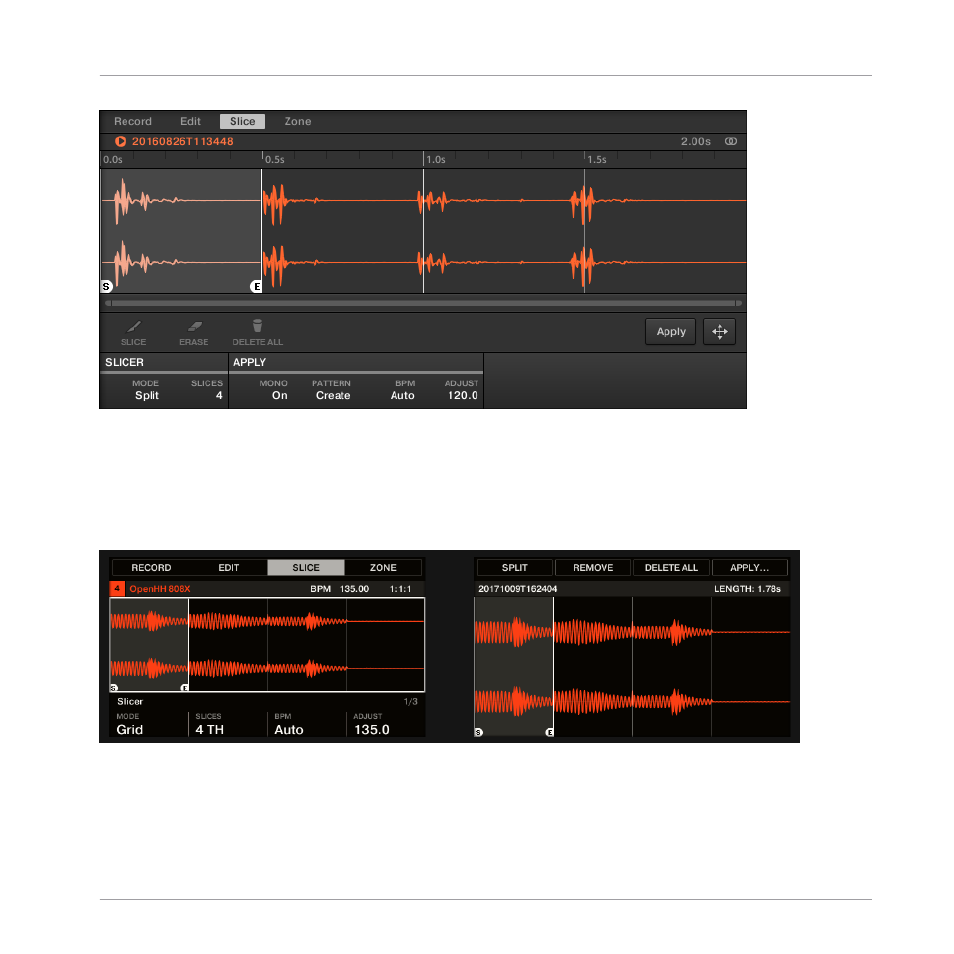
The Slice page in the software.
Opening the SLICE Page on Your Controller
►
In Sampling mode, press Button 3 to access the
SLICE
page.
The
page looks as follows:
The SLICE page 1 on the controller.
Sampling and Sample Mapping
Slicing a Sample
MASCHINE - Manual - 892