Reordering scenes, Duplicating a scene on your controller, 9 reordering scenes – Native Instruments MASCHINE MK3 Groove Production Studio (Black) User Manual
Page 822
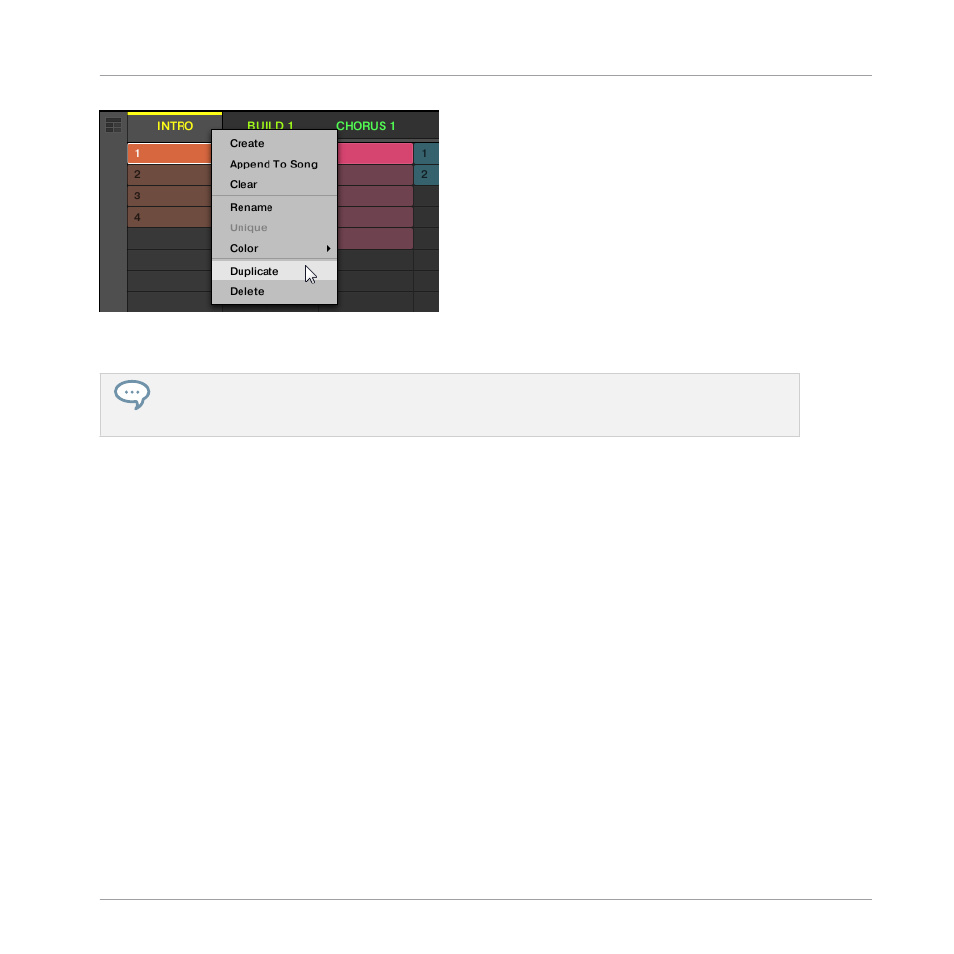
▪
The selected Scene is duplicated in accordance with the setting in the
Default
page of the
Preferences.
You can also duplicate a Scene by clicking the Scene slot header while holding [Alt] key (or [Ctrl]
on PC), and dragging the mouse. After the mouse is released a duplicate copy of the Scene is creat-
ed.
Duplicating a Scene on Your Controller
To duplicate a Scene on your controller:
1.
Press
SCENE
(
Section
) to enter Scene mode.
2.
Press the pad corresponding to the Scene you want to duplicate.
3.
Press any unlit pad to duplicate the Scene.
→
The selected Scene is duplicated in accordance with the setting in the
Default
page of the
Preferences. For more information, read:
3.7.4, Preferences – Default Page
.
16.2.9 Reordering Scenes
Reordering Scenes in Ideas view allows you to visually organize your ideas and also place each
idea on a specific pad of your controller. The reordering of Scenes will not affect your arrange-
ment.
In the software you can reorder Scenes in the Ideas view.
Working with the Arranger
Using Ideas View
MASCHINE - Manual - 822