Native Instruments MASCHINE MK3 Groove Production Studio (Black) User Manual
Page 396
Advertising
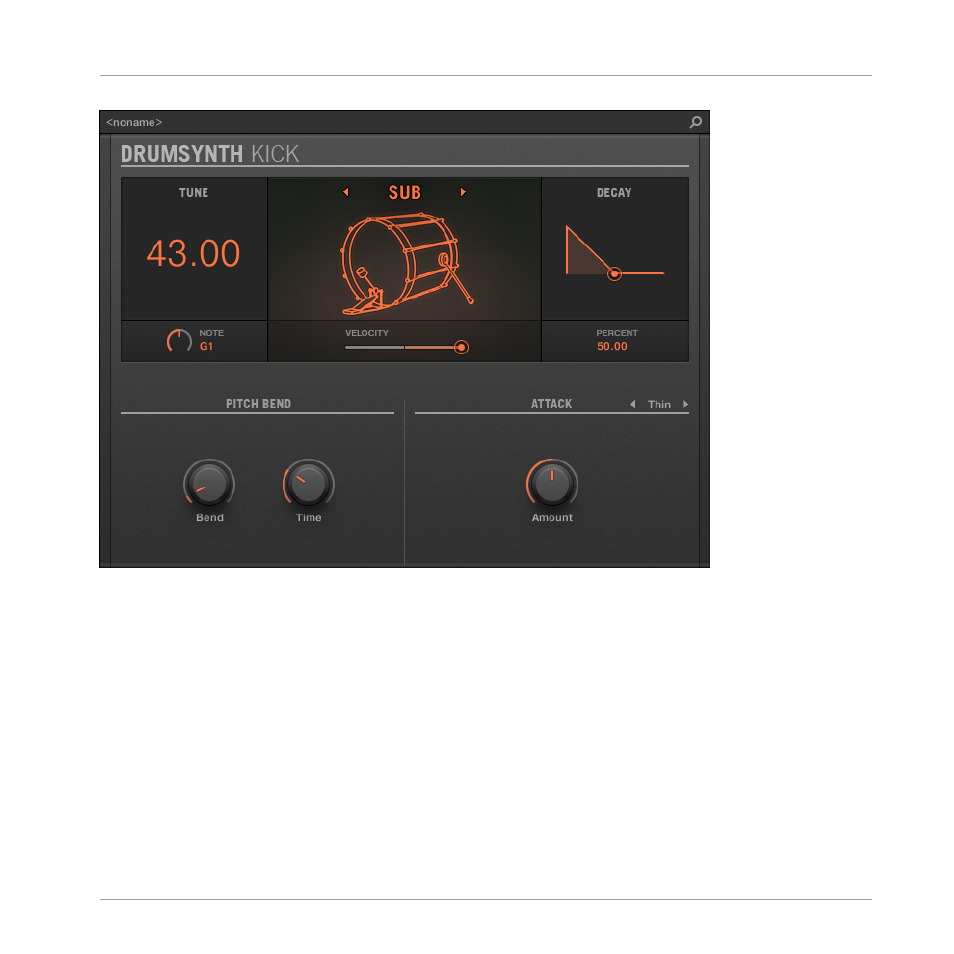
The Kick panel in the Plug-in Strip.
As in every Drumsynth, the engine can be selected via the
Engine
selector on the
Main
page.
Each engine has a different character and set of parameters, as detailed in the following sec-
tions.
The Kick provides following engines:
▪
Sub (default):
▪
Tronic:
.
▪
Dusty:
.
▪
Rasper:
▪
Snappy:
.
Using the Drumsynths
The Kicks
MASCHINE - Manual - 396
Advertising