Tempo and tune shortcuts – Native Instruments MASCHINE MK3 Groove Production Studio (Black) User Manual
Page 298
►
To change the position of a selected step in Step mode, hold its pad and turn the 4-D en-
coder.
→
The adjusted value is temporarily shown on the left display.
To adjust the value in finer increments, press and turn the 4-D encoder (or hold
SHIFT
while you
turn it).
These shortcuts control the
AMOUNT
parameter in the
SWING
page of the Master’s, Group’s, and
Sound’s Groove properties, respectively. See section
for a detailed description of
these properties.
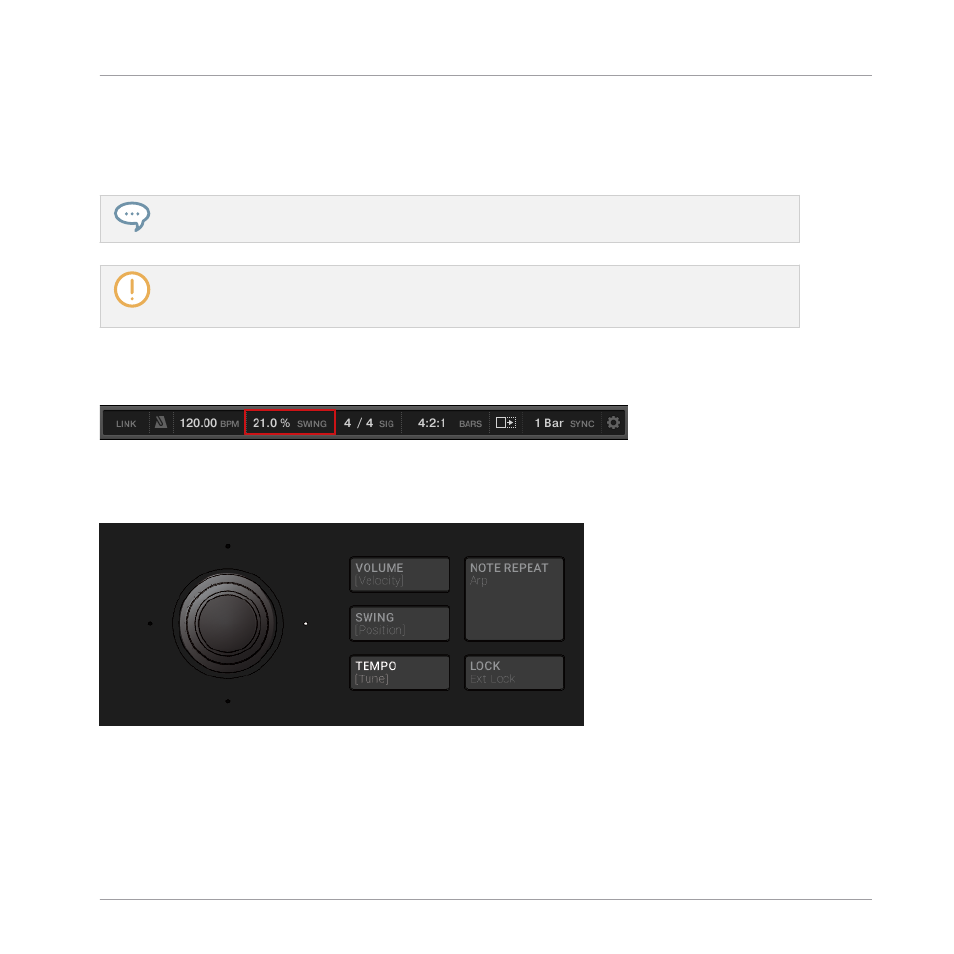
In the software you can also adjust the Swing amount of your Project via the
SWING
control in
the Header:
The SWING control in the software’s Header.
Tempo and Tune Shortcuts
The TEMPO button.
In Pad Mode, Keyboard mode or Chords mode:
1.
Press
TEMPO [Tune]
button.
Playing on the Controller
Playing Tools
MASCHINE - Manual - 298