Common layout in the plug-in strip (mix view) – Native Instruments MASCHINE MK3 Groove Production Studio (Black) User Manual
Page 392
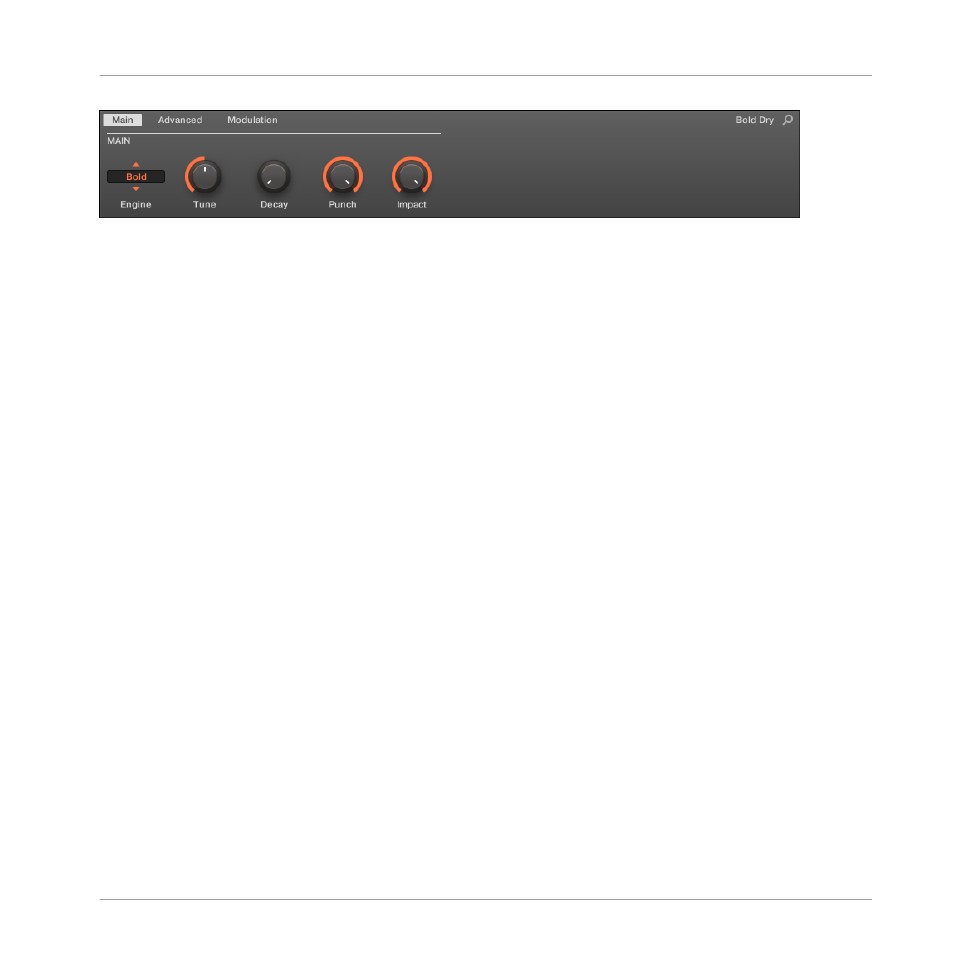
All Drumsynths share the same parameter organization in the Control area.
▪
Their parameters are grouped into the same three Parameter pages:
◦
The Main page groups the most important parameters for each drum type. Here you
can select the engine to be used, the tuning, the decay, etc.
◦
The Advanced page provides access to more complex and finer adjustments to the
drum sounds.
◦
The Modulation page allows to adjust the playability of the drum by setting its velocity
response.
▪
The
Main
page always starts with a MAIN section. The other sections on the page differ with
each Drumsynth and engine.
Common Layout in the Plug-in Strip (Mix View)
In Mix view, the Plug-in panels of all Drumsynths have a similar layout in the Plug-in Strip:
Using the Drumsynths
Drumsynths – General Handling
MASCHINE - Manual - 392