Duplicating sections – Native Instruments MASCHINE MK3 Groove Production Studio (Black) User Manual
Page 844
Advertising
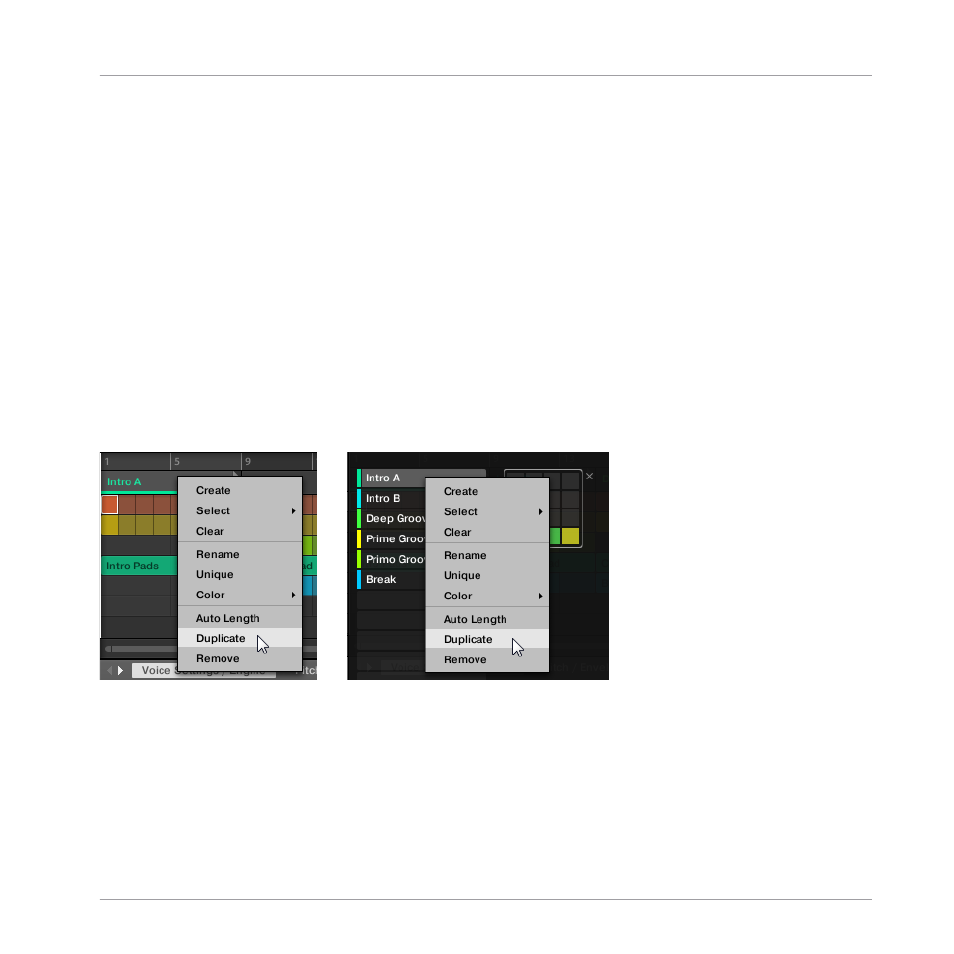
16.3.8 Duplicating Sections
The Song view allows you to duplicate a Section. This feature works in connection with settings
made in the
Default
page of the Preferences.
Together they offer you options to:
▪
duplicate Scenes,
▪
duplicate Scenes and Patterns,
▪
link when duplicating Sections
For more information on the
Default
page of the Preferences, see
.
Duplicating a Section
►
Right-click ([Ctrl]-click on macOS), and select
Duplicate
from the context menu.
▪
The selected Section is duplicated in accordance with
Scene / Section
settings in the
De-
fault
page of the Preferences.
Duplicating a Section on Your Controller
To duplicate a Section using your controller:
►
Press
ARRANGER
.
Working with the Arranger
Using Song View
MASCHINE - Manual - 844
Advertising