Volume and velocity shortcuts – Native Instruments MASCHINE MK3 Groove Production Studio (Black) User Manual
Page 296
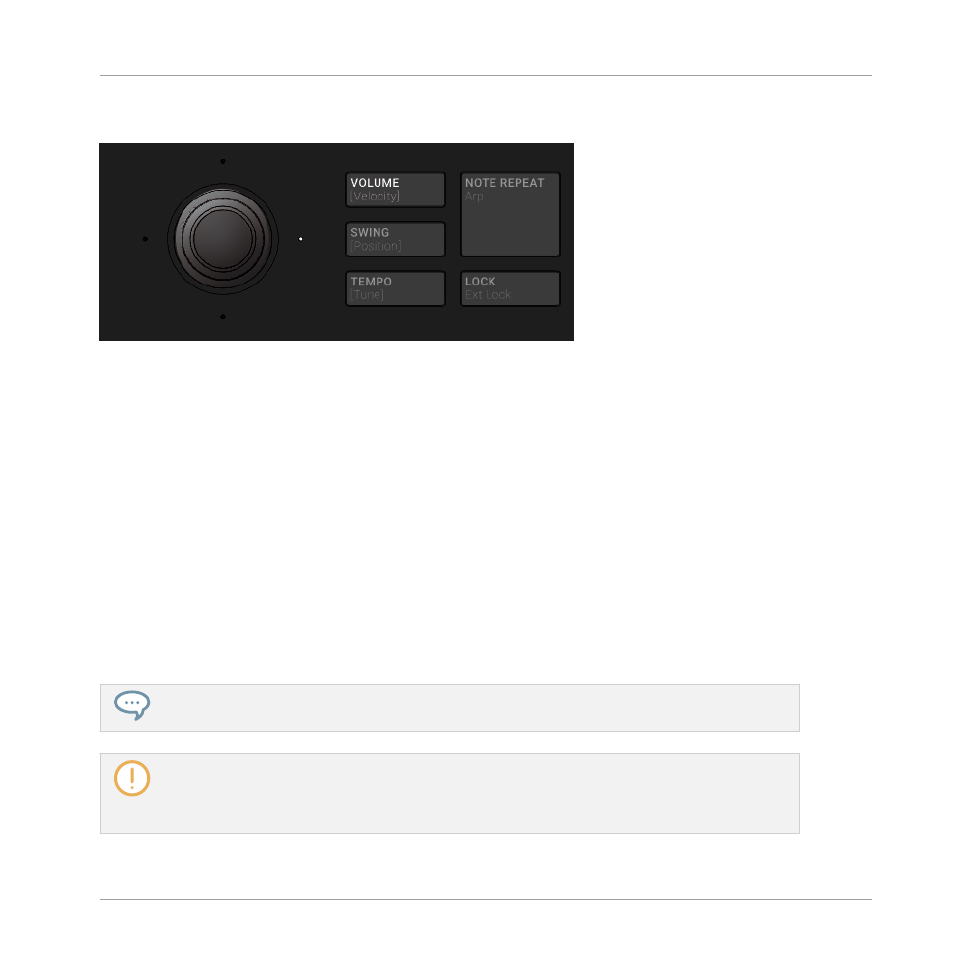
Volume and Velocity Shortcuts
The VOLUME button.
In Pad Mode, Keyboard mode or Chords mode:
1.
Press the
VOLUME [Velocity]
button.
2.
To change the output level of the Master (i.e. the overall output level of MASCHINE), sim-
ply turn the 4-D encoder.
3.
To change the output level of a Group, hold its Group button (first navigate to its Group
bank if necessary) and turn the 4-D encoder.
4.
To change the output level of an individual Sound, hold its pad and turn the 4-D encoder.
In Step mode:
►
To change the velocity of a selected step in Step mode, hold its pad and turn the 4-D en-
coder.
→
The adjusted value is temporarily shown on the left display.
To adjust the value in finer increments, press and turn the 4-D encoder (or hold
SHIFT
while you
turn it).
These shortcuts control the
LEVEL
parameter in the
AUDIO
page of the Master’s, Group’s, and
Sound’s Output properties, respectively. See section
12.1.2, Configuring the Main Output of
12.1.4, Configuring the Master and Cue Outputs of MASCHINE
tailed description of these properties.
Playing on the Controller
Playing Tools
MASCHINE - Manual - 296