Resetting the product selection, Selecting a bank – Native Instruments MASCHINE MK3 Groove Production Studio (Black) User Manual
Page 172
►
To select a product and show only the preset files associated with it, click on the product
in the list.
→
Upon your selection, the Product selector automatically closes, the product name and
icon appear in the header, and the tag filter and results list below will be filtered accord-
ingly.
Products are shown in the Product selector only if the Library contains files for them. If a particular
product does not show up, make sure that you have installed the latest updates using Native Ac-
cess.
Resetting the Product Selection
►
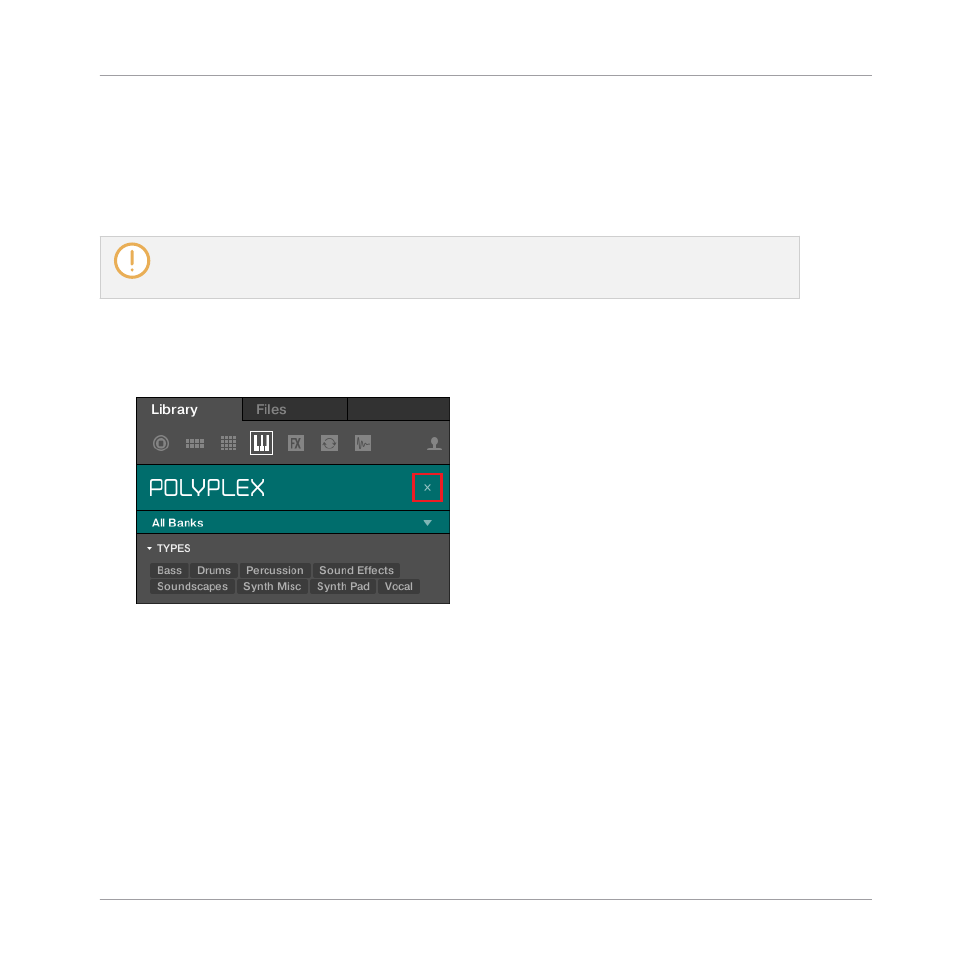
To reset the selection made in the Product selector, click the little cross at the right of
the product name:
→
The product selection is cancelled. The Product selector displays the generic label All In-
struments. The tag filter and the results list under the Product selector now include files
for all products.
Selecting a Bank
When you select specific products in the Product list (see description above), an additional
Bank menu appears under the closed Product selector:
Browser
Searching and Loading Files from the Library
MASCHINE - Manual - 172