Native Instruments MASCHINE MK3 Groove Production Studio (Black) User Manual
Page 520
Advertising
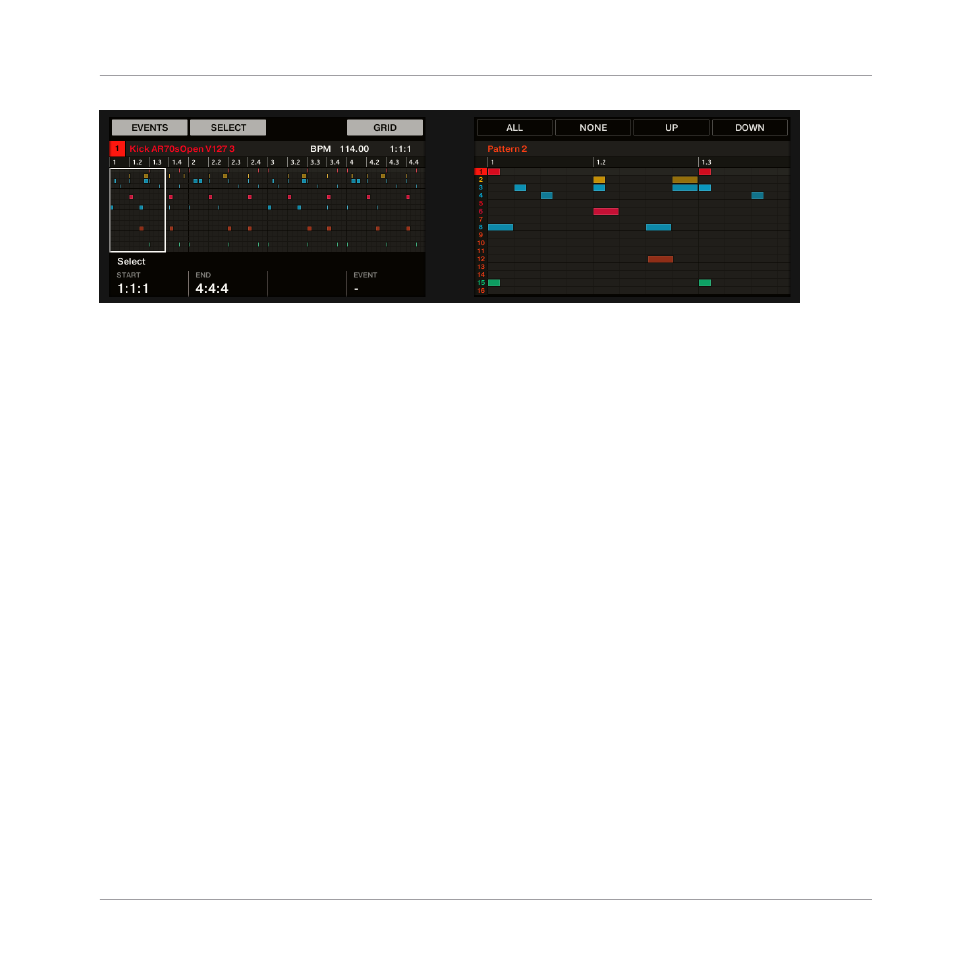
Selecting events on the controller with the pads in Pad Mode.
▪
The left display shows an overview of the events in your Pattern for all Sounds in the
Group.
▪
The right display shows a detailed view of a portion of your Pattern with events and their
velocities for the focused Sound.
You can adjust the right display as follows:
1.
Turn Knob 5 to zoom in/out of events on the right display.
2.
Turn Knob 6 to scroll events on the right display.
3.
Turn Knob 7 to increase/decrease the size of the Sound lane.
You have following selection tools at your disposal:
Working with Patterns
Editing Events
MASCHINE - Manual - 520
Advertising