Chapter 11: photos, View photos and videos, 86 view photos and videos – Apple iPhone iOS 8.4 User Manual
Page 86: Photos
11
86
Photos
View photos and videos
The Photos app lets you view the photos and videos:
•
Taken with Camera on iPhone
•
Stored in iCloud (see
on page 88)
•
Shared from others (see
on page 89)
•
Synced from your computer (see
on page 20)
•
Saved from an email, text message, webpage, or screenshot
Tap to view
full screen.
Tap to view
full screen.
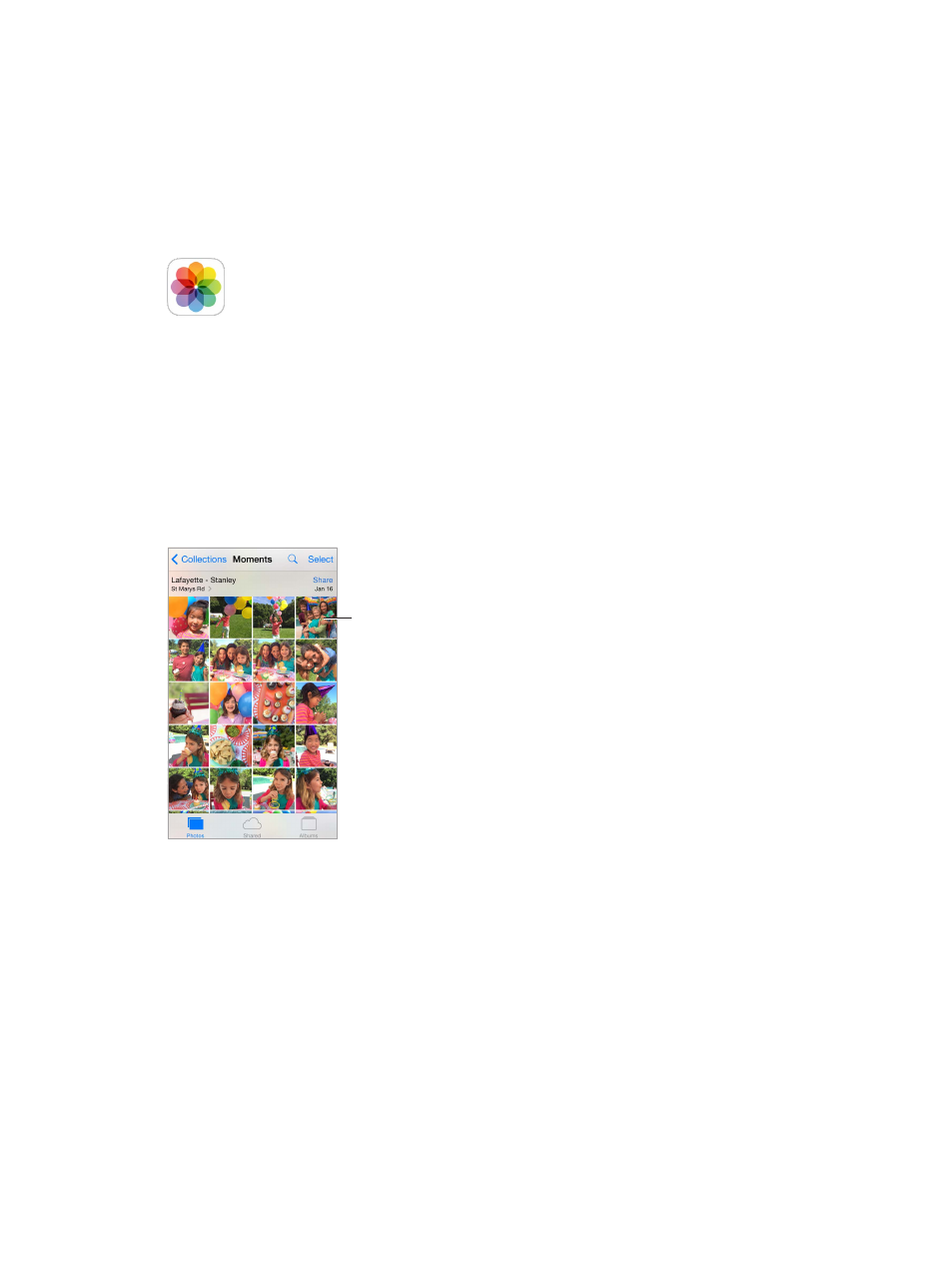
The Photos app includes tabs for Photos, Shared, and Albums.
•
Tap Photos to see all your photos and videos, organized by Years, Collections, and Moments. To
quickly browse the photos in a collection or year, touch and hold for a moment, then drag.
•
Tap Shared to see photos and videos you shared with others or that others shared with you.
See
on page 89.
•
Tap Albums to see how photos and videos are organized into albums on your iPhone. See
, next.
View all your photos and videos. By default, Photos displays a representative subset of your
photos when you view by year or by collection. To see all your photos and videos, go to
Settings > Photos & Camera, then turn off Summarize Photos.