4 user profile – PLANET WGSW-5242 User Manual
Page 123
User’s Manual of WGSW-5242
123
The page includes the following fields:
Object
Description
•
Group ID
Click on Group ID to edit or remove group.
•
Group Name
Indicates the name of the group which access control rules are applied.
The field range is up to 32 characters.
•
SNMP Version
Indicates the SNMP version of the group. The Possible versions are:
•
SNMP v1
: Set SNMP supported version 1.
•
SNMP v2c
: Set SNMP supported version 2c.
•
SNMP v3
: Set SNMP supported version 3.
•
Authentication
Defines the security level attached to the group. Security levels apply to SNMPv3 only.
The possible field values are:
•
Disable (No Authentication), which indicates that neither the Authentication nor
the Privacy security levels are assigned to the group.
•
Enable (Authentication), which authenticates SNMP messages, and ensures the
SNMP messages original is authenticated.
•
Access
Defines the group access rights. The possible field values are:
•
Read Enable: The management access is restricted to read-only, and changes
cannot be made to the assigned SNMP view.
•
Write Enable: The management access is read-write and changes can be made to
the assigned SNMP view.
•
Disable: Sends traps for the assigned SNMP view.
•
Add New Group
Add a new SNMP group.
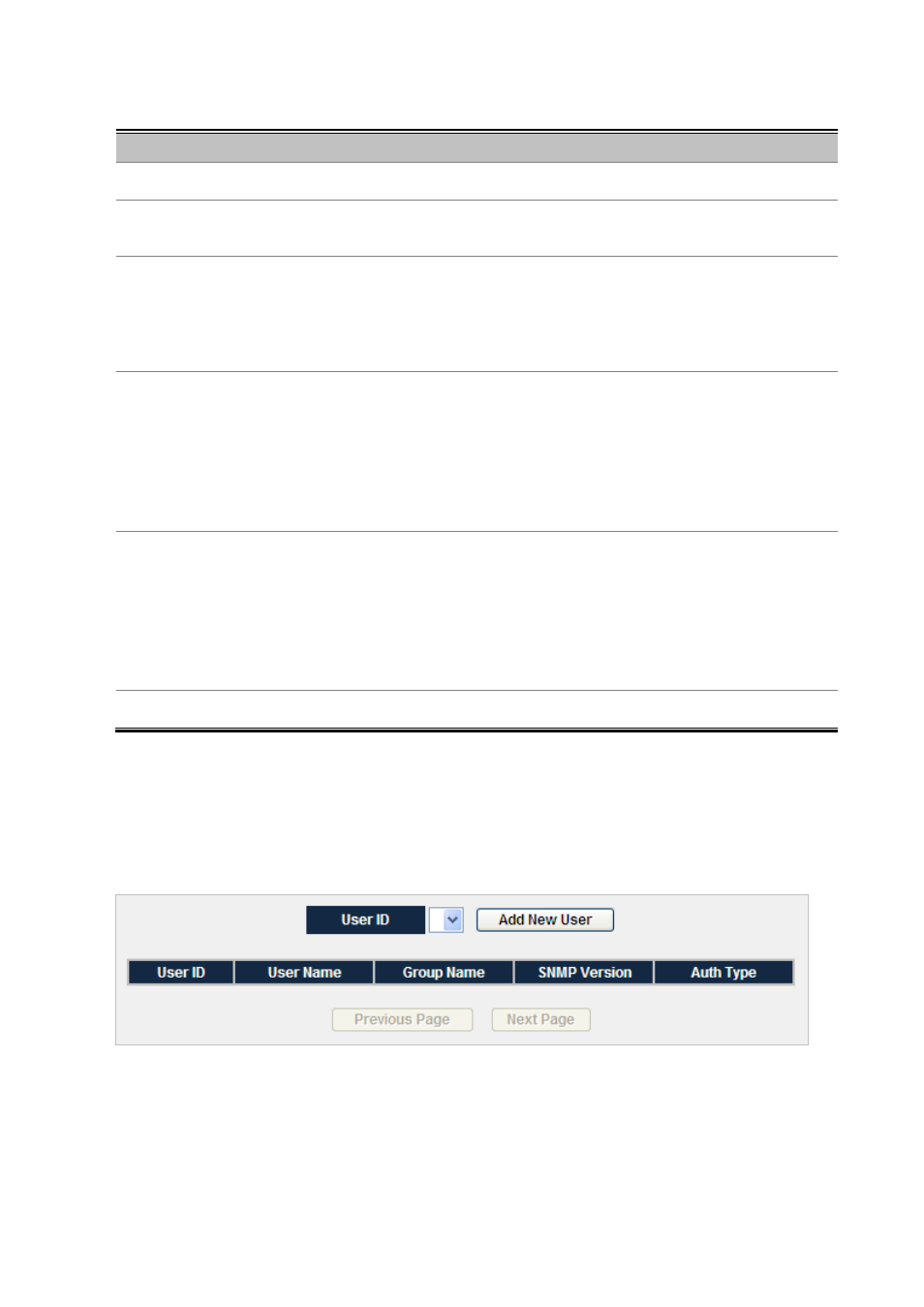
4.9.4 User Profile
Configure SNMPv3 users table on this page. The entry index key are Engine ID and User Name. The SNMPv3 Users
Configuration screen in
Figure 4-9-3
appears.
Figure 4-9-3
User Profile Screenshot