PLANET WGSW-5242 User Manual
Page 50
User’s Manual of WGSW-5242
50
The page includes the following fields:
Object
Description
•
Port
Indicates the port numbers in the system.
Click on the port index will enter port configuration page.
•
Link Status
Displays the link status of the port.
•
Auto-Nego
Displays the auto-negotiation mode of the port.
•
Speed & Duplex
Displays the speed & duplex mode of the port.
•
Flow Control
Displays the flow control status of the port.
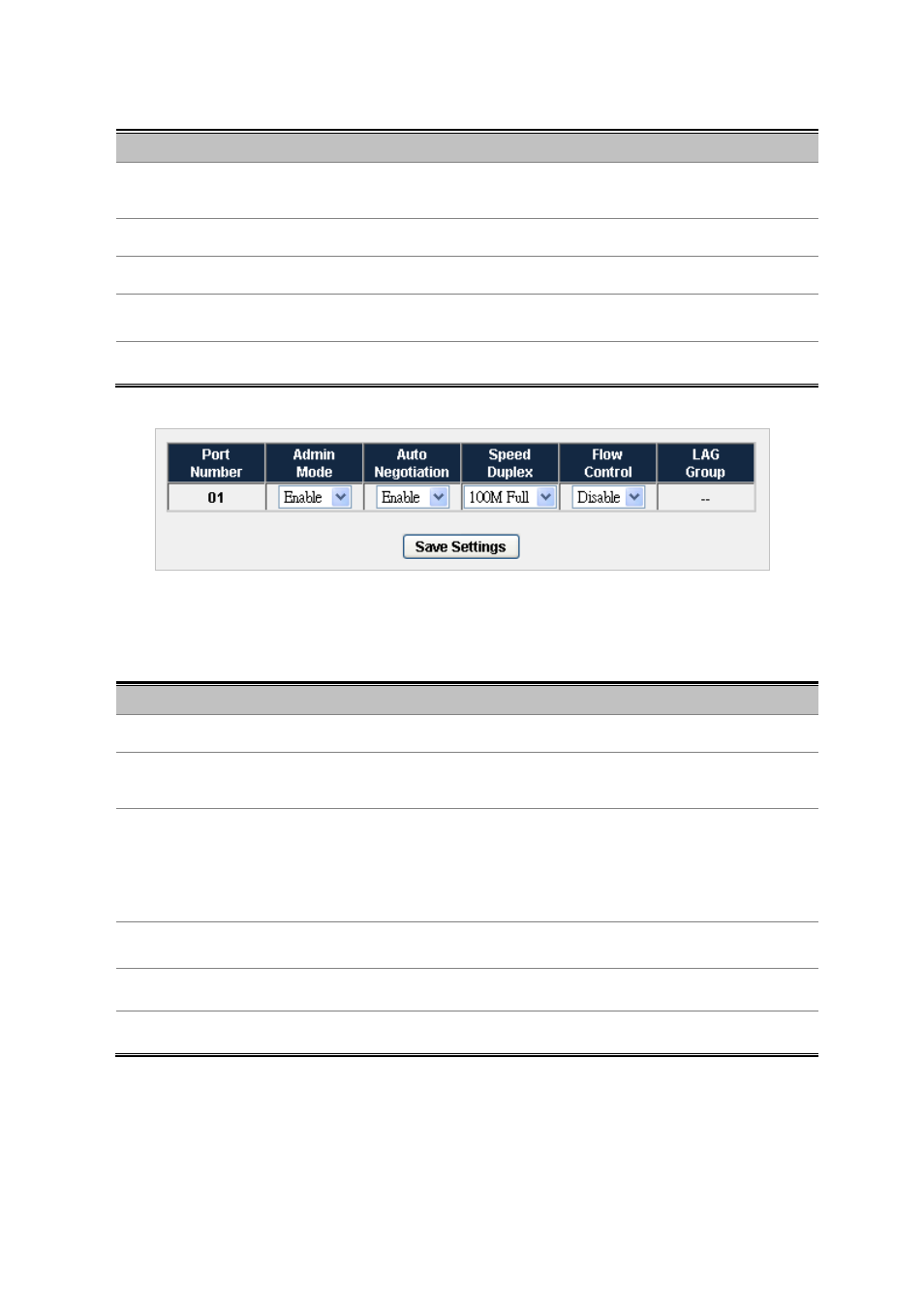
Figure 4-3-2
Port Detail Configuration
The page includes the following fields:
Object
Description
•
Port Number
Indicates the port numbers in the system.
•
Admin Mode
Configure the administrative mode of the port. Sets to Disable will force the port
to link down status.
•
Auto Negotiation
Configure the port auto-negotiation capability. When auto-negotiation is enabled,
the port negotiates with the link partner and works out speed and duplex
operation. When auto-negotiation is disabled, port speed and duplex operation is
programmable by the user.
•
Speed Duplex
Indicates the speed and duplex mode if the port is linkup.
•
Flow Control
Indicates the state of flow control if the port is linkup.
•
LAG Group
Indicates the LAG group if the port is a LAG port.