Split, Scan type – Plustek Opticpro A320E Flatbed Scanner User Manual
Page 118
Advertising
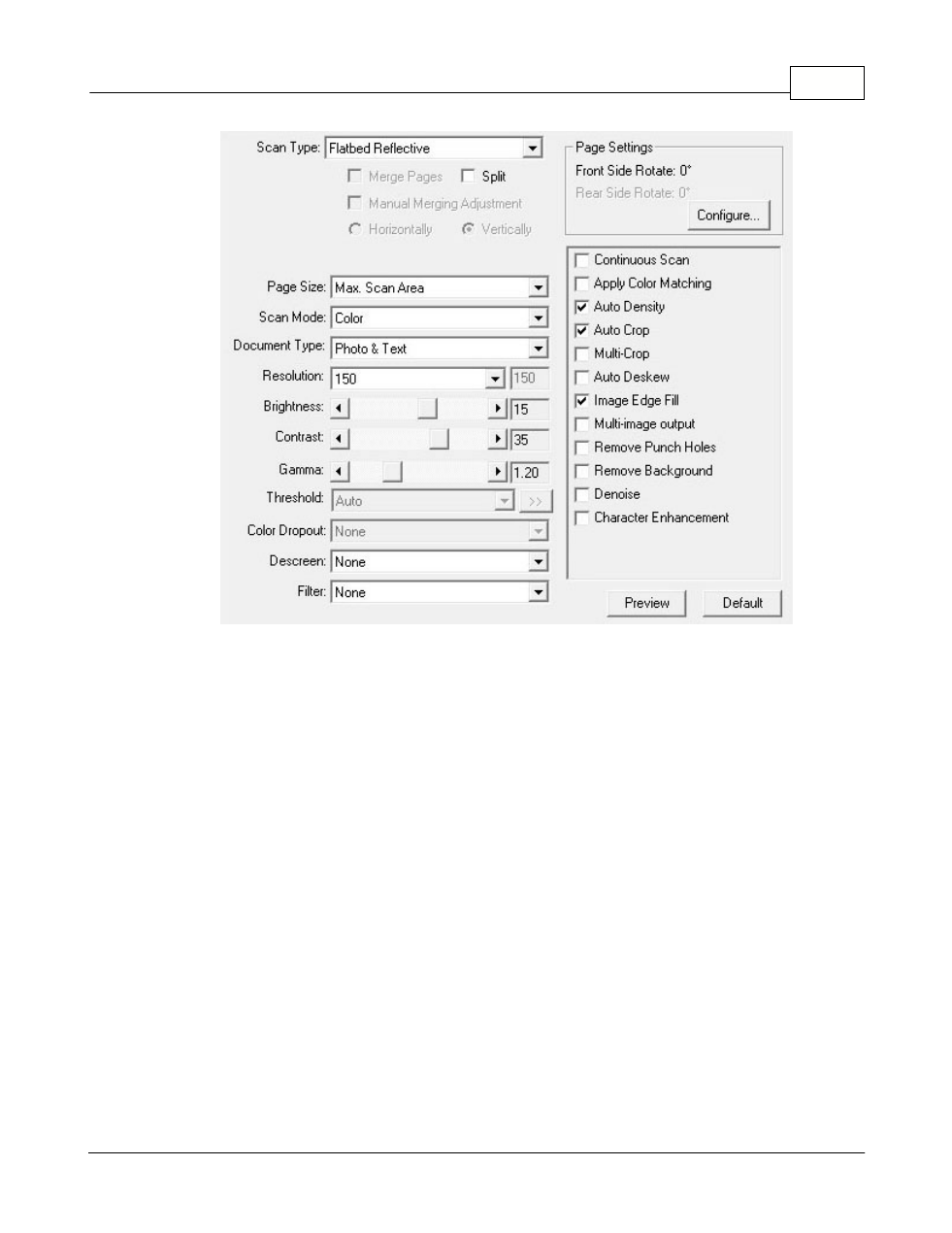
Button Configuration Window Overview
43
All Rights Reserved.
Scan Type
Tells the scanner the method you will use to scan documents or images. The
following options are available from the drop-down menu:
·
Flatbed Reflective
-- Use this setting to scan normal sheets of paper or any non-
transparent material directly from the scanner glass.
Split
Tick the check box of
Split
, a scanned image will be split in two equal halves and
each equal half is called a page.
Advertising