Scanner connection, Aligning the scanner, Scanning position alignment – Plustek Opticpro A320E Flatbed Scanner User Manual
Page 137: 2scanner connection, 3aligning the scanner
Scanner Connection
3
All rights are reserved.
2
Scanner Connection
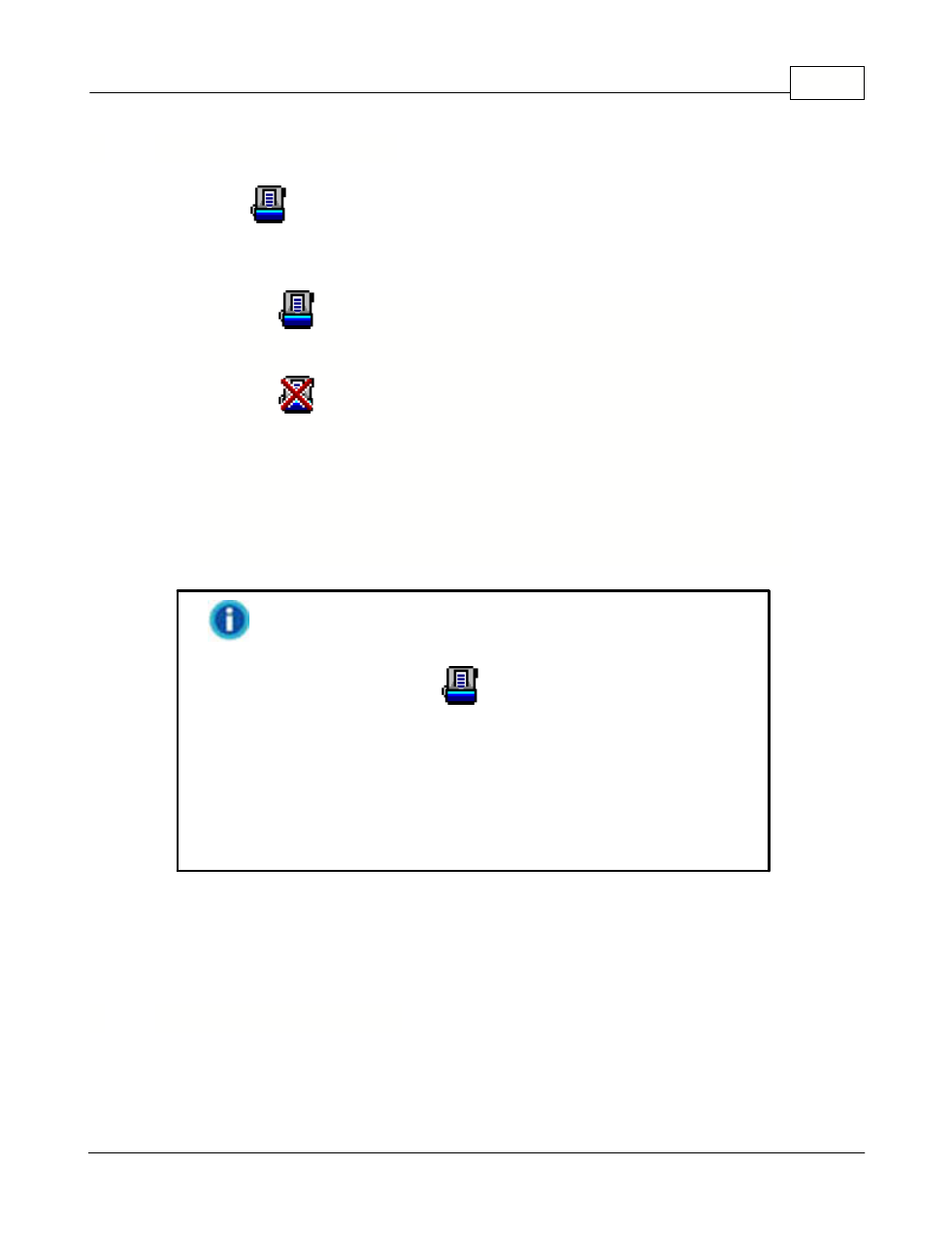
The icon
, located on the Windows system tray, indicates if the scanner
software is properly launched and the scanner and computer are communicating
with each other.
The program has been successfully launched
and the scanner is connected with the
computer, ready to scan images.
The scanner is not connected with the
computer. Or, the scanner power is not
switched on. Or, the scanner is in standby
mode.
No Display
You have chosen to terminate the program, no
matter the scanner is connected or
disconnected with the computer.
If the icon is not displayed on the system tray, from
Windows
Start
menu, point to
All Programs
>
(your scanner
model name)
and then click
to reactivate the program. (For
Windows 8.1 users: Point your mouse cursor to the upper or lower
right corner of your screen to open the
Charm
bar. Click on the
Start
charm, then click on the downwards arrow button in the
lower left corner of the screen. The
Apps
screen will be shown.
Move your cursor to the right edge of the screen to scroll right until
you find
Your scanner model name
, and then click on
DocAction
to reactivate the program.)
3
Aligning the Scanner