Plustek Opticpro A320E Flatbed Scanner User Manual
Page 85
Scanner Buttons Guide
10
All Rights Reserved.
clipping_027.jpg" is found to already exist in the destination folder, the
newly scanned paper will be saved as "News
clipping_027_20130126180032.jpg" in which the numeral
20130126180032 stands for year-month-date-hour-minute-second.
Prompt for confirming file name prefix
Tick the check box to enable the function of
Prompt for confirming file name
prefix
. After this function is enabled, the dialog page of
Confirm File Name
Prefix
will appear on the screen when you try to scan documents by the
button of DocAction's Execute Menu. In the page of
Confirm File Name
Prefix
, you are able to modify and confirm the saving folder as well as the file
name prefix.
Display the dialog after each scan to confirm file name prefix
Tick the check box to display the dialog after each scan to confirm file name prefix.
After this function is enabled, the dialog page of
Confirm File Name Prefix
will
appear on the screen when you try to scan documents by the
button of
DocAction's Execute Menu. In the page of
Confirm File Name Prefix
, you are
able to modify and confirm the saving folder as well as the file name prefix.
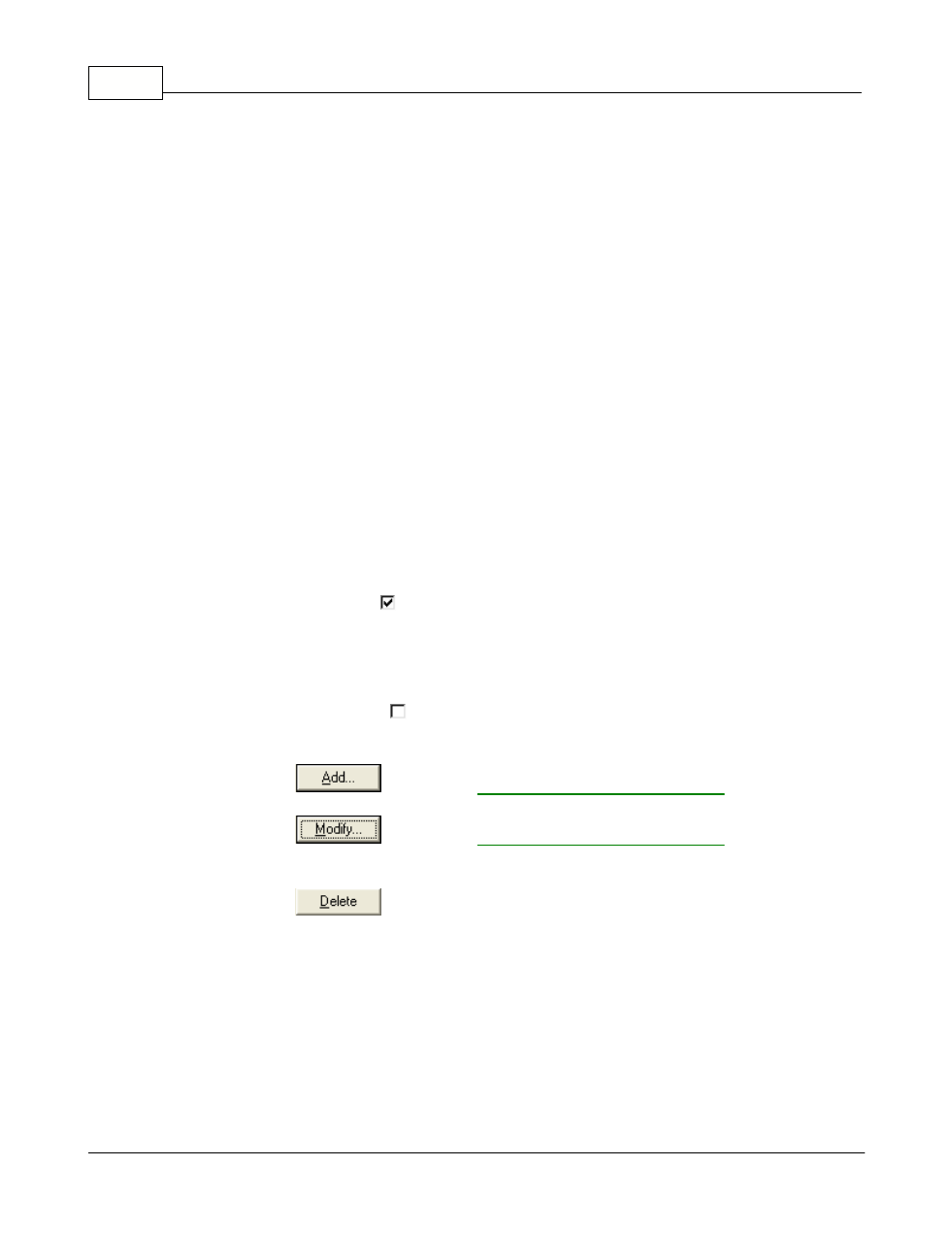
Launch designated application after saving file
·
Tick this check box
and you can click the
Add
button to add the
application. The designated application will be launched after the scanned
files are saved. For example, if you add an image-editing application, it will
appear after scanning. After the scan is complete, this application program
is started up automatically and displays all scanned images.
·
Clear this check box
, the application won't be launched after saving files.
Up to 10 programs can be added to Application's drop-down menu.
·
Clicking
opens the "
" window
where you may add frequently-used programs to the Application menu.
·
Clicking
opens the "
" window
where you modify the name, memo and command line for the current
application.
·
Clicking
to delete the current application link from the Application