Multi-image output – Plustek Opticpro A320E Flatbed Scanner User Manual
Page 63
TWAIN Help
28
All rights are reserved.
2.2.3.3
Multi-image output (This function may or may not be available depending on the scanner
model you purchase)
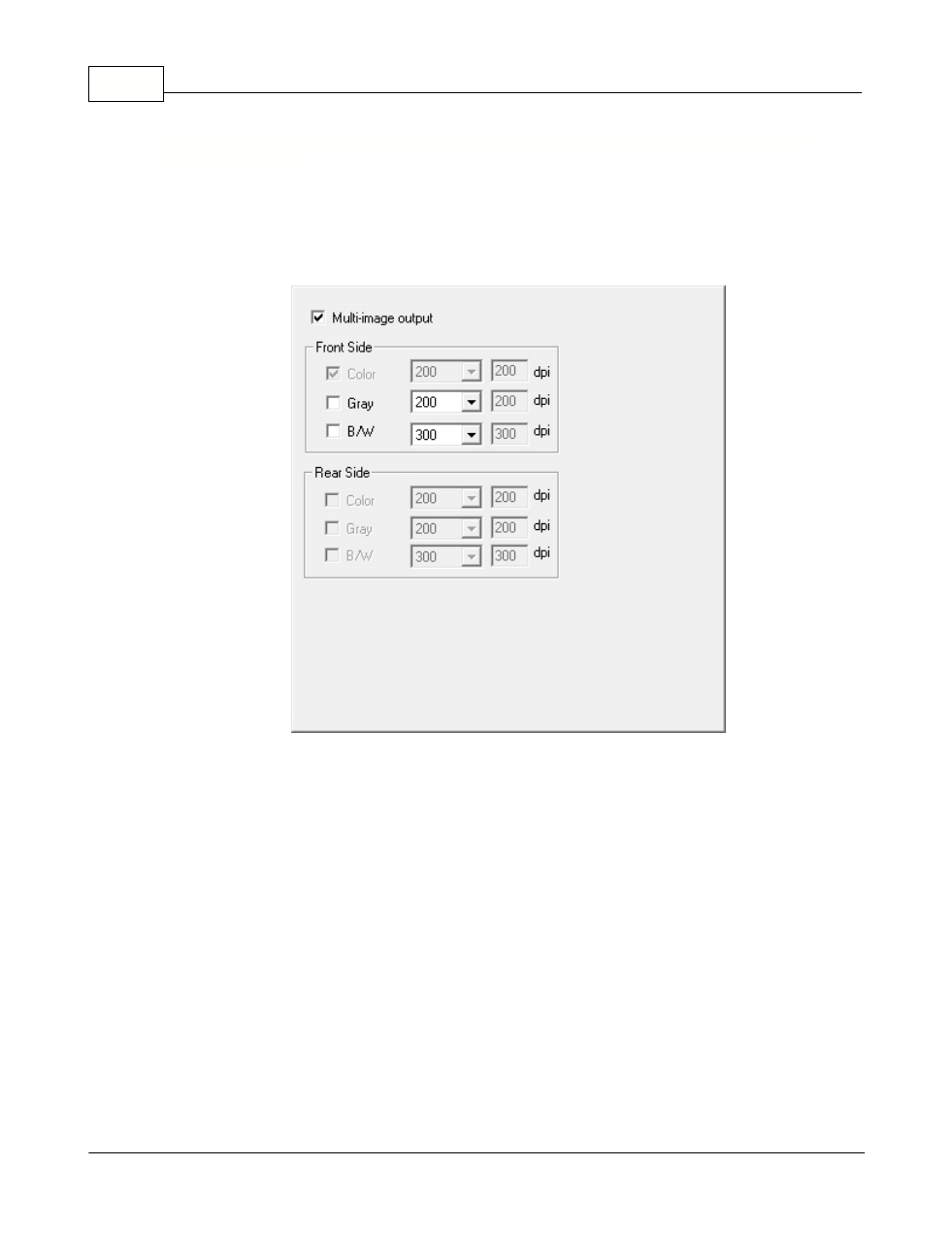
Tick the check box if you want TWAIN to output multiple images after the scan
process is finished. Depending on the scan settings, you may choose to output
up to three multiple images in
Color
,
Grayscale
and
B/W
by only one scan.
If you select
Color
as
Scan Mode
, you may tick the check boxes of
Gray
and
B/W
to
output color, grayscale and B/W images by only one scan.
If you select
Color
as
Scan Mode
, you may tick the check box of
Gray
to
output
color and grayscale images by only one scan.
If you select
Gray
as
Scan Mode
, you may tick the check box of
B/W
to
output
grayscale and B/W images by only one scan.
If you select
B/W
as
Scan Mode
, only
B/W image will be generated by one
scan.
You may select the desired resolution from the dpi drop-down list. If you select
Custom
from the drop-down list, please set the resolution dpi.