Plustek Opticpro A320E Flatbed Scanner User Manual
Page 132
Using the Scanner Buttons
57
All Rights Reserved.
3.3
How to create searchable PDF documents by DocAction
program?
Scan from the PDF Button
1. Do one of the following to open the Button Configuration window:
·
Double-click the icon
in the Windows system tray.
·
Right-click the icon
in the Windows system tray, and then choose
Button Configuration...
in the pop-up menu that opens.
2. When the Button Configuration window appears, click any button on the left pane.
Select PDF Utility from the drop-down list of Button Template. Enter your
personal memo in the Description field.
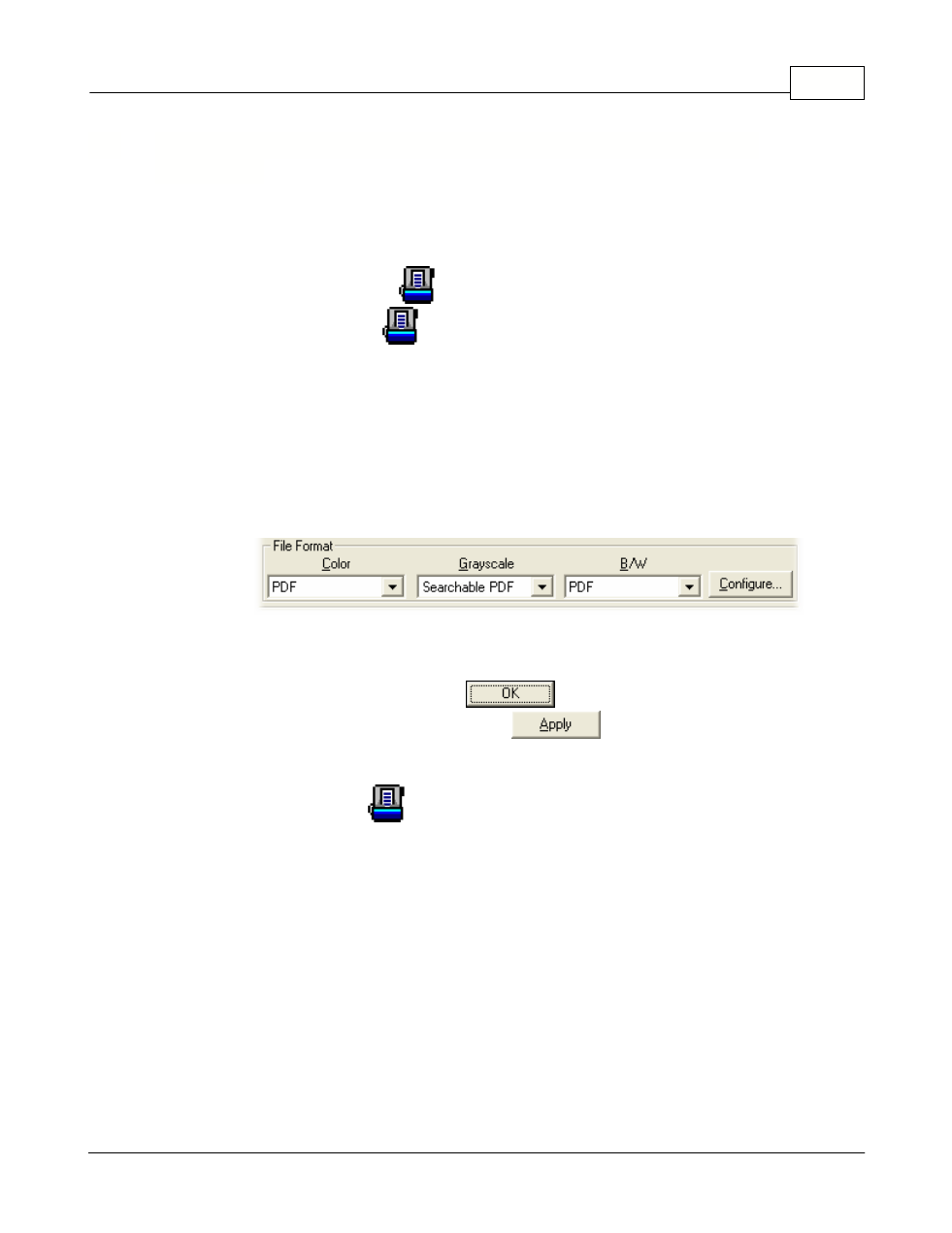
3. Select Searchable PDF from the drop-down list of File Format (Color, Grayscale,
B/W).
4. Check the scan settings and make any required changes.
5. After all settings are done, click
to accept the settings and exit this
Button Configuration window, or click
to save what you have
configured and continue adjusting other settings.
6. Right-click the icon
in the Windows system tray, and then choose
Execute
in the pop-up menu that opens.
7. Click the configured PDF button function in the pop-up menu.