Plustek Opticpro A320E Flatbed Scanner User Manual
Page 182
Advertising
MacAction Help
10
All rights are reserved.
2.2
PDF Button Settings
Clicking the
icon on the left pane in the Button Configuration window displays
its current button settings on the right pane
.
The settings can be categorized into two:
on the upper part,
and
on the lower part.
The items and parameters available in the window are explained as follows:
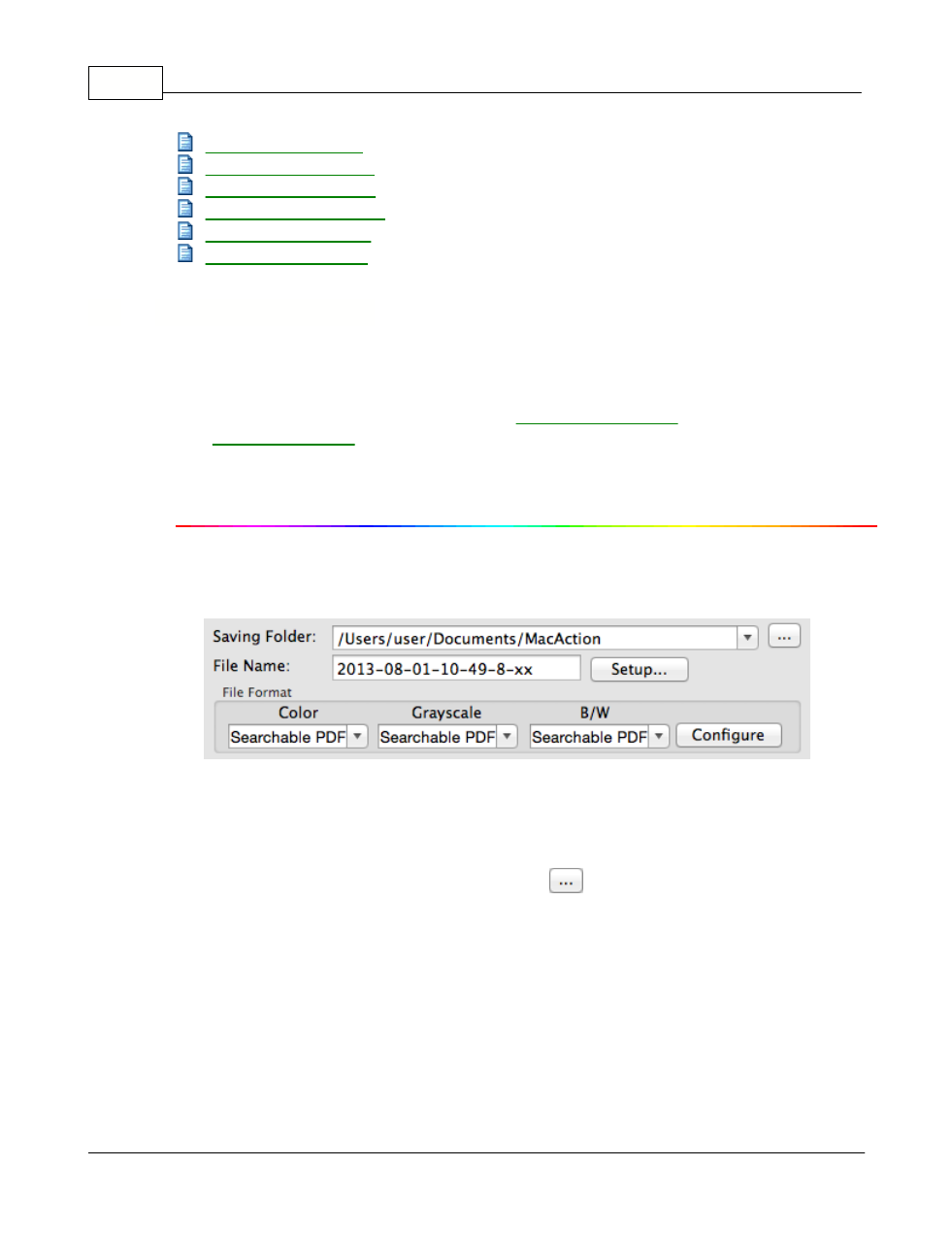
File Saving Settings
Determine how the scanned documents or images are saved to files.
Saving Folder
The scanned documents or images are automatically saved to the folder
displayed here.
To select or modify the saving folder, click
to open a dialog box where you
Advertising