Preview window, 3 preview window – Plustek Opticpro A320E Flatbed Scanner User Manual
Page 68
The TWAIN Interface
33
All rights are reserved.
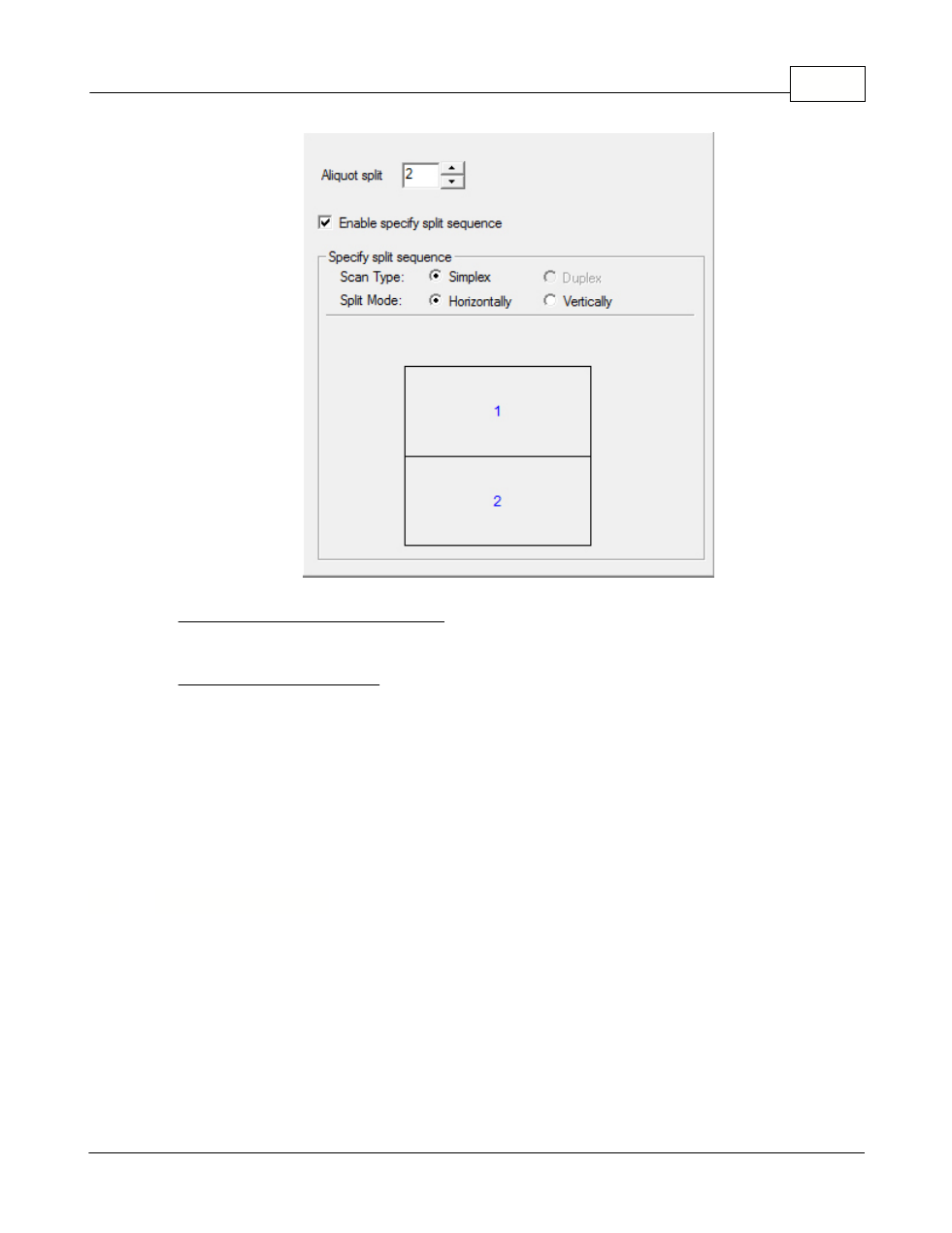
Enable specify split sequence
Tick this check box to specify the image output order of each equal part.
Specify split sequence
Select the options to specify the image output order. You can specify the
horizontal and vertical output orders of images scanned in simplex mode. The
numbers in the illustration figure show the current image output order of each
equal part. To configure the desired output order, clicking on the number to
clear the existing output order, and then clicking on each equal part to specify
the output order.
2.3
Preview Window
The Preview Window is the large white area on the TWAIN window. Documents
or images that are previewed will be displayed here. The previewed image
gives you an idea of how a document or image will look after it is scanned.