Plustek Opticpro A320E Flatbed Scanner User Manual
Page 177
Advertising
Introduction
5
All rights are reserved.
4.
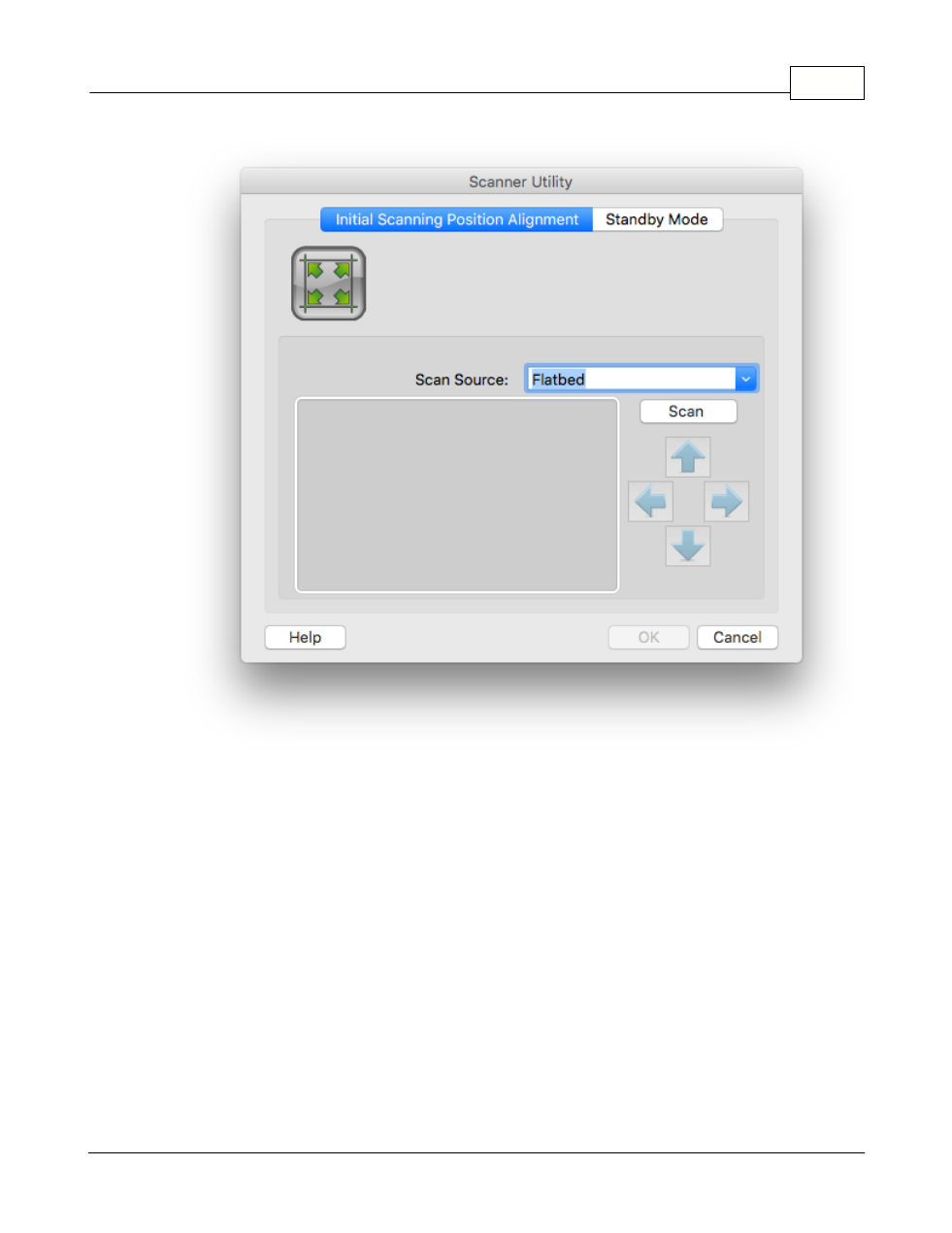
Click on the
Scan
button. Part of the document image will be displayed in the
Alignment Window.
5.
Click on the
Alignment Position
buttons (Up, Down, Left, Right) until the top
left corner of the scanned document aligns with the top left corner of the
preview window.
Advertising