Plustek Opticpro A320E Flatbed Scanner User Manual
Page 60
Advertising
The TWAIN Interface
25
All rights are reserved.
2.2.3
Preferences Tab
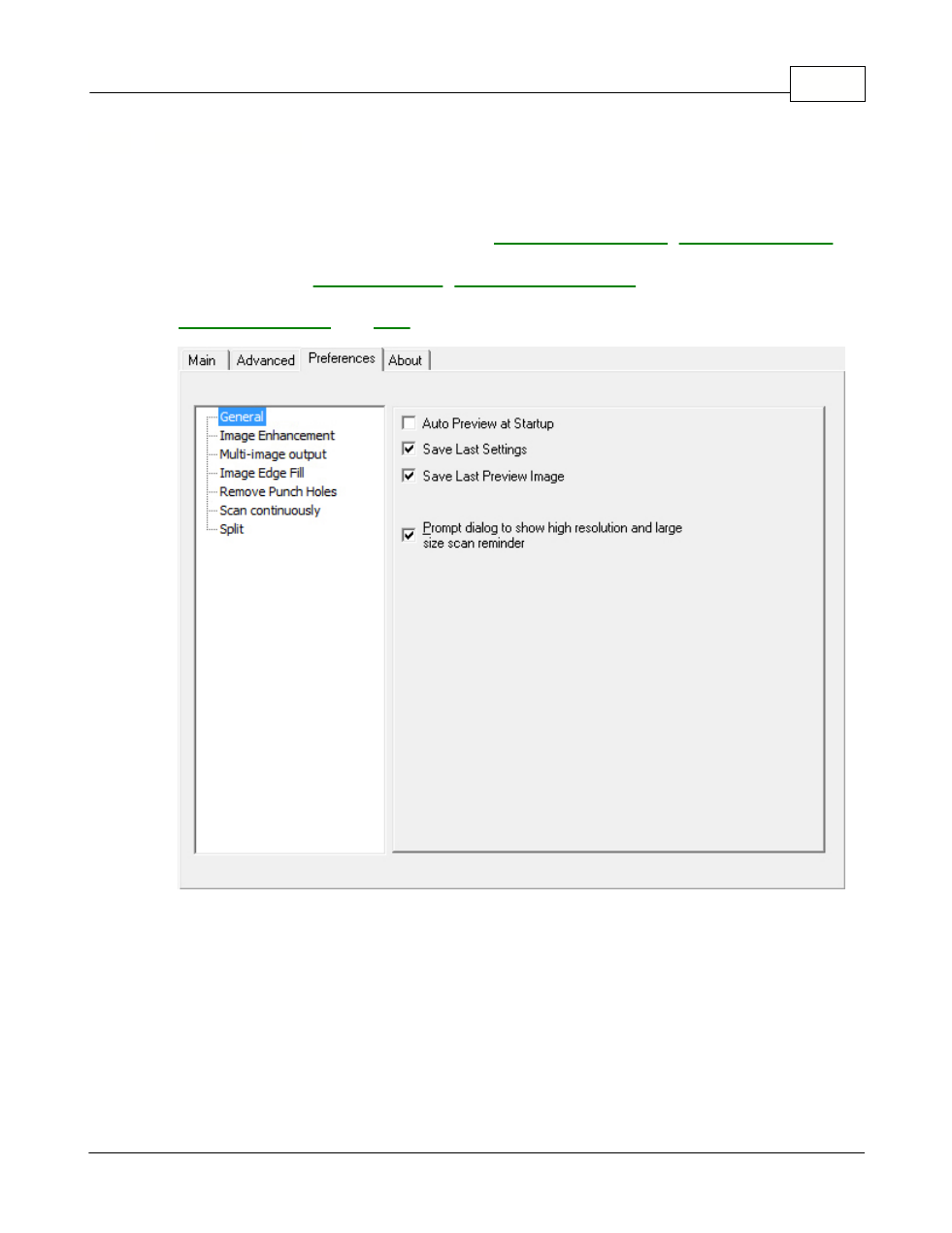
Preferences Tab provides you with additional options to tailor the TWAIN
interface to your liking. There is a list at the left section of Preferences Tab
shows the following options: General,
,
(This function may or may not be available depending on the scanner model
you purchase.),
(This function may or
may not be available depending on the scanner model you purchase.),
.
Tick on the checkbox of the item you want to apply to this program.
Clicking anywhere on the above screenshot links you immediately to more
detailed information of the selected function.
Advertising