Plustek Opticpro A320E Flatbed Scanner User Manual
Page 176
Advertising
MacAction Help
4
All rights are reserved.
when the alignment might be required. You need to align the scanner only if parts
of the scanned document are missing from any of its edges. For example, the
heading of a document might be missing from the top edge after the document has
been scanned.
1.
Place a document face down onto the scanner glass and align the top left
corner of the document with the arrow on the reference mark.
2.
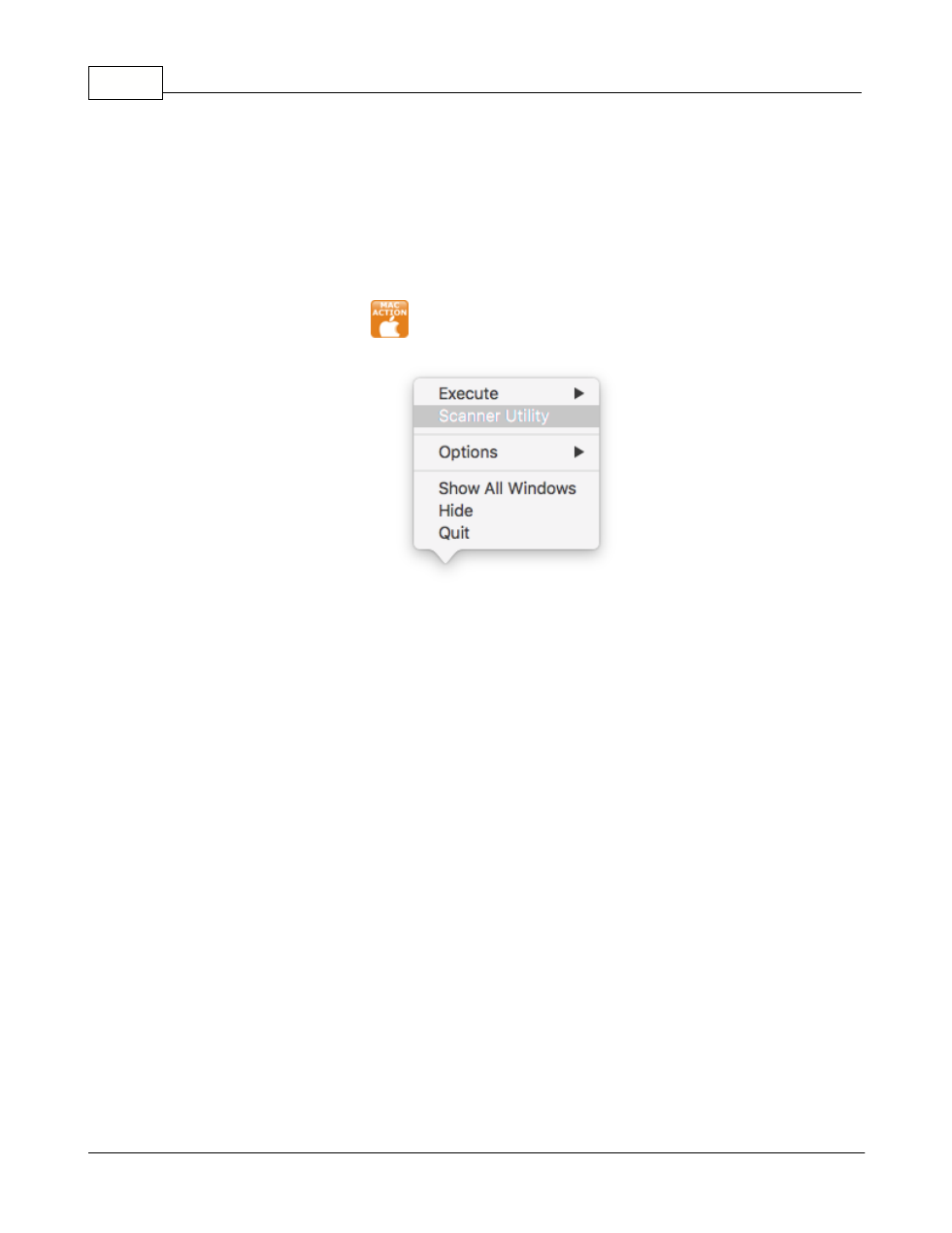
Right-click the icon
in the Dock, and then choose
Scanner Utility
in the
pop-up menu that opens
.
3.
The Scanner Utility window opens. Find the
Initial Scanning Position
Alignment
section and select
Flatbed
as the scan source.
Advertising