Plustek Opticpro A320E Flatbed Scanner User Manual
Page 69
TWAIN Help
34
All rights are reserved.
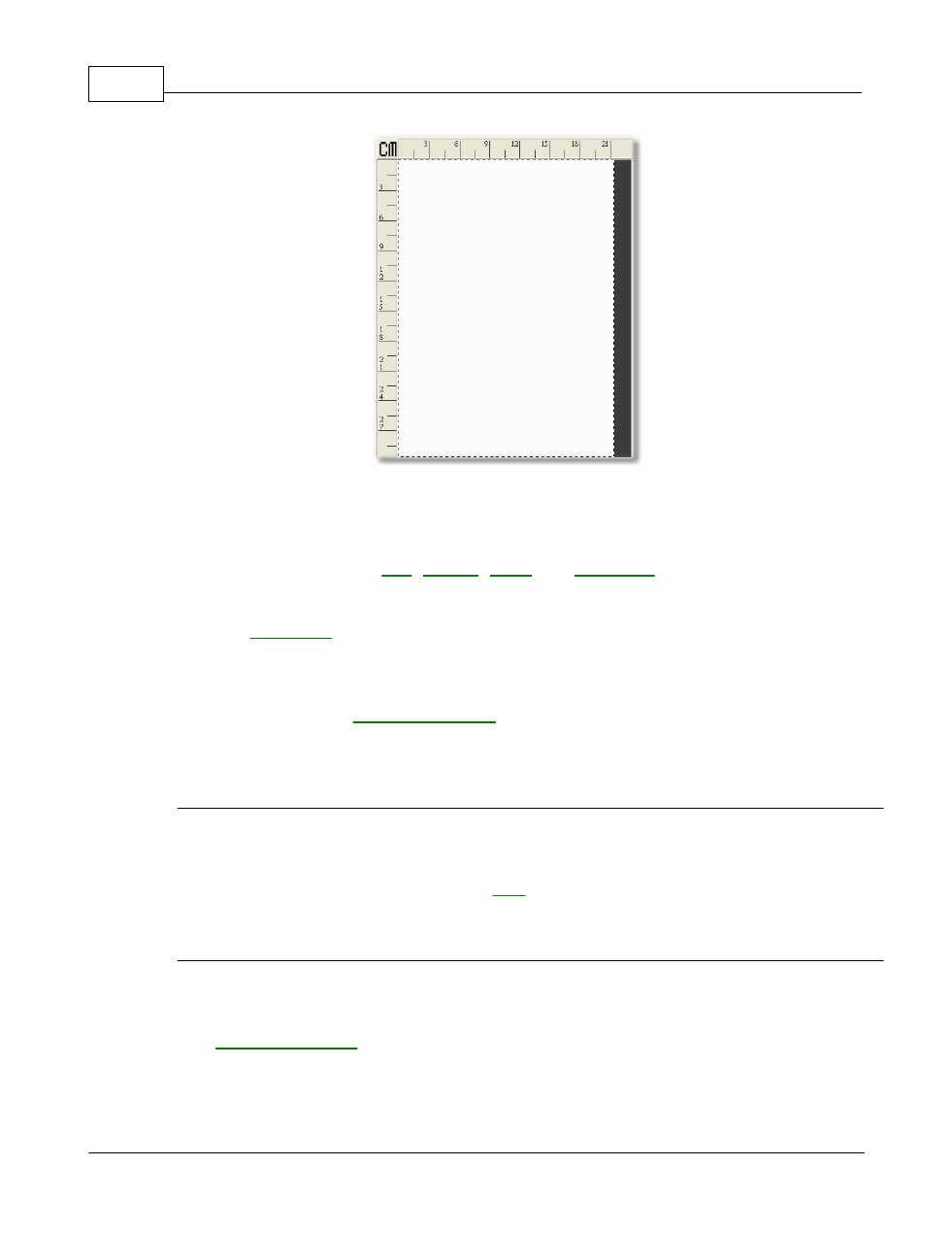
Following are some important points about the Preview Window:
1.
If you change any settings in the TWAIN window, the effects of the
changes (except for
and
) will appear on the
previewed image in the Preview Window.
2.
The
, designated by the dotted box in the Preview Window,
can be resized and moved, thus reducing the size and amount of
memory used by smaller images.
3.
to zoom the view of the prescanned
image by clicking on the magnifying glass button and then clicking on the
part of the image you wish to view in detail.
Ruler
Both vertical and horizontal rulers appear on the top and the left sides of
the Preview Window. Clicking on the
button on the upper left corner
of the Preview Window changes the measurement unit of the ruler.
Unit
This button defines the measurement unit used in the Preview window
and
Bar. Simply clicking this button to choose your
preferred measurement unit: cm (centimeter), in (inch), px (pixel).