Step 4. testing the scanner – Plustek Opticpro A320E Flatbed Scanner User Manual
Page 156
11
you through the installation. Follow the on-screen guide in the installer window.
5. You will be prompted to enter your Mac administrator password. Enter the
password to continue the installation.
Note: Only the Mac administrator can
perform the installation. Please make sure that you log in the Mac OS as an
administrator.
6. When the installation finishes, click the
Close
button to exit the installer.
Attention
Save the Setup/Application DVD in case you
need to reinstall the driver and software in the
future.
S
S
t
t
e
e
p
p
4
4
.
.
T
T
e
e
s
s
t
t
i
i
n
n
g
g
t
t
h
h
e
e
S
S
c
c
a
a
n
n
n
n
e
e
r
r
The following describes how you can check if the scanner is properly functioning
with your computer and the scanning software. Before testing your scanner, double
check to make sure that all connections are securely fastened.
To test the flatbed scanning:
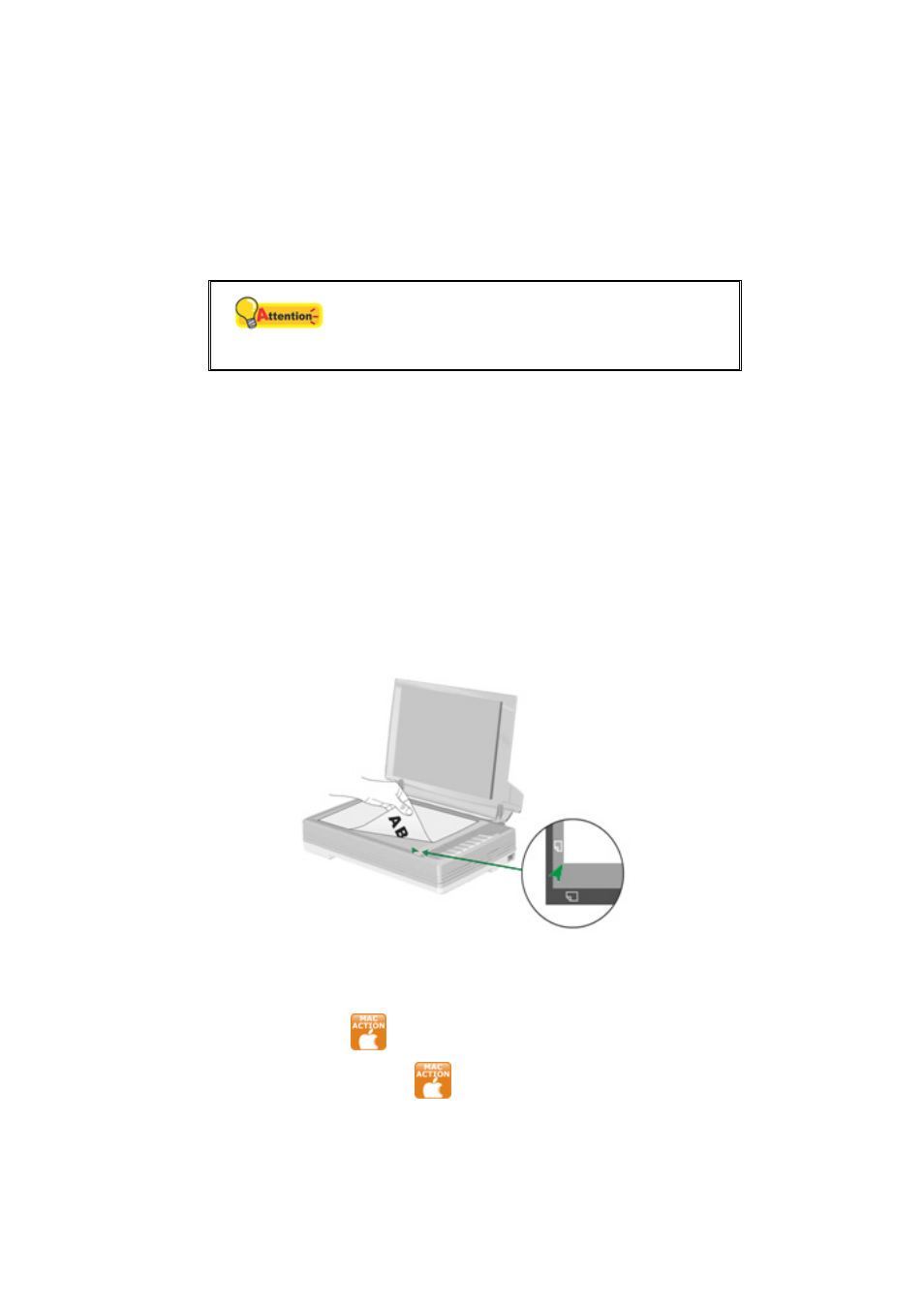
1. Open the scanner's document cover. Place the document onto the scanner
glass headfirst and face-down. Align the top left corner of the document with
the arrow on the reference mark.
2. Gently close the document cover.
3. Do one of the following to open the Button Configuration window:
Click the icon
in the Dock.
Right-click the icon
in the Dock, and then choose
Button
Configuration
in the pop-up menu that opens.