Ftp button settings – Plustek Opticpro A320E Flatbed Scanner User Manual
Page 89
Scanner Buttons Guide
14
All Rights Reserved.
You may adjust the settings only when you set the
Encryption Level
at
High 128-
bit RC4 (Acrobat 5.x and above)
.
Allow printing in low resolution
Ticking this check box to allow users to print the document in low resolution.
Allow screen readers
Ticking this check box to allow users to read the document on screen.
Allow filling in form fields
Ticking this check box to allow users to fill in the form fields.
Allow changes to the assembly
Ticking this check box to allow users to change the assembly.
After all settings are done, click
OK
button to accept the settings and re-enter the
passwords to confirm the settings, or click
Cancel
button to abort your adjustments
and exit this window.
2.3
FTP Button Settings
Clicking the
FTP
icon on the left pane in the Button Configuration window displays
its current button settings on the right pane
.
The settings can be categorized into two:
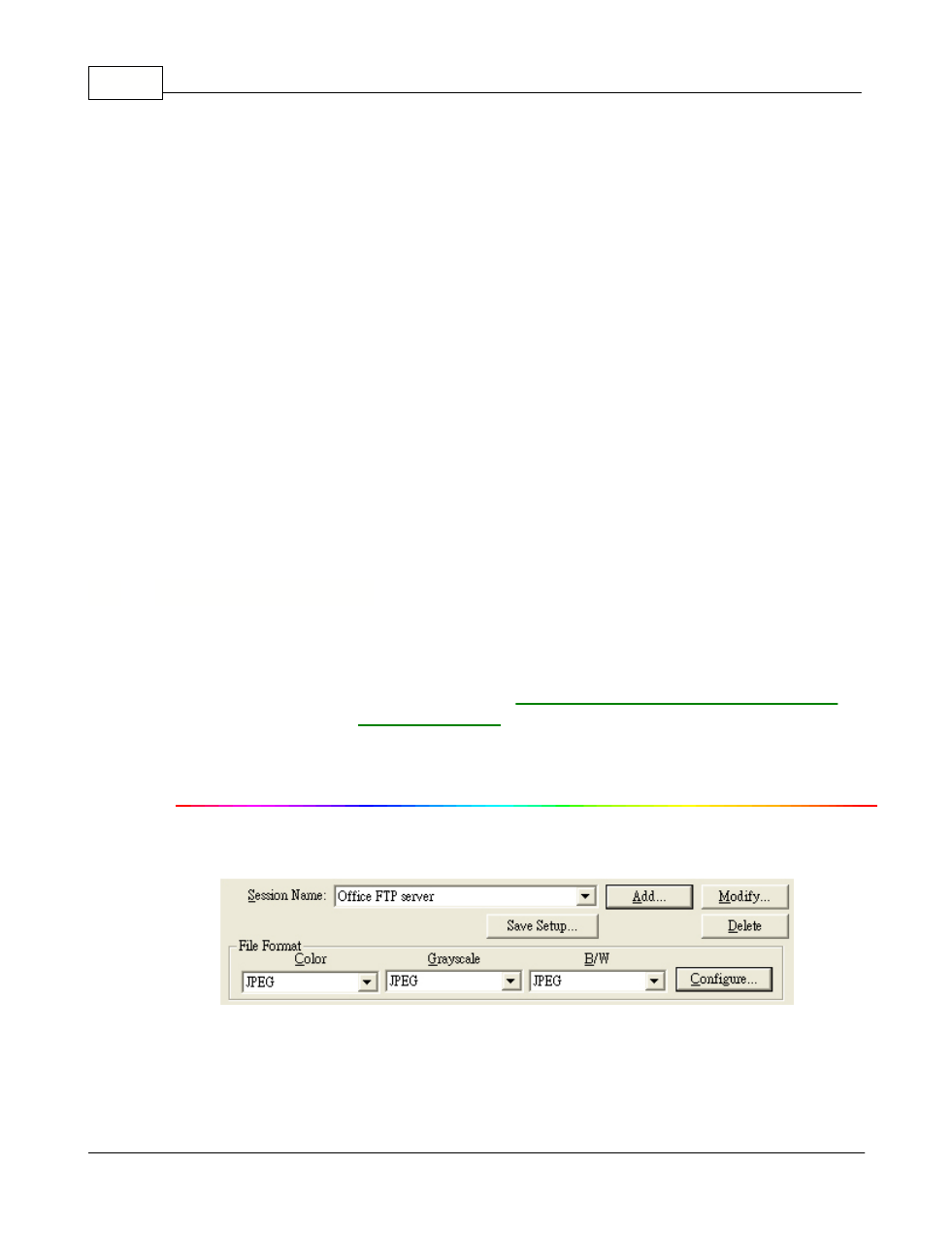
Session Name and File Saving Settings
on the upper part, and
Scan Parameters
on the lower part.
The items and parameters available in the window are explained as follows:
Session Name and File Saving Settings