Plustek Opticpro A320E Flatbed Scanner User Manual
Page 52
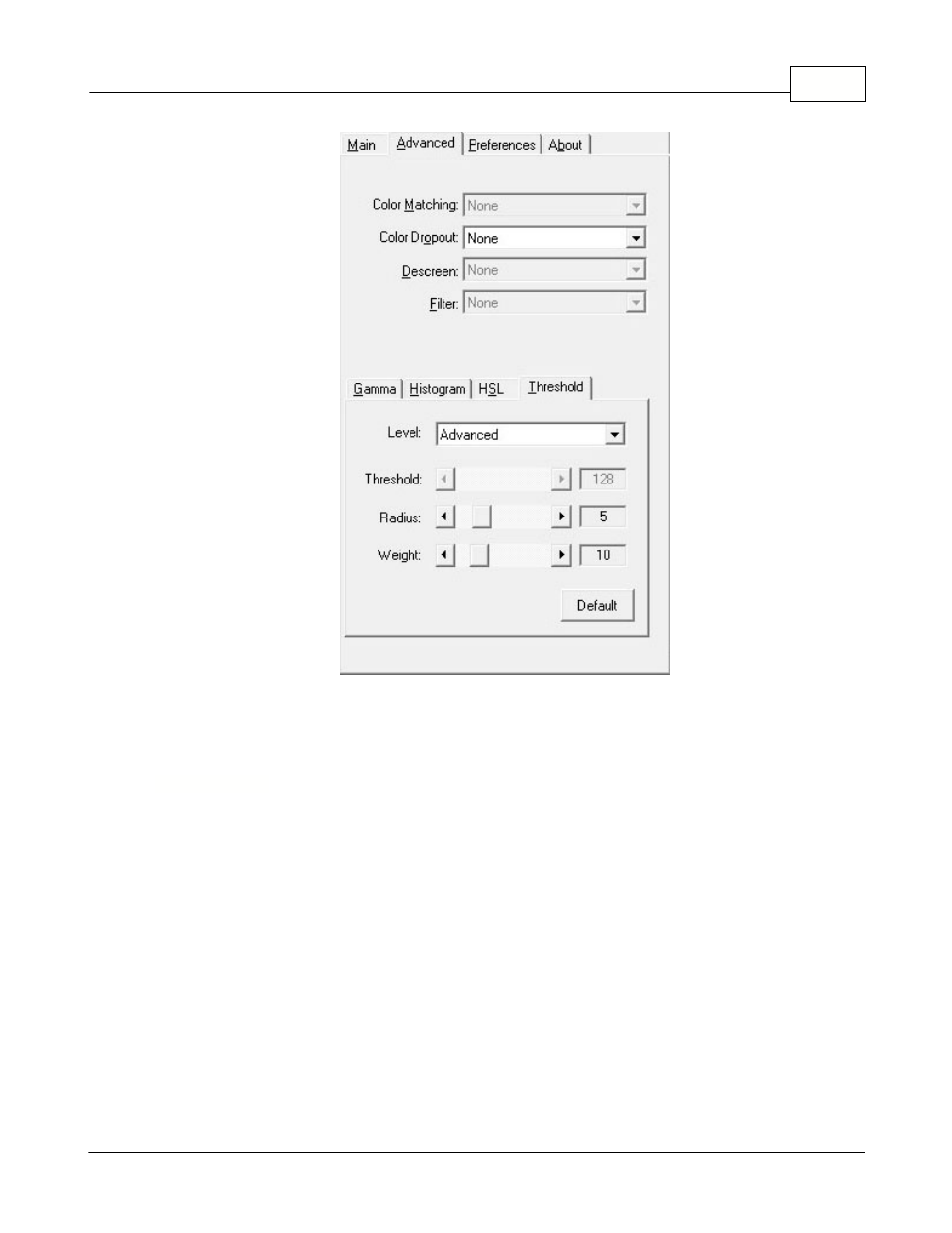
The TWAIN Interface
17
All rights are reserved.
Clicking anywhere on the above screenshot links you immediately to more
detailed information of the selected function.
2.2.2.1
Color Matching
Different types of devices reproduce different ranges of colors (or color gamut).
For example, you may have noticed the colors of the scanned image displayed
on your monitor and on the paper printed from your printer are different.
Color Matching allows you to get consistent color between input and output
devices (e.g., scanner, monitor, printer). It works by embedding a color profile
to your image files. Each different device displays colors according to this
profile and therefore results in consistent color appearance among all devices.
The following options are available from the drop-down list:
·
None
-- Apply no color matching profile.
·
Color sRGB
-- Provides a particular color matching technique to maintain the
color consistency between your output and the original images.
·
Custom...
-- Select this option to apply your own ICC (International Color