Remove punch holes – Plustek Opticpro A320E Flatbed Scanner User Manual
Page 65
TWAIN Help
30
All rights are reserved.
·
Custom
Select this option to configure custom options.
·
Inward Fill:
Select this option to fill the selected color inside the edge of the
selected page size.
·
Outward Fill:
Select this option to fill the selected color outside the edge of the
selected page size.
Tick the check box of
All sides match
, the widths of four sides would be set to
be the same. You may adjust the width by clicking
buttons. If you do not tick
this check box, then you can adjust the width of each side individually.
2.2.3.5
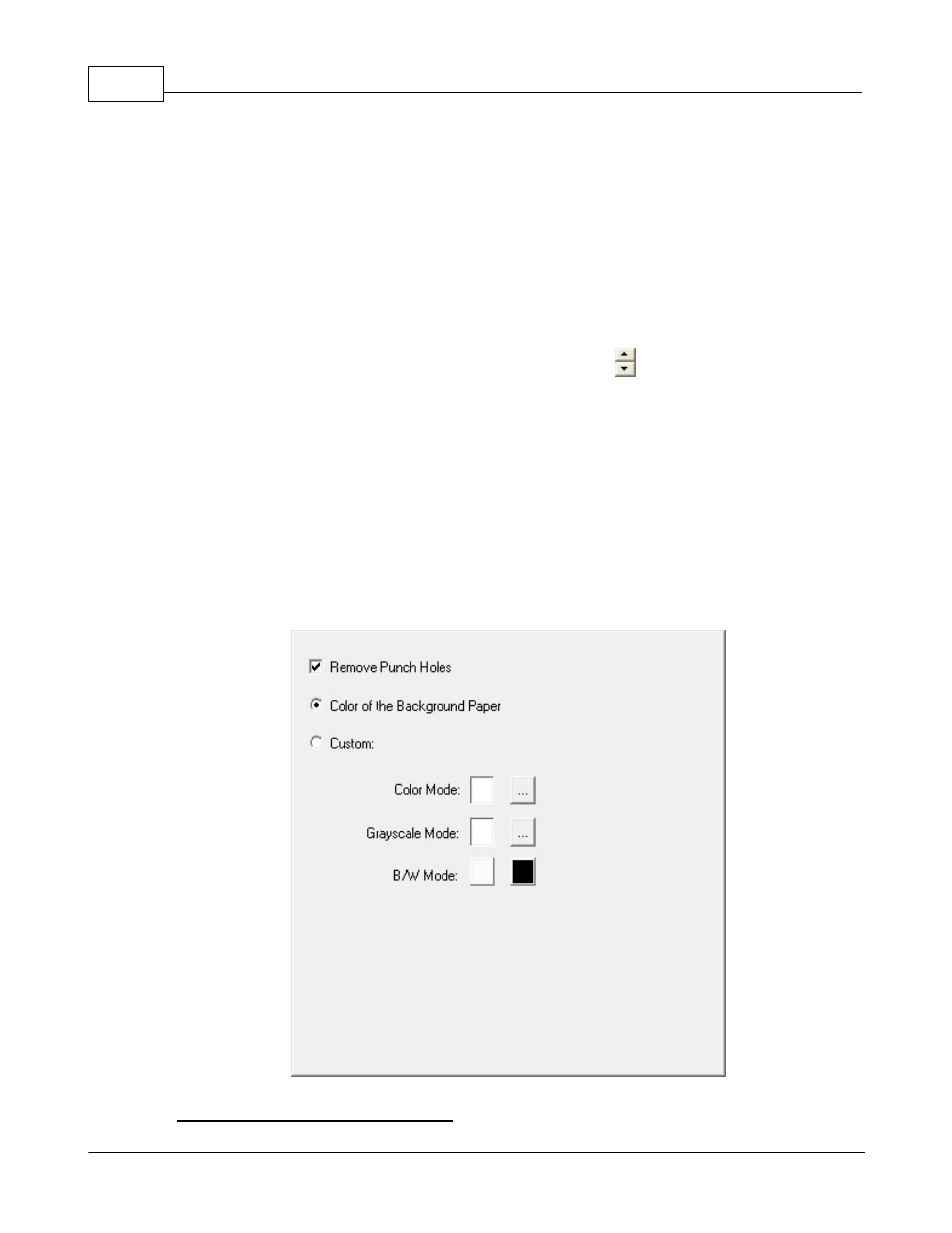
Remove Punch Holes (This function may or may not be available depending on the scanner
model you purchase)
Tick the check box of
Remove Punch Holes
, the hole marks aligned along with
the edge of the scanned document will be removed after auto crop is done. The
function will work for the document with single background color.
Color of the Background Paper